Understanding Digital Handoff Problem
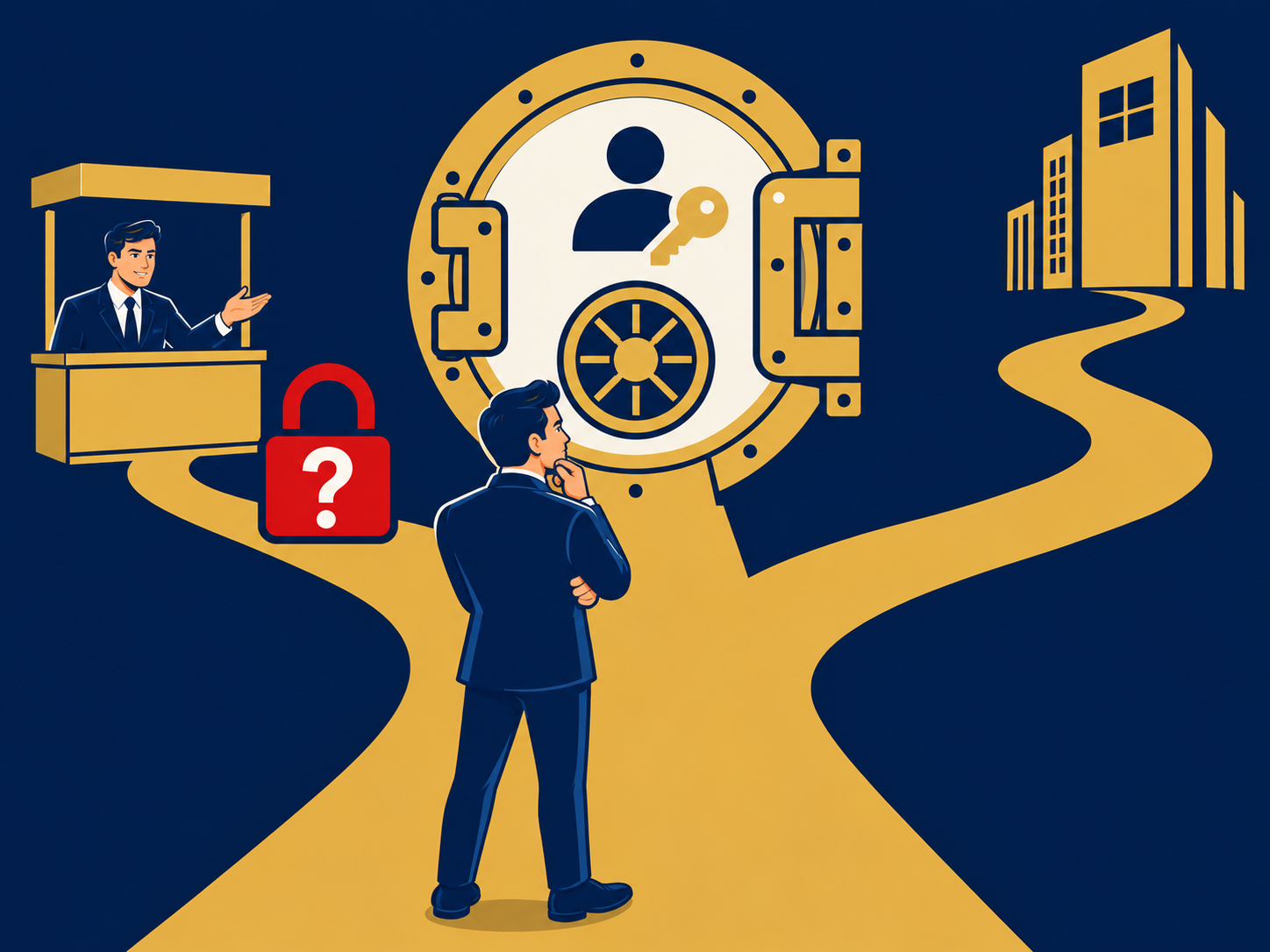
In this glia vs legacy ccaas comparison, you’ll see how each approach tackles the digital handoff challenge that can make or break customer interactions. Legacy contact centers often leave agents piecing together fragmented data from CRM, billing, and workforce management systems. That gap forces customers to repeat information and creates service friction. Modern platforms promise unified experiences, but not all deliver seamless transitions between digital and voice channels.
What Is Digital Handoff?
Digital handoff refers to the moment when a customer moves from one communication channel or system to another—say, from chat to voice—without losing context. Smooth handoffs let agents access full interaction histories in real time, eliminating the need for customers to repeat details and reducing average handle time.
Why It Matters in CCaaS
Effective handoffs underpin high customer satisfaction and operational efficiency. When you adopt a contemporary contact center as a service solution, you expect integrated workflows and unified data. If your platform cannot maintain context across channels, you risk:
- Frustrating customers who must re-explain issues
- Lower first-contact resolution rates
- Wasted agent effort and longer call times
Solving digital handoff is critical for financial services firms and other sectors where compliance, security, and personalization matter.
Comparing Core Features
You need to compare core capabilities before choosing between Glia and a legacy CCaaS deployment. Focus on how each handles omnichannel coverage, AI automation, and intelligent routing.
Omnichannel Communication
- Legacy CCaaS often adds channels piecemeal, creating silos and inconsistent experiences. You may face omnichannel contact center challenges if voice, email, chat, SMS, and social media are managed in separate modules.
- Glia builds voice and digital channels on a single platform, letting you transition interactions without context loss. Customers can switch from web chat to phone call seamlessly, with no re-authentication or data transfer issues.
AI-Powered Automation
- Traditional systems offer limited automation and require manual configuration for chatbots or simple workflows.
- Glia leverages cutting-edge ai in contact centers tools to automate routine tasks and surface relevant information for agents. AI call transcription, sentiment analysis, and automated routing reduce manual effort and accelerate resolution.
Intelligent Routing
- In legacy setups, routing logic may be inflexible and hard to update, leading to misdirected calls and imbalanced queues.
- Glia’s intelligent routing uses real-time insights from CRM and workforce management to assign cases to the best-qualified agent. You can set dynamic rules based on customer value, issue type, and agent skill sets.
Evaluating Integration Capabilities
Your ability to integrate with existing systems determines how quickly you can deploy and how much friction you’ll face during day-to-day operations. Compare how each solution connects to CRM, workforce management, and other critical business apps.
CRM and Workforce Management
- Legacy CCaaS often requires custom middleware or manual data exports to sync with your CRM. This increases maintenance overhead and the risk of data mismatches.
- Glia offers prebuilt connectors to major CRMs and workforce management systems, reducing setup time and ensuring data consistency. Agents see full customer histories—orders, support tickets, billing records—within a unified interface.
Data Silos and Visibility
- Siloed architectures make performance tracking and reporting challenging. You might struggle to measure first-contact resolution or accurately forecast agent staffing needs.
- Glia’s unified data model breaks down silos. You gain dashboards that combine voice and digital metrics, giving you clear visibility into volume trends, agent performance, and customer journey bottlenecks.
Assessing Operational Efficiency
Operational efficiency drives both cost savings and customer satisfaction. Evaluate how each platform helps you streamline processes, improve agent experience, and automate repetitive tasks.
Cost Reduction
- Industry data shows legacy contact centers can reduce operational costs by up to 27% after moving to modern CCaaS platforms. However, achieving those savings often depends on heavy customization and ongoing maintenance.
- Glia delivers cost benefits out of the box with cloud-native infrastructure, pay-as-you-grow pricing, and built-in automation, enabling you to reallocate budget to strategic initiatives.
Agent Experience
- In fragmented environments, agents juggle multiple screens and logins, which increases error rates and onboarding time.
- Glia’s single-pane-of-glass interface simplifies workflows, so your agents spend less time navigating systems and more time resolving customer issues.
Automation of Routine Tasks
- Legacy systems require point solutions for chatbots or basic self-service, which can lead to inconsistent user journeys.
- Glia integrates agent assist capabilities that automate password resets, balance inquiries, and other routine requests, freeing agents for high-value interactions.
Reviewing Scalability and Security
Your contact center must scale with demand and meet stringent security requirements, especially in regulated industries like finance.
Instant Scalability
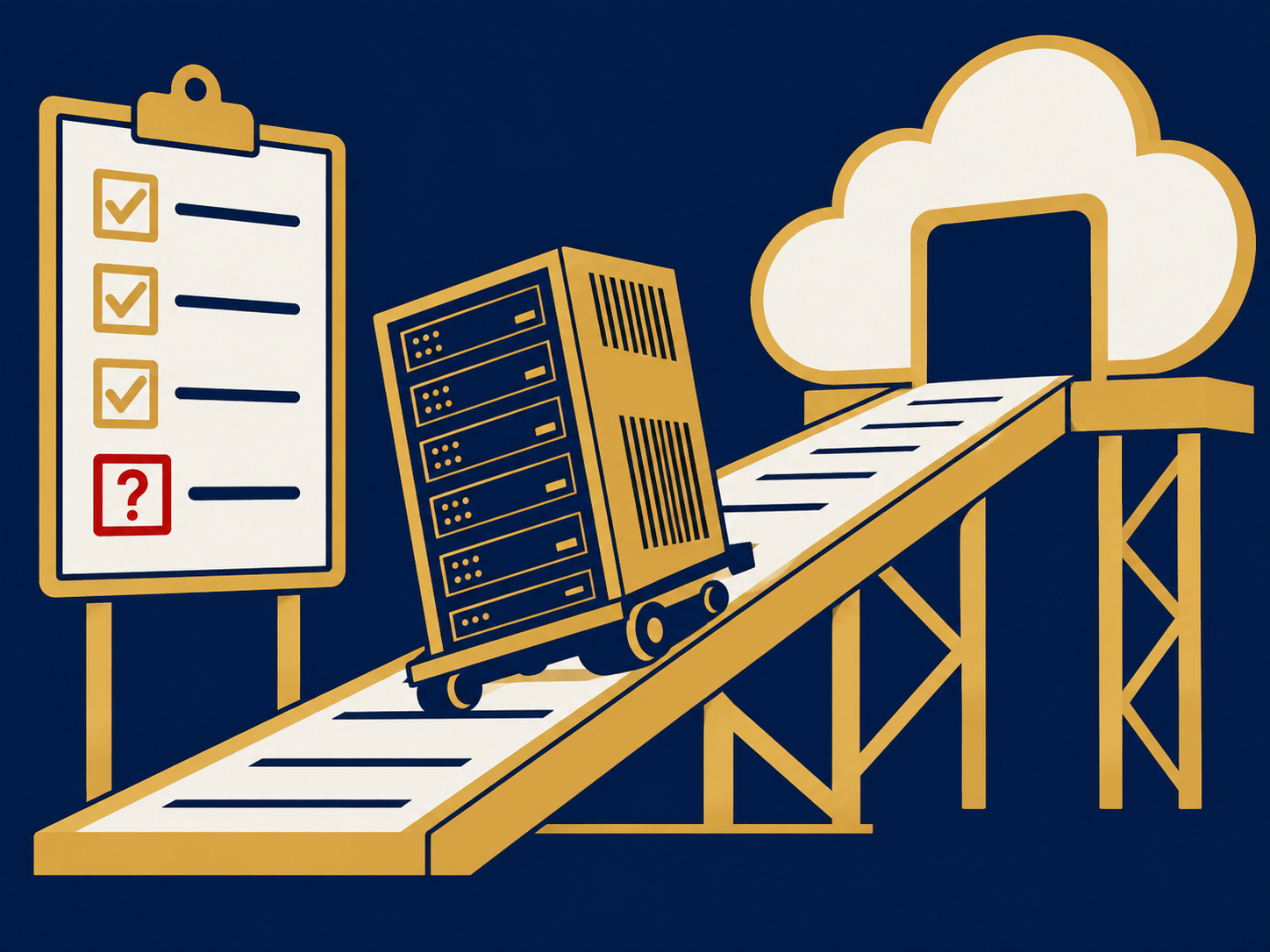
- Traditional CCaaS often needs manual capacity planning and hardware provisioning, delaying your response to spikes in call or chat volume.
- Glia’s cloud platform scales automatically. Whether you face seasonal surges or sudden campaign-driven demand, you maintain service levels without expensive infrastructure investments.
Remote Ready Operations
- Legacy setups may tie agents to physical sites, complicating remote work or disaster-recovery planning.
- Glia is built for distributed teams, enabling your agents to log in from anywhere with enterprise-grade security controls and single-sign-on support.
Enterprise Grade Security
- On-premise or older cloud solutions can lack the latest encryption standards and compliance certifications.
- Glia delivers automatic upgrades that include security patches, data encryption in transit and at rest, and adherence to industry regulations relevant to financial services.
Weighing Future Proofing
Future-proofing your contact center means minimizing technical debt and ensuring continuous innovation.
Automatic Upgrades
- Legacy CCaaS upgrades are often disruptive, requiring windows of downtime or extensive regression testing.
- Glia’s SaaS model provides seamless updates with zero disruption. You get new features—such as advanced analytics, new channel support, or compliance enhancements—as soon as they’re released.
Platform Evolution
- An aging CCaaS platform may struggle to support emerging channels or innovative capabilities like conversational AI.
- Glia invests continuously in AI and omnichannel expansion, positioning you to add features as customer expectations evolve. This adaptability reduces the likelihood of costly migrations down the road.
Making Your Decision
With a clear view of features, integrations, efficiency, scalability, and future readiness, you can make an informed choice between Glia and a legacy CCaaS solution.
Key Decision Criteria
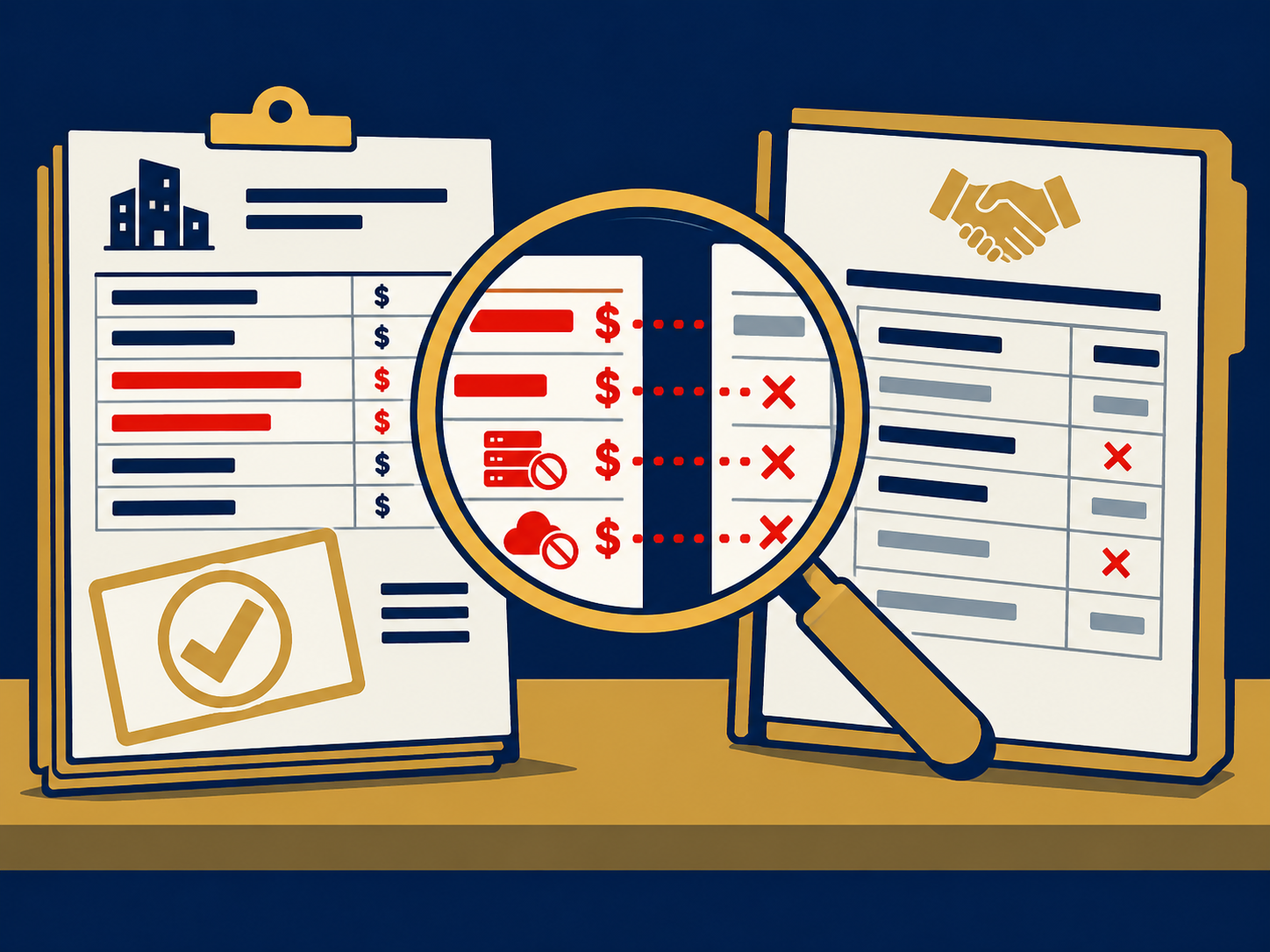
When evaluating glia vs legacy ccaas, consider these factors:
- Integration effort: How much custom development or middleware will you need?
- Time to value: Can you deploy quickly and start realizing ROI?
- Agent productivity: Does the platform simplify workflows and reduce context-switching?
- Customer experience: Will handoffs feel seamless, and can customers move across channels without repetition?
- Total cost of ownership: Are there hidden maintenance or upgrade costs?
Summary Comparison
- Legacy CCaaS
- Pros: Familiar on-premise or early cloud models, existing investments
- Cons: Fragmented channels, manual upgrades, limited scalability, data silos
- Glia
- Pros: Unified voice and digital channels, built-in AI automation, automatic upgrades, enterprise security, rapid integration
- Cons: Requires shift to a modern SaaS mindset
Summarizing Key Insights
Choosing the right contact center approach hinges on your tolerance for technical debt and your appetite for innovation. A legacy CCaaS system may feel familiar, but it often leaves you wrestling with fragmented data, manual processes, and costly upgrades. Glia addresses the digital handoff problem by unifying channels, integrating deeply with CRM and workforce management, and delivering AI-powered automation that boosts both customer satisfaction and agent efficiency. If you need instant scalability, secure remote operations, and a future-proof roadmap, a modern platform like Glia can provide clear, measurable advantages.
Need Help With Digital Handoff?
Need help with digital handoff challenges? We help you find and implement the right CCaaS solution, whether you’re modernizing a legacy environment or exploring purpose-built digital contact center platforms. Our team works alongside your stakeholders to clarify decision criteria, evaluate providers, and ensure a smooth deployment that aligns with your compliance and service goals. Get in touch to see how we can support your customer experience transformation.