Laptop security risks are a growing concern for every organization that relies on mobile and remote work. When threat actors gain access to a laptop or desktop, they can read, manipulate, steal or deny access to sensitive data stored on the device, raising compliance and operational challenges. You need to understand these risks and put controls in place so you can protect corporate information, maintain productivity and defend your security investment.
This article walks through the major laptop security risks you face, and shows you how to harden devices with encryption, access controls and hygiene best practices. You will also learn how to respond quickly when an incident occurs. By the end, you’ll have a clear framework to mitigate endpoint threats and reduce surprises.
Identify Laptop Security Risks
Before you pick solutions, you need to know what you’re defending against. Laptop security risks fall into four broad categories:
Data Theft And Loss
Unencrypted data stored on a hard drive or removable media is at high risk if a device is lost or stolen. According to guidance from the U.S. Cybersecurity and Infrastructure Security Agency (CISA), unprotected drives can be read or copied in seconds by a motivated attacker. Frequent backups to external drives or vetted cloud services reduce the chance of permanent data loss.
Malware And Ransomware
Malicious code—ransomware, trojans or rootkits—often enters laptops through phishing emails or drive-by downloads. Ransomware can encrypt entire file systems and demand payment for decryption keys. Behavioral monitoring in leading antivirus tools can block many attacks, but some files may be encrypted before detection, so layering defenses is essential.
Phishing And Social Engineering
Phishing remains one of the most common methods to compromise credentials and deliver malware. Attacks increased by 47.2 percent in 2022 and continue to evolve with AI-powered social engineering and deepfake audio or video that impersonates trusted contacts. Even security-savvy employees are vulnerable if they don’t recognize subtle red flags.
Insider Threats
Employees and contractors with legitimate access can intentionally or accidentally expose data. Human error accounts for over 70 percent of breaches, whether through stolen credentials, misconfigured permissions or mishandled sensitive documents. Clear policies, regular training and auditing access privileges help you stay ahead of these risks.
Secure Data With Encryption
Encrypting laptop data is one of the strongest defenses against unauthorized access. You should implement encryption at multiple levels:
System Encryption
System encryption locks the entire hard drive, including the operating system, until a long, random password is entered. This prevents attackers from booting or reading drive contents. Windows BitLocker, macOS FileVault and built-in tools on iOS and Android support full-disk encryption out of the box.
Drive Encryption For Removable Media
Thumb drives and external hard disks often carry confidential files between locations. Encrypt these drives with AES-128 or AES-256 algorithms, as recommended by the National Security Agency. AES-256 offers the highest security, while AES-128 balances performance on older hardware.
File-Level Encryption
For document-specific protection, use file-level encryption tools that secure individual files or folders. This lets you share encrypted files over email or collaboration platforms without exposing the entire drive. Many productivity suites include built-in options or integrate with third-party encryption services.
Key Management And Recovery
Strong encryption is only as good as your key management. Use centralized key stores or hardware security modules to generate, store and rotate encryption keys. Plan for key recovery so that if an employee forgets a password or leaves the company, you can still access critical data without compromising security.
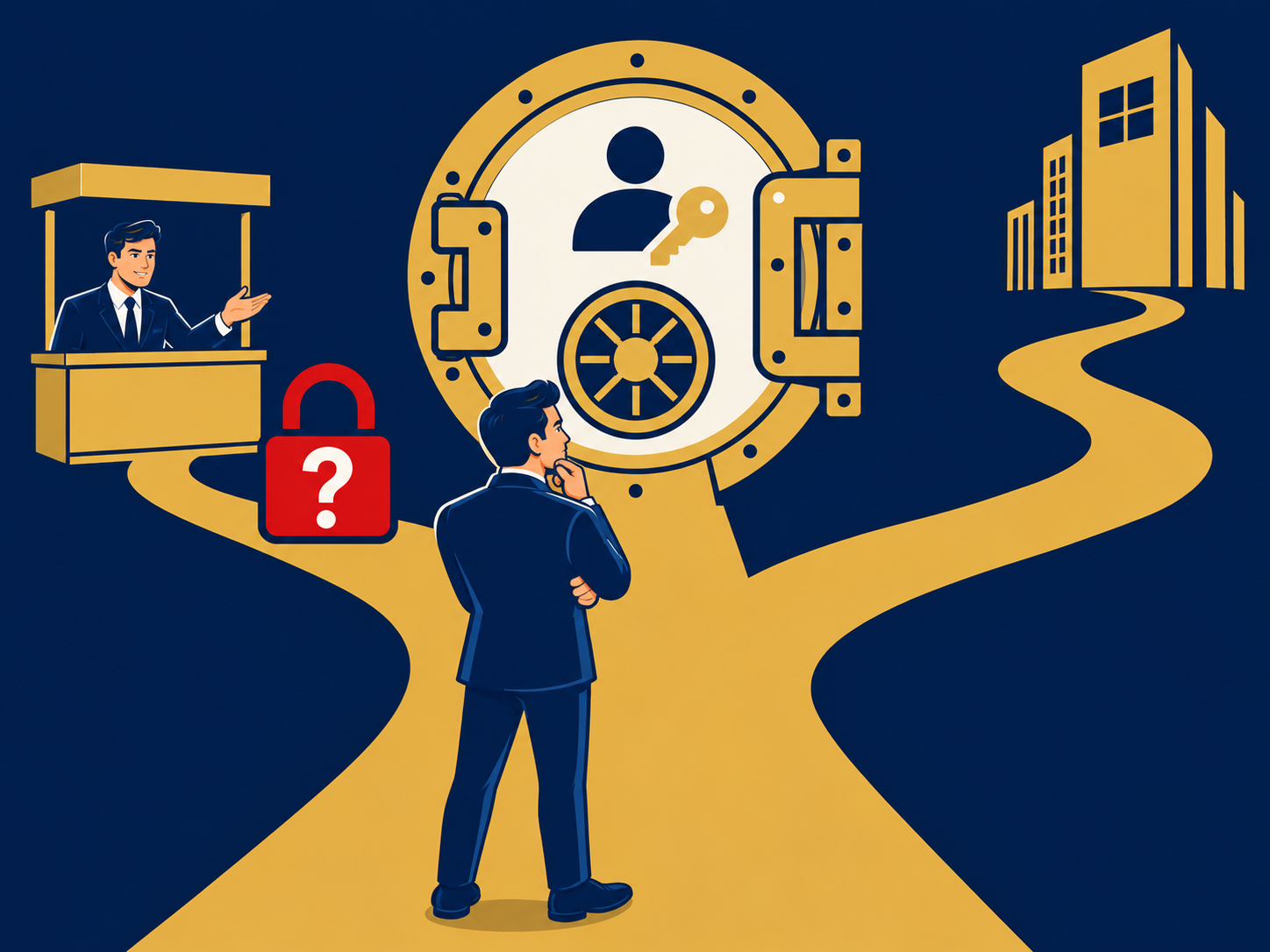
Enforce Strong Access Controls
Controlling who and what can connect to your network is critical for reducing laptop security risks. Effective measures include:
Multi-Factor Authentication
Require multiple authentication factors for all remote and local logins. Hard tokens such as YubiKeys, biometric checks and push notifications on mobile apps make it far harder for attackers to use stolen credentials.
Zero Trust And Continuous Verification
Adopt a zero trust model so that no access is implicitly trusted, even inside the corporate network. Industries from finance to healthcare rely on zero trust healthcare principles to verify every request, device posture and user identity before granting access.
Secure Remote Access
When employees work off-premises, you need secure remote access solutions that extend corporate policy to home networks and public Wi-Fi. Virtual private networks are common, but you should consider a secure access service edge platform for integrated firewall, analytics and policy enforcement at the edge.
Always-On Security
Implement always-on security so that devices maintain visibility and policy enforcement whether they’re on or off the corporate LAN. Persistent agents or lightweight VPN-less tunnels help you detect anomalies and push updates in real time.
Maintain Device Hygiene Practices
A layered security posture reduces single points of failure. Regular maintenance and good habits keep threats at bay:
Update Software Regularly
Unpatched operating systems and applications are the easiest entry points for attackers. Use automated patch management tools to scan for missing updates and apply critical fixes without manual intervention.
Deploy Antivirus And Anti-Malware
Choose solutions that combine signature-based detection with behavioral analysis to catch known and emerging threats. Configure regular full-system scans and real-time monitoring to identify suspicious processes early.
Protect Against Device Theft
Laptops are the most frequently stolen items in the U.S., with over 1,800 stolen daily. Reduce physical theft by using lockable cable locks, secure drawers and location-tracking software. Never leave devices unattended in public places.
Use Privacy And VPN Tools
Privacy screens prevent shoulder surfing, and physical webcam covers block unauthorized video access. When you connect over public networks, a no-log VPN encrypts traffic and hides your browsing from potential eavesdroppers.
Respond To Incidents Quickly
Even with strong controls, breaches can occur. A rapid, consistent response minimizes impact:
Disconnect And Isolate
At the first sign of compromise—unexpected applications, file corruption or unauthorized remote-control tools—disconnect the laptop from Wi-Fi or wired networks to prevent lateral movement.
Scan And Remove Malware
Run a trusted antivirus or endpoint detection and response tool in safe mode. Delete or quarantine identified threats and review system logs for indications of backdoors or persistence mechanisms.
Reset Credentials And MFA
Assume compromised credentials were exposed. Force password resets for affected accounts and re-enroll devices in multi-factor authentication to block unauthorized logins.
Consider Credit Freezing
If personal financial data may be at risk, advise affected users to freeze credit reports with Experian, Equifax and TransUnion to prevent fraudsters from opening new accounts in their name.
Wrapping Up Key Points
Laptop security risks span lost or stolen devices, malware, human error and advanced social engineering. By identifying your biggest threats, layering defenses with encryption and access controls, maintaining rigorous device hygiene and establishing a fast incident response plan, you reduce surprises and strengthen overall resilience. A clear, repeatable framework lets you defend your ecosystem and demonstrate accountability to executives and auditors.
Need Help With Laptop Security Risks?
We help you navigate the complex landscape of endpoint protection and secure access service edge solutions. Our team works with you to assess your environment, identify gaps and match you with the right providers and technologies. Contact us today to build a robust defense against laptop security risks.