A business application is software an organization uses to carry out its work: keeping the books, managing customers, paying staff, tracking inventory, running projects or communicating. The term covers everything from a single-purpose tool used by one team to a suite that runs finance, purchasing and operations across the company. Business applications can be installed on your own servers, hosted in a private cloud, or bought as Software as a Service (SaaS).
At a glance
- Business applications support how the organization operates, as opposed to consumer apps or the infrastructure underneath them.
- Common categories include ERP, CRM, HR and payroll, collaboration tools, and reporting and analytics.
- Most new business applications are now bought as subscriptions, though many organizations still run installed or privately hosted systems.
- The hard parts are usually integration, adoption, data quality and cost control rather than the software’s features.
- Each additional application usually adds a contract, a renewal date, user accounts and data to look after.
What problem it solves
Without dedicated software, core processes live in spreadsheets, email and paper. Information is retyped between teams, totals don’t match, and nobody can see the whole picture. A business application gives a process one place to live: one customer record, one ledger, one ticket queue. That reduces manual work and errors, makes the process consistent from person to person, and produces data that can be reported on.
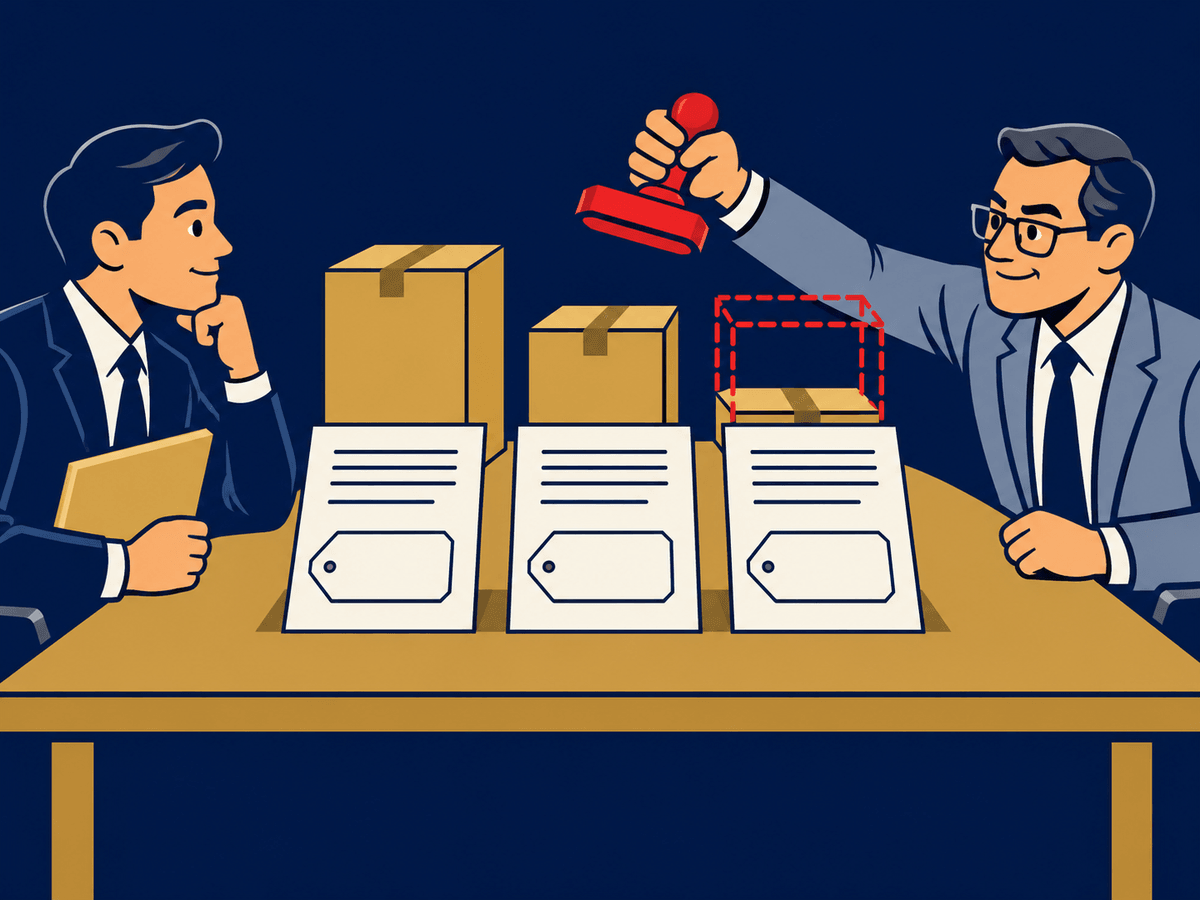
As companies grow, the problem shifts. They rarely lack applications; they have too many. Departments buy their own tools, overlapping products pile up, and data is scattered across systems that don’t talk to each other. Managing the application portfolio becomes a job in its own right, often called SaaS sprawl when most of it is subscription software.
How it works
Categories. Business applications are usually grouped by the function they serve. ERP covers finance, purchasing, inventory and orders. CRM covers sales, marketing and customer service. HR systems handle employee records, payroll and benefits. Collaboration and communications tools cover email, chat, meetings and document sharing. Analytics and business intelligence tools turn data from the others into reports and dashboards. Many industries add specialist systems, such as electronic health records in healthcare or point-of-sale and inventory systems in retail.
Delivery. An application may run on servers you own, in a hosted or private cloud environment, or as SaaS where the vendor runs everything and you use it over the internet. The delivery model changes who patches, backs up and secures the system, and how it is priced, but not what the application is for.
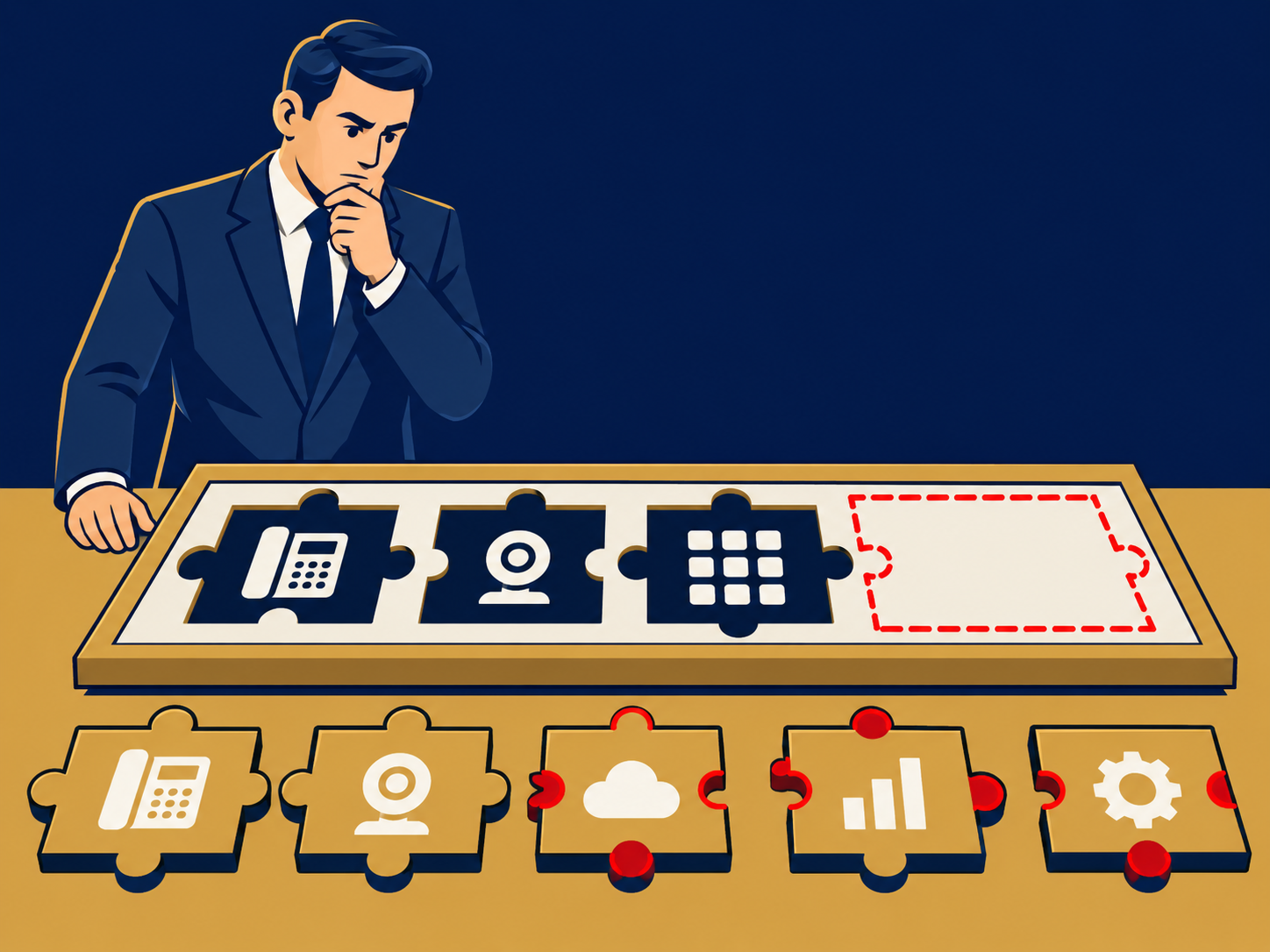
Integration. Applications rarely stand alone. Orders in a CRM need to reach the ERP for invoicing; new hires in the HR system need accounts in email and other tools. Integrations may be built into the products, provided by an integration platform, or custom-built. Each one is something that can break when either side is upgraded.
Ownership and licensing. Each application needs a business owner, an administrator, a license model (often per user, sometimes by usage or module), and a renewal date. Software asset management and SaaS management tools help track these across the portfolio.
When it matters for buyers
- When replacing or consolidating systems. Overlapping tools are common after growth or acquisitions. Consolidating can cut cost and reduce the number of places data lives, but migrations take planning and retraining.
- At renewal. Unused seats, tier upgrades and price increases add up across dozens of applications. Renewal is the point where you can right-size or switch.
- When performance or access is a complaint. Cloud-hosted applications depend on reliable network and internet access at each site, so connectivity is part of the application experience.
- When security or compliance is reviewed. Auditors and insurers want to know which applications hold sensitive data, who can access them, and how access is removed when people leave.
For a view of the portfolio and spend, see our SaaS management platforms guide.
Questions to ask vendors
- How is the application priced (per user, per module, by usage), and what changes in price at renewal?
- Which integrations are included, which cost extra, and how are they maintained when either system is upgraded?
- How do we export all of our data if we leave, and in what format?
- Which features, such as single sign-on, audit logs or API access, require a higher tier?
- Who is responsible for backups, patching and uptime under this delivery model, and what is the service level?
- What does implementation involve, how long does it typically take, and who does the configuration and training?
How it differs from Software as a Service (SaaS)
“Business application” describes what software does: it runs part of the organization’s work. SaaS describes how software is delivered: the vendor hosts and operates it, and you subscribe. Many business applications are sold as SaaS, but not all; some ERP, finance and industry systems still run on the customer’s own servers or in a private cloud. Consumer apps can be SaaS too, without being business applications.
Problems this helps with
- Too many overlapping apps doing the same job
- Systems that don't share data, so people retype it
- Not knowing what we pay for each application or who owns it
- Choosing between a big suite and best-of-breed tools