Cloud computing is a way of delivering computing resources, such as servers, storage, databases, networking and software, as a shared, abstracted pool that users can provision on demand over a network, configure themselves and scale up or down, instead of setting up dedicated hardware for each need. In public cloud, the most familiar form, a provider owns and runs the infrastructure and you rent capacity or services from it, paying by usage, subscription or committed spend. A private cloud applies the same model to infrastructure dedicated to one organization, which it may own or have a provider host. Cloud covers everything from a virtual server to a finished application.
At a glance
- Resources come from a shared pool you provision on demand and scale up or down; in public cloud you rent them rather than buying hardware upfront.
- Service models set the ownership line: IaaS, PaaS and SaaS leave progressively less for you to manage.
- Deployment models are public, private, hybrid and multi-cloud.
- Security is shared: the provider secures its infrastructure, and you secure identities, configurations and data.
- Cloud doesn’t automatically cut cost or lock-in; both depend on workload fit and how you manage it.
What problem it solves
Running dedicated infrastructure the traditional way means buying servers years ahead of need, waiting weeks for hardware when a project starts, paying for capacity that sits idle most of the year, and running data center space, power, cooling and refresh cycles. For many organizations that work adds little to what makes the business different.
Cloud computing turns that into a self-service pool, and public cloud lets you rent it instead of buying it. Teams can provision capacity in minutes, scale up for busy periods and scale down after, use managed databases or analytics instead of building them, and pay for what they use. It also gives smaller organizations access to global regions, redundancy options and services that would be expensive to build alone. The trade-off is a new set of decisions: which workloads to move, which model to use, how to control spending and how to avoid depending too heavily on one provider.
How it works
A shared, abstracted pool. Hardware is pooled and divided up, typically through virtualization or containers, so users request resources through a web console or API and they are allocated automatically, without anyone setting up a specific machine. Public cloud providers run large data centers and share that pool among many customers; a private cloud does the same for one organization.
Service models. With IaaS you get virtual machines, storage and networks and manage the operating systems and applications. With PaaS the provider also runs the operating system and runtime, and you deploy code and data. With SaaS the provider runs the whole application; you manage users, settings and data.
Deployment models. Public cloud runs on a provider’s infrastructure shared among many customers, with logical separation between them. Private cloud is dedicated to one organization, in its own facilities or hosted by a provider. Hybrid cloud combines cloud with on-premises or colocated systems, and multi-cloud uses more than one cloud provider. See public, private and hybrid cloud for more.
Pricing. Common models are pay-as-you-go by the hour, second or unit; subscriptions per user; and discounts in exchange for committed spend or reserved capacity. Data transfer out of a provider’s network often carries separate charges.
Responsibility. The shared responsibility model spells out who secures what. The line moves with the service model, but customers always keep responsibility for their data, user access and how they configure the services they use. Many publicized cloud security incidents have involved customer-side misconfiguration, such as storage left open to the internet.
When it matters for buyers
- Hardware refresh or data center exit. Compare cloud against replacing hardware or moving to colocation, workload by workload.
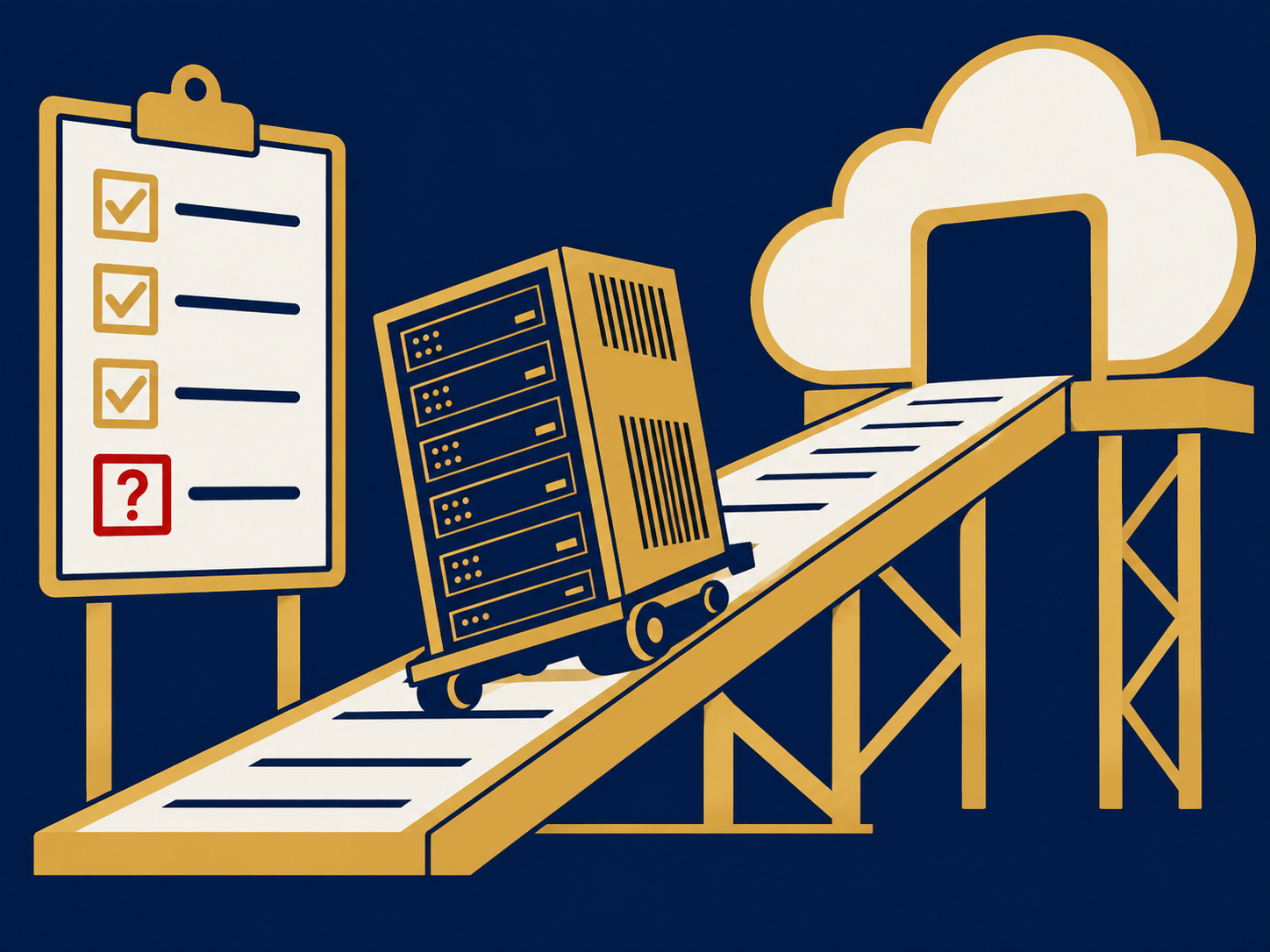
- Cloud migration planning. Decide what to rehost, rebuild or replace with SaaS before choosing a provider; see cloud migration.
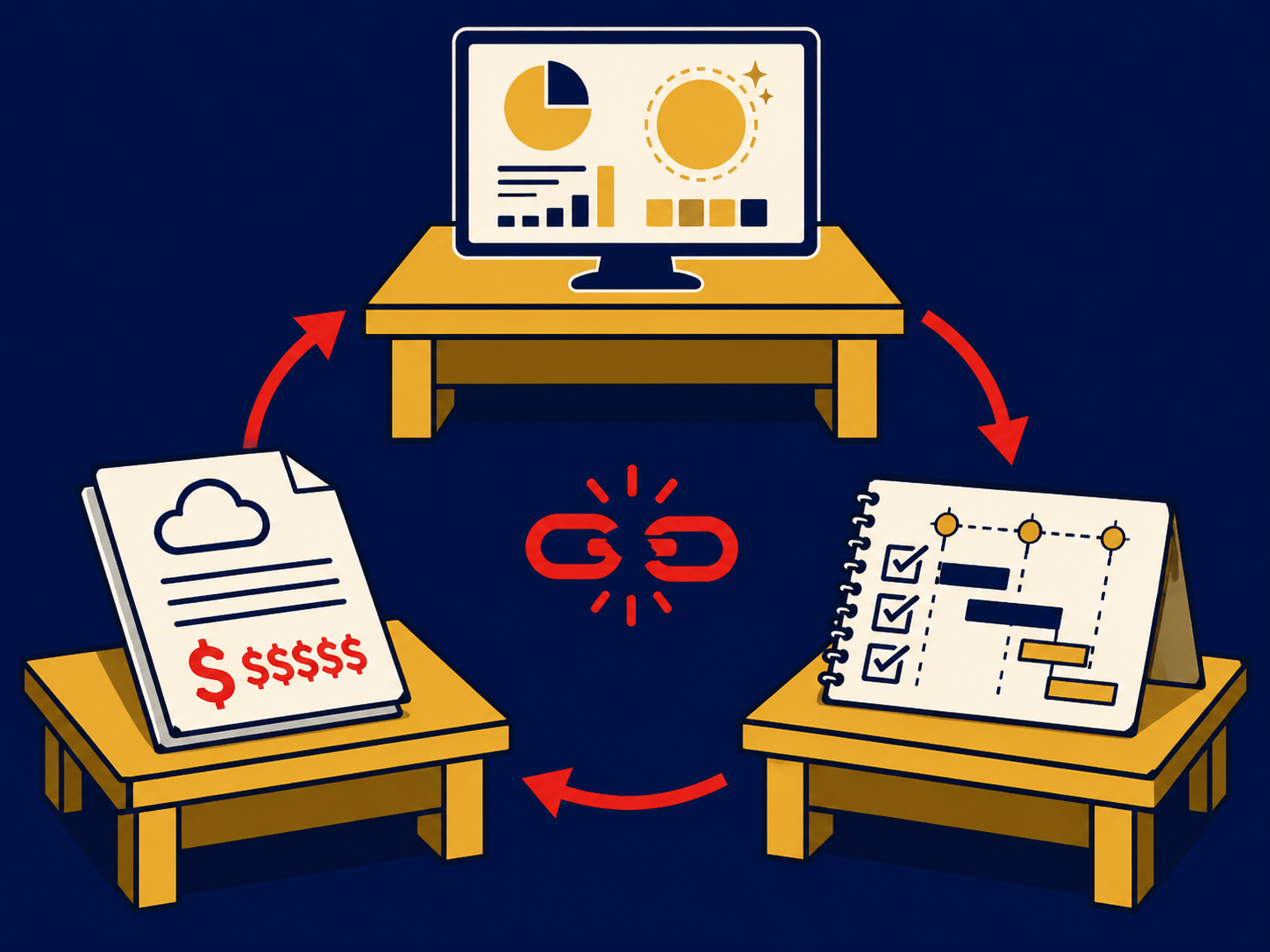
- Rising cloud bills. Unexplained growth usually calls for tagging, rightsizing and FinOps practices.
- Commitment negotiations. Committed-spend discounts can be significant but bind you for years; size them carefully.
- Compliance and data residency. Regulations or customer contracts may dictate where data can be stored and who can access it.
- Provider concentration. Building on one provider’s proprietary services makes leaving harder; plan an exit approach early.
Questions to ask vendors
- Which services and regions would our workloads use, and what are the availability commitments for each?
- How is each service priced, including data transfer, support plans and premium features?
- What discounts are available for committed spend or reserved capacity, and what happens if we under-use them?
- Exactly which security responsibilities stay with us for each service we plan to use?
- Where will our data be stored and backed up, and can we restrict it to specific countries?
- How can we connect privately from our offices and data centers?
- If we leave, how do we export our data and in what formats, and what will it cost?
We help buyers compare providers and models in our public cloud, private cloud and multi-cloud overviews.
How it differs from colocation and on-premises
With on-premises infrastructure you own the hardware and the building it sits in, and you run everything. With colocation you still own and manage the hardware, but rent space, power, cooling, physical security and connectivity in a third-party data center. With public cloud computing the provider owns and operates the hardware and facilities, and you rent capacity or services. A private cloud can sit on premises or in colocation; what distinguishes it is that resources are pooled and provisioned on demand rather than set up machine by machine. Cloud is often the better fit for variable or fast-growing workloads and new applications; on-premises and colocation can suit steady, predictable workloads, specialized hardware or strict control requirements. Many organizations run a mix, so the useful question is which workloads belong where.
Problems this helps with
- Not sure whether to replace our servers, use colocation or move to the cloud
- Leadership wants a cloud strategy and we don't have one
- Everything moved to the cloud and nobody owns the bill
- Applications that got slower or costlier after moving to the cloud