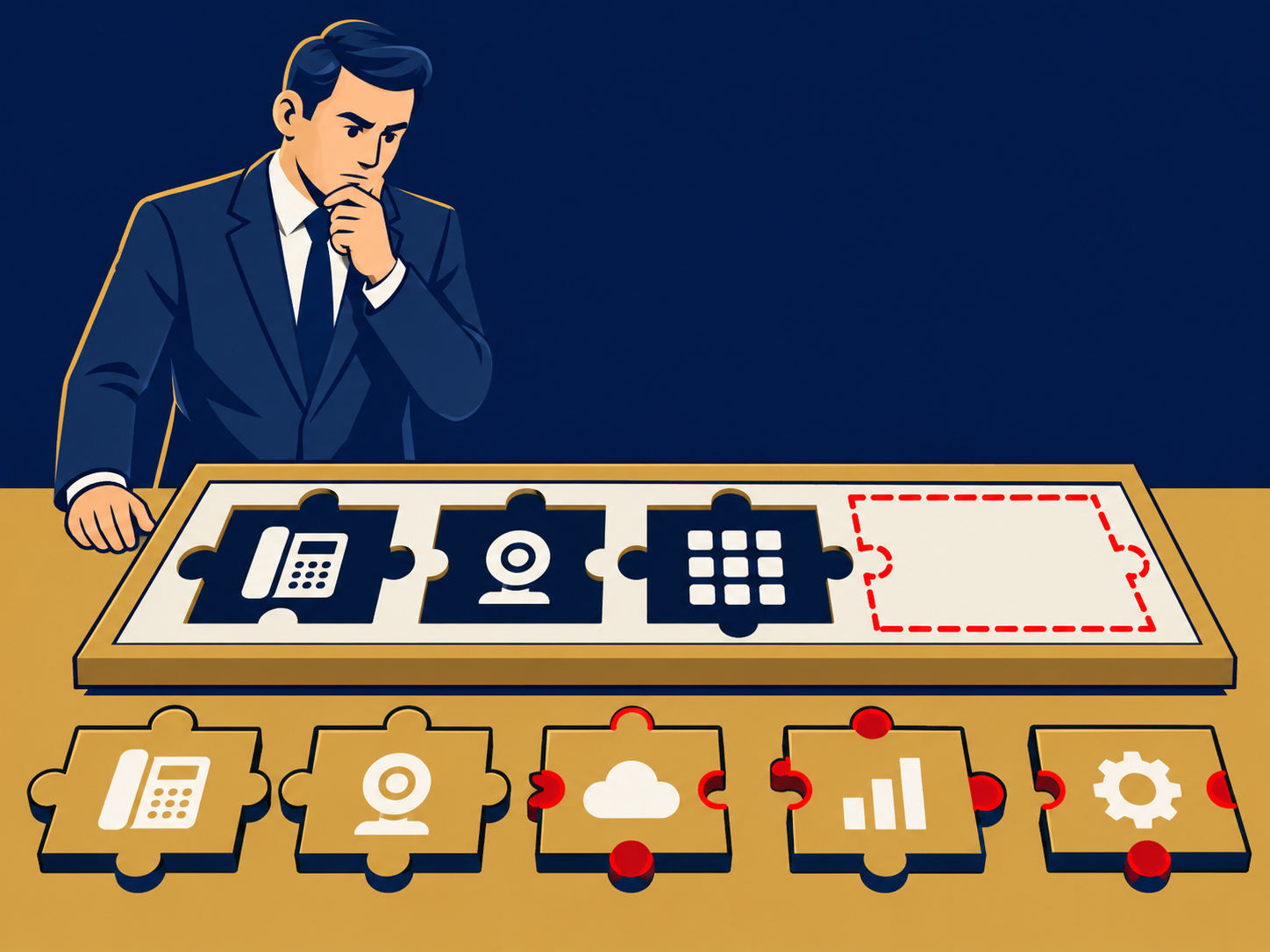
Communications Platform as a Service (CPaaS) is a cloud platform that gives developers application programming interfaces (APIs) and software development kits for calls, text messaging, video, chat and related features. Instead of buying a finished phone or messaging product, you build those capabilities into your own website, mobile app or business systems: appointment reminders, delivery notifications, two-factor login codes, click-to-call buttons or in-app video visits. The provider runs the network connections and carrier relationships, and you pay mainly for what you use.
At a glance
- CPaaS provides building blocks (APIs), not a finished application; developers or low-code tools put them together.
- Common uses are SMS and voice notifications, verification codes, number masking, in-app calling and video, and messaging app channels.
- Pricing is mostly usage-based, per message or per minute, plus number fees and carrier pass-through charges that vary by country.
- Message delivery depends on carrier rules, such as US 10DLC registration, and on consent rules for marketing texts and calls.
- Channel coverage, country reach and support levels vary by provider.
What problem it solves
Building communication into software used to mean negotiating with carriers, buying telephony equipment and maintaining connections in each country. CPaaS providers do that work once and expose it through APIs, so a development team can send a text or place a call with a few lines of code and add countries or channels without new carrier contracts.
It also lets a company put communication where the work already happens. A clinic can text appointment reminders from its scheduling system, a marketplace can let buyers and sellers call each other without revealing personal numbers, and a bank can send login codes from its own app. None of these fit neatly into a phone system or contact center product.
How it works
Your application calls the provider’s APIs to send a message, place or receive a call, start a video session or look up a number. The provider routes traffic to carriers, messaging networks and its own media servers, then reports back delivery status and events, usually through webhooks (messages the provider sends to your application when something happens, such as an incoming reply).
Typical building blocks include:
- Messaging: SMS and MMS, and on many platforms channels such as WhatsApp or RCS.
- Voice: outbound and inbound calls, IVR flows, call recording, conferencing and number masking.
- Video and in-app calling, often built on WebRTC, which lets browsers handle real-time audio and video.
- Verification: one-time passcodes by text, voice or email.
- Numbers: local, toll-free and short codes, depending on the country.
Carrier rules. Carriers filter application-to-person messaging. In the US, texting from standard 10-digit numbers generally requires registering your brand and campaign (10DLC), toll-free texting requires verification, and short codes have their own approval process. Other countries set their own sender ID and content rules.
Consent. Marketing texts and automated calls are regulated. In the US, the Telephone Consumer Protection Act (TCPA) and related rules govern consent and opt-outs, and other countries have their own laws. The platform sends what you tell it to; compliance stays your responsibility.
When it matters for buyers
- When a product or customer process needs communication built in, such as reminders, alerts, verification or masked calling.
- When message volumes grow and per-message rates, carrier fees and delivery rates start to show up in the budget.
- When messages are being filtered because of missing registration or poor sender reputation.
- When expanding to new countries, where number availability, sender rules and rates differ.
- When choosing between building and buying. If a finished UCaaS or CCaaS product already does the job, CPaaS may add development and maintenance work you don’t need.
Questions to ask vendors
- What are the rates for our volumes and countries, including carrier pass-through and registration fees?
- Which channels and countries do you support directly, and where do you rely on partners?
- How do you help with 10DLC, toll-free verification and sender registration, and how long does approval take?
- What delivery reporting do we get, and how do we see why a message failed?
- What is the API uptime SLA, and how are outages and rate limits communicated?
- What support is included, and what do faster response times cost?
- How do we move our numbers and message templates if we change providers?
How it differs from UCaaS and CCaaS
UCaaS is a finished communication tool for employees: phone, meetings and chat. CCaaS is a finished application for running a customer contact center. CPaaS is the layer underneath, a set of components you assemble yourself. Some UCaaS and CCaaS providers also sell CPaaS APIs, and some contact centers use CPaaS for notifications or custom channels alongside their main platform.
For buying guidance, see our CPaaS solution page.
Problems this helps with
- Sending appointment reminders, alerts or one-time passcodes by text or voice
- Adding calling or chat inside our own app or website
- Text messages that get blocked or filtered by carriers
- Messaging bills that are hard to predict