Database as a service (DBaaS) is a cloud service in which a provider runs a database for you. Instead of buying servers, installing database software and handling patches and backups yourself, you create a database through a web console or API and pay for the capacity you use. The provider operates the infrastructure and software; you remain responsible for the data, how it is structured and who can reach it. DBaaS is a category of platform as a service (PaaS) and is offered by all major public cloud providers and many private cloud providers.
At a glance
- The provider runs the servers, storage and database software, including patching and automated backups.
- You manage the database design, users and access, performance tuning, retention and configuration choices.
- Relational databases such as PostgreSQL, MySQL and SQL Server are widely available, along with many non-relational types.
- Availability architecture and billing vary by service: replicated storage, compute failover and zone or region coverage are often separate choices with separate prices.
- Pricing is usage-based, so costs depend on size, activity, storage and data transfer.
What problem it solves
Databases are among the most demanding systems to run. They need fast, reliable storage, regular patching, careful upgrades, tested backups and someone who knows what to do when one slows down or fails. In many mid-sized organizations that knowledge sits with one or two people, and routine maintenance slips behind more urgent work. Hardware needs replacing every few years, and setting up a new database for a project can take weeks.
DBaaS hands the routine work to a provider. New databases can be created in minutes, patches and backups happen on a schedule, and capacity can usually be increased without buying hardware. Internal staff spend less time on maintenance and more on the data itself, such as performance, security and how applications use it.
How it works
Provisioning. You choose a database engine, version, size and region, and the provider creates the database on its infrastructure. Settings such as network access, encryption and backup schedules are configured at creation and adjusted later.
Operations. The provider applies patches and minor upgrades, often in maintenance windows you choose, monitors the underlying hardware and replaces failed components. Major version upgrades usually need your testing and approval.
Backups and recovery. Automated backups and, on many services, point-in-time recovery let you restore to a recent moment within the retention period you set. Your recovery point objective (RPO) depends on those settings.
Availability and scaling. For high availability, designs vary: some services replicate storage across zones by default, while fast failover of the database itself may need a standby copy or extra compute in another zone or region, often billed separately. Read replicas can spread reporting load, and capacity can be scaled up, sometimes automatically. Performance depends on the storage tier and IOPS you choose.
Security. Encryption at rest and in transit, private network access, identity-based logins and audit logs are commonly available. Under the shared responsibility model, configuring them correctly is your job.
When it matters for buyers
- When database servers or licenses come up for renewal. It is a natural point to compare DBaaS against replacing hardware.
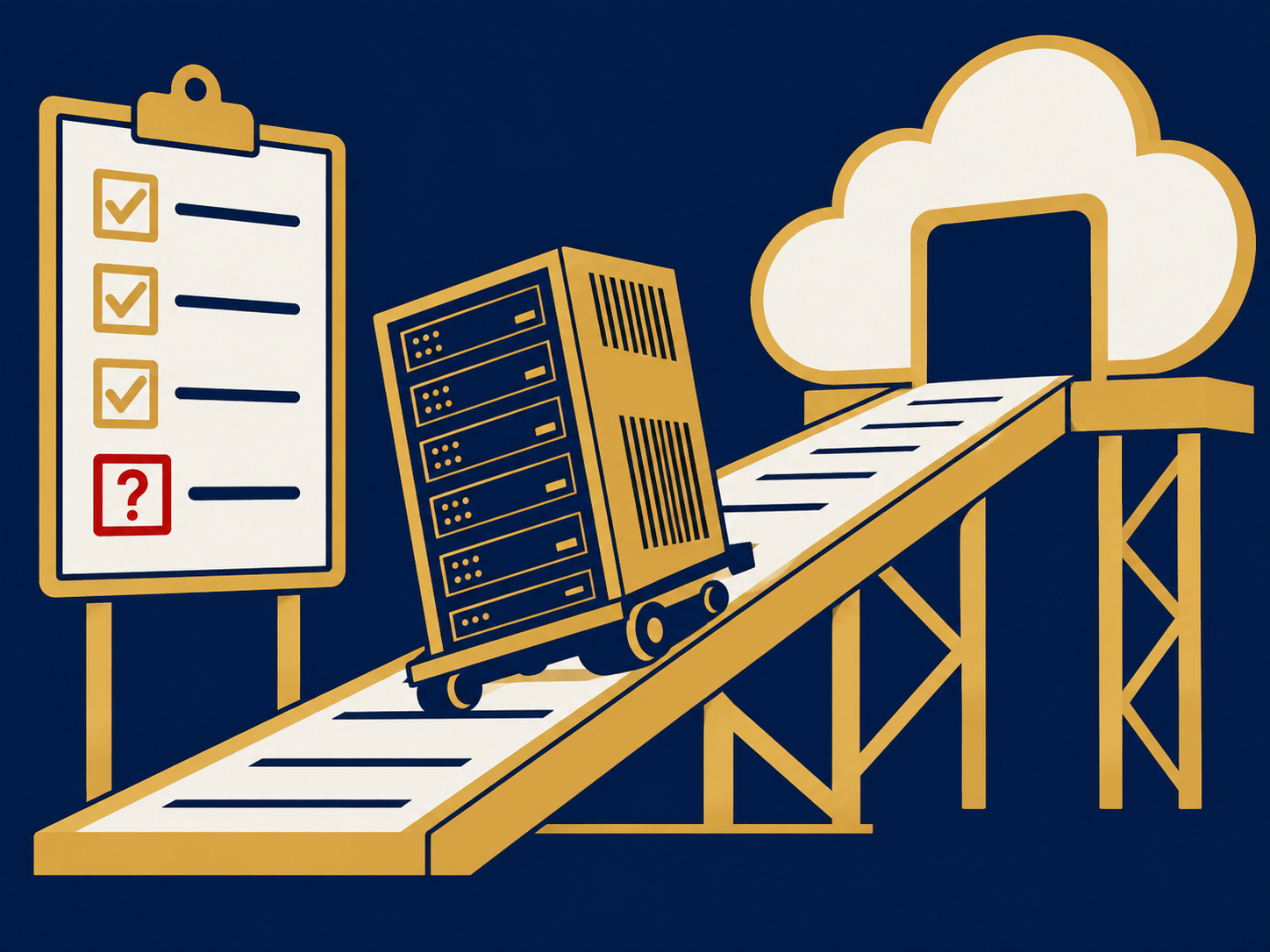
- When moving applications to the cloud. Replatforming a database onto DBaaS is one of the most common changes made during migration.
- When database skills are thin. DBaaS reduces routine work but doesn’t remove the need for someone who understands the data and performance.
- When modelling cost. Compute, storage, IOPS, backups, standby copies and data egress fees all affect the bill.
- When data has location rules. Confirm regions and where backups and replicas are stored.
Questions to ask vendors
- Which database engines and versions do you offer, and how long is each version supported?
- What exactly do you manage, and what remains our responsibility?
- What availability do you commit to, and exactly which topology (replicas, zones, regions) does that commitment require?
- How are backups taken, how long are they kept and how fast is a restore?
- How are major version upgrades handled, and how much notice do we get?
- How is the service priced, and what are the charges for storage, input/output, backups and data transfer?
- How do we export our data and move to another provider or back on premises?
How it differs from Infrastructure as a Service (IaaS)
You can also run a database yourself on a cloud server rented through infrastructure as a service (IaaS). The provider then supplies the virtual machine and storage, but you install, patch, back up and tune the database. That gives more control, for example over versions, settings and licensing, and supports databases no provider offers as a service, at the cost of more work. DBaaS takes over the database operations as well. A related service, data warehouse as a service, applies the same model to analytics databases built for large reporting queries. Our public cloud page covers how to compare providers’ database services.
Problems this helps with
- Our database administrator is a single point of failure
- Patching, backups and upgrades for our databases keep slipping
- Database servers are aging and need replacing
- Need a database for a new application without buying hardware