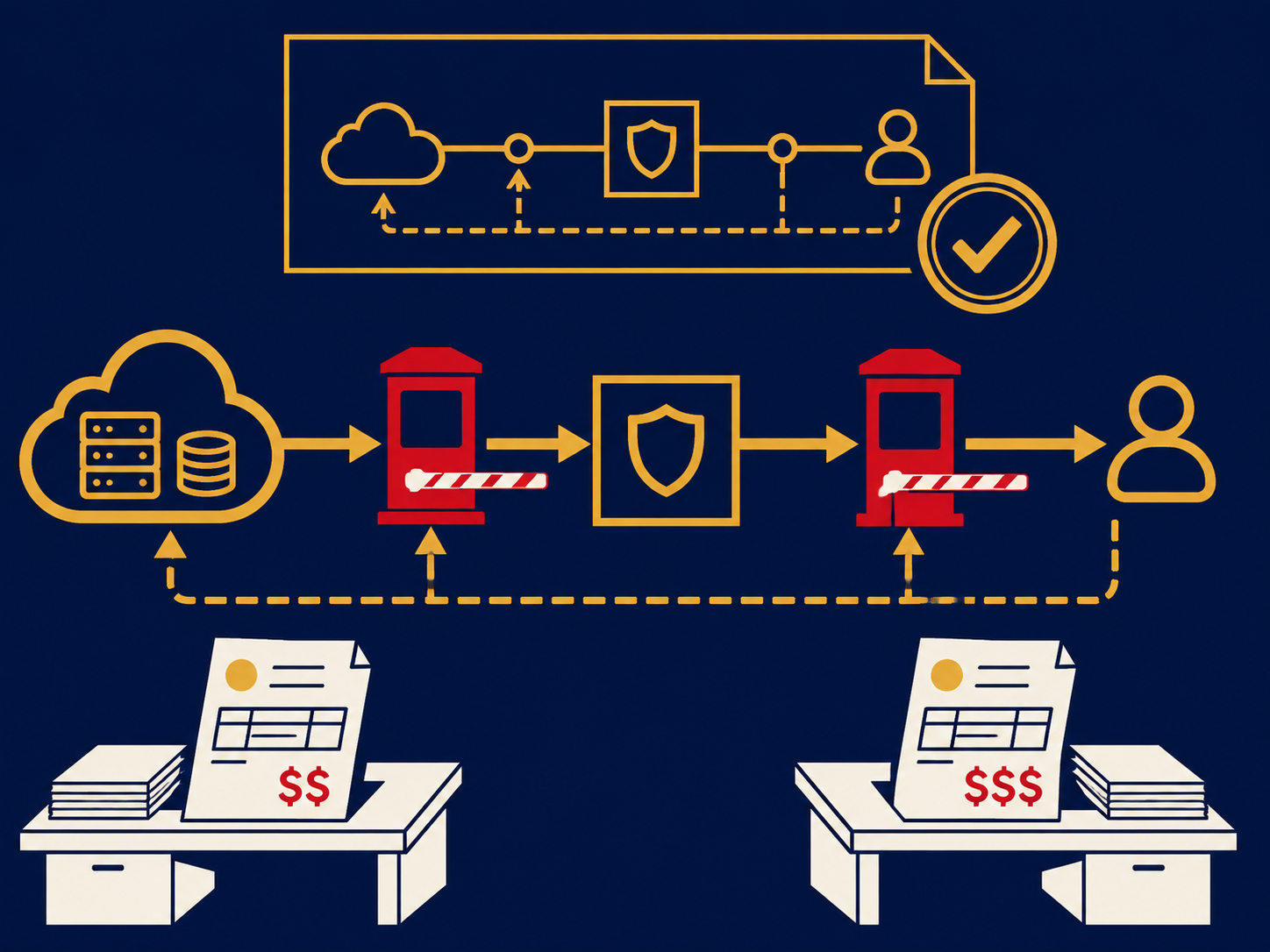
DNS filtering is a security control that stops devices from reaching malicious or unwanted websites by refusing to resolve their domain names. Before a device can connect to a site, it asks the Domain Name System (DNS) for the site’s IP address. A DNS filtering service answers those questions, checks each domain against threat intelligence and policy, and returns either the real address or a block. It is one of the simplest ways to add web protection across a whole organization.
At a glance
- DNS filtering blocks domains known to host malware, phishing or command-and-control servers, plus categories you choose to restrict.
- It is usually a cloud service; offices point their DNS at it, and roaming devices use a lightweight agent or device settings.
- It protects devices that use the filtering resolver, including guest and IoT devices on the office network, without software on each one.
- It sees only domain names, not pages, files or uploads, so it can’t stop threats hosted on trusted domains.
- Devices that use a different resolver, including encrypted DNS to an outside provider, can bypass it unless that is controlled.
What problem it solves
Many attacks rely on a device reaching a malicious domain: a phishing page that harvests passwords, a site that delivers ransomware, or a server that infected malware calls home to. Blocking those lookups stops the connection before it begins, for every application on the device that uses the filtering resolver, not just the browser.
For mid-sized organizations, the appeal is coverage for little effort. A DNS filtering service can often be switched on for an office by changing the DNS servers the office network hands out to devices, and it can also enforces an acceptable use policy by category. Some organizations have content filtering obligations; in the US, for example, schools and libraries receiving certain federal funding may be required to filter, and the details depend on the program and your circumstances, so confirm them with counsel.
How it works
- A device looks up a domain. A user clicks a link, or an application or piece of malware tries to reach a server.
- The query goes to the filtering resolver. Office networks hand out the service’s resolver addresses; roaming devices send queries through an agent or a configured encrypted DNS connection to the service.
- The service checks the domain. It compares the domain against threat intelligence, category databases, newly registered domain lists and your own allowlists and blocklists, and applies the policy for that network, group or user.
- It answers or blocks. Allowed domains resolve normally. Blocked domains get a response that points to a block page or simply fails to resolve.
- It logs. Allowed and blocked queries are logged, which helps spot infected devices that keep trying to reach known malicious domains.
Because the decision happens on the domain name, DNS filtering can’t distinguish a safe page from a malicious one on the same domain, and it doesn’t see traffic to raw IP addresses.
When it matters for buyers
- As a first web security layer. It is quick to deploy and inexpensive compared with full web inspection.
- When opening new offices or adding guest Wi-Fi. One setting covers every device on the network.
- When cyber insurers ask about web filtering. DNS filtering is a common answer, though insurers may ask how remote devices are covered.
- When remote workers aren’t covered. Make sure the service includes a roaming agent or device configuration.
- When moving to SSE or SASE. Many bundles include DNS-layer security, so you may be able to drop a separate service.
Questions to ask vendors
- How do roaming devices use the service, and what happens when the agent isn’t running?
- How do you handle encrypted DNS (DoH and DoT) so devices can’t bypass the filter?
- Can policy differ by office, group or user, and does it integrate with our identity provider?
- What threat intelligence do you use, and how quickly are new malicious domains added?
- What resolver uptime do you commit to, and how do you avoid slowing down lookups?
- How long are query logs kept, and can they be sent to our SIEM?
How it differs from a secure web gateway
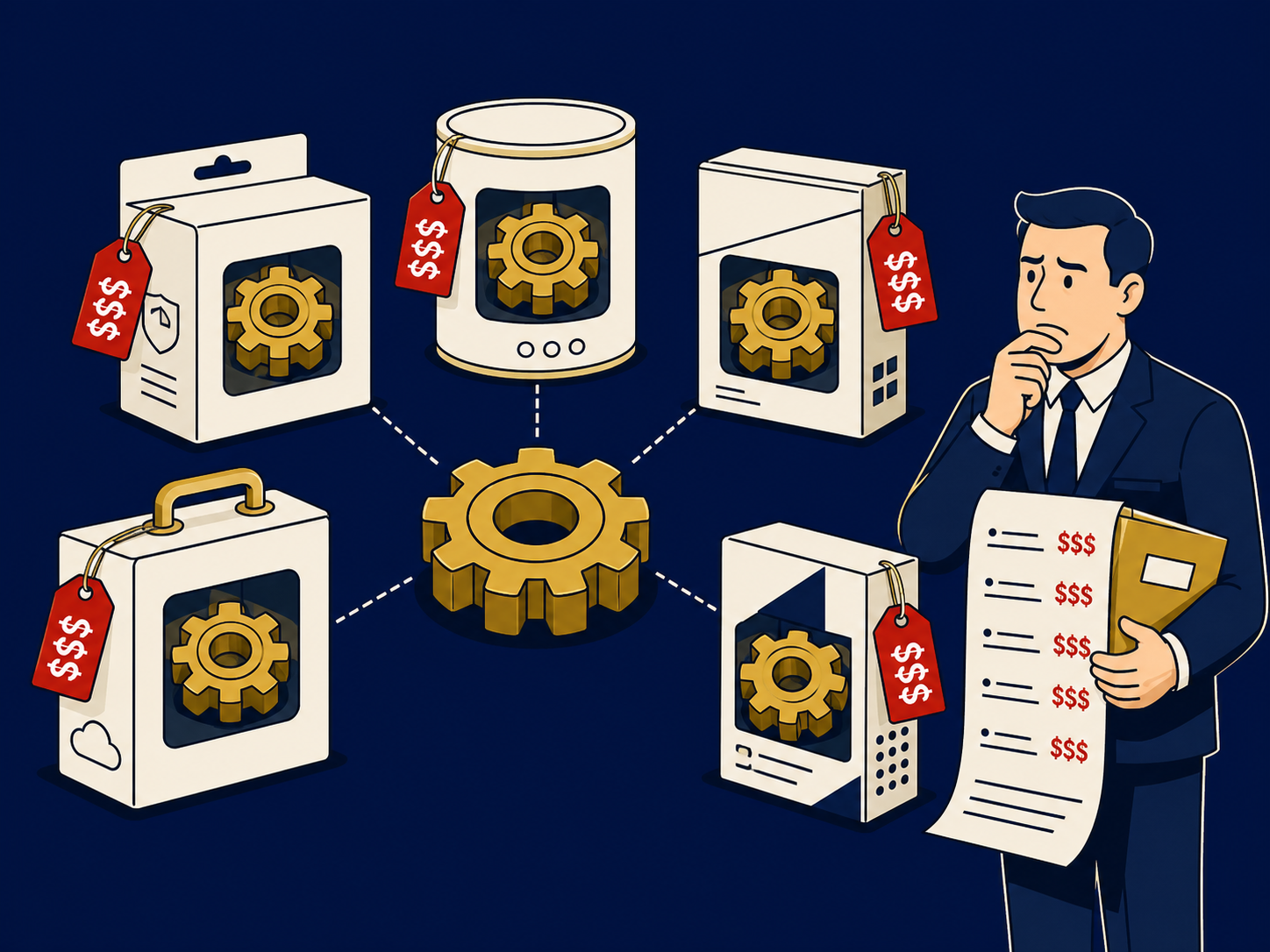
A secure web gateway (SWG) sits in the path of web traffic and inspects it, so it can see full URLs, scan files, apply data controls and often decrypt TLS. DNS filtering only decides whether a domain name resolves. It is quicker to deploy and covers every application that uses DNS, but it can’t see pages, files or uploads. Many organizations start with DNS filtering and add a gateway, often as part of SSE or SASE, when they need deeper inspection. DNS filtering is also different from managed DNS, which hosts your own domains’ public records. For deeper web inspection options, see our Secure Web Gateway overview.
Problems this helps with
- Employees clicking links to phishing or malware sites
- Need basic web protection for every office and remote worker without heavy infrastructure
- Want to block categories of sites such as gambling or adult content
- Guest Wi-Fi and IoT devices we can't install software on