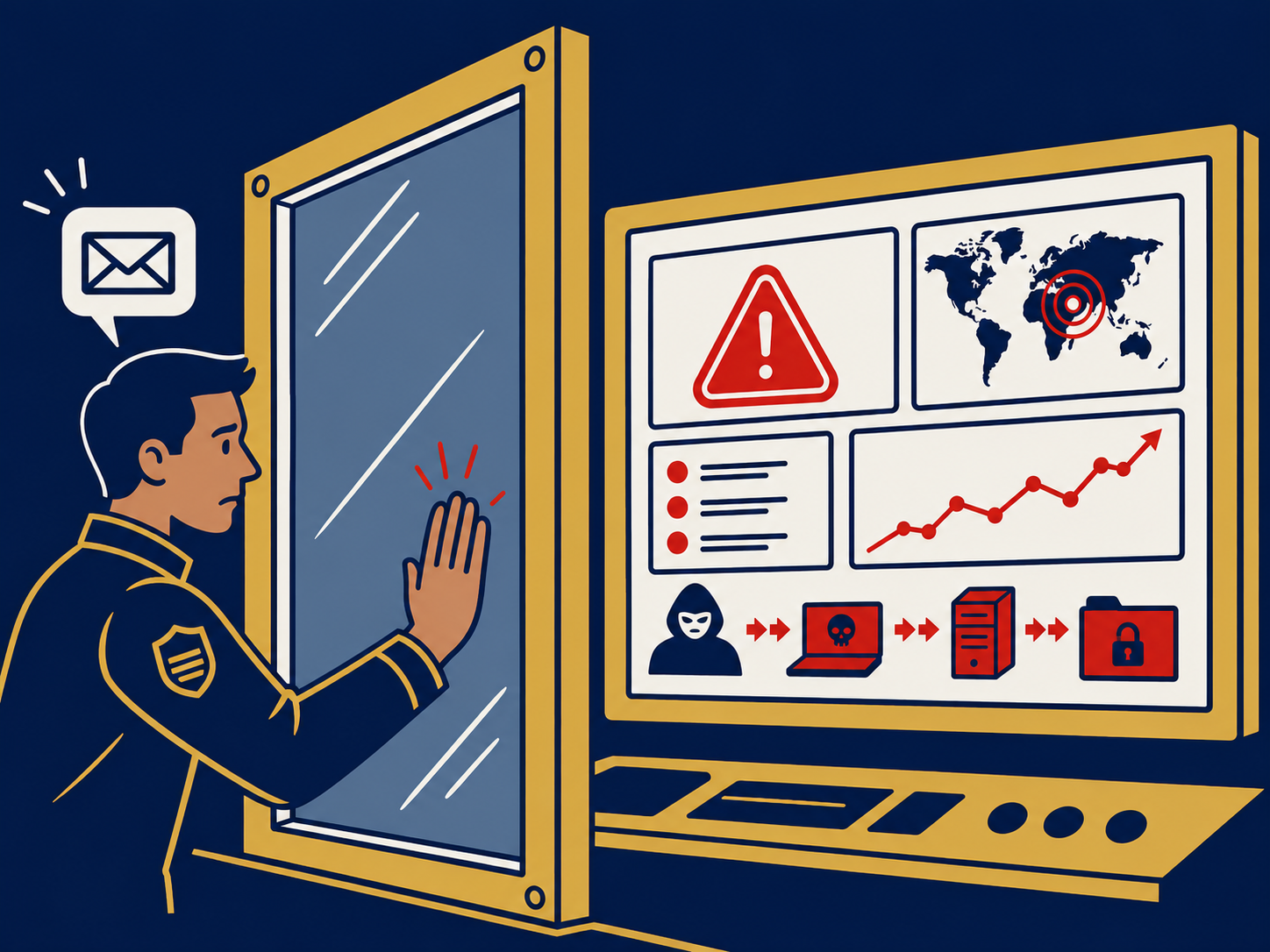
Endpoint detection and response (EDR) is security software installed on laptops, desktops and servers that continuously records what happens on each device, flags behavior that looks like an attack, and gives security staff tools to investigate and respond. Where traditional antivirus asks “is this file known to be bad?”, EDR asks “is this device behaving like it’s under attack?”, and it keeps a record you can use to find out what happened.
At a glance
- EDR is an agent on each endpoint plus a central console, usually delivered from the vendor’s cloud.
- It records activity such as processes, file changes, logins and network connections, and detects suspicious patterns of behavior.
- Response tools include isolating a device from the network, stopping processes and quarantining files.
- It generates alerts that need people to review them, in-house or through an MDR service.
- Many cyber insurers now ask whether EDR is deployed on all endpoints.
What problem it solves
Attackers have learned to avoid antivirus. Many attacks use legitimate tools already on the computer, stolen credentials or scripts that never write an obvious malicious file to disk. Ransomware groups often spend days or weeks inside a network before encrypting anything. Signature-based antivirus has little to catch in those stages.
EDR addresses this in two ways. First, by watching behavior, it can spot activity like a word processor launching a command shell, credentials being dumped from memory, or a single account touching hundreds of machines. Second, by keeping a detailed history, it lets an investigator answer the questions that matter after an incident: how did they get in, what did they touch, and is any other device affected? The ability to isolate a compromised laptop from the network with one click, while keeping it connected to the console for investigation, can stop an attack from spreading.
How it works
The agent. A small program on each device collects activity data and sends it to the vendor’s platform. It also enforces response actions sent from the console.
Detection. The platform analyzes activity using behavior rules, known indicators of attack and machine learning. Many products map detections to a common catalog of attacker techniques, which helps analysts understand what stage an attack is at. Alerts are grouped and ranked by severity.
Investigation. Analysts can view a timeline of what happened on a device, see the chain of processes that led to an alert, and search across all endpoints for the same file, command or connection.
Response. Typical actions are isolating a device, killing a process, deleting or quarantining files, and running scripts or collecting files for forensics. Some products can also reverse certain changes, such as file encryption, on supported systems; this varies by vendor.
People. EDR is only as good as the response to its alerts. Companies either staff a security team to work the console or buy managed detection and response (MDR), where the provider’s analysts do it.
When it matters for buyers
- At cyber insurance renewal. EDR coverage is a common underwriting question. Know your actual deployment percentage.
- After an incident or near miss. If you couldn’t answer “what happened on that machine?”, you need EDR.
- When replacing antivirus. Most endpoint security purchases today are EDR or an EPP-plus-EDR bundle.
- When deciding who will watch it. Budget for the people, either internal staff or MDR, alongside the license.
- When the endpoint estate changes. Remote workers, new servers and acquired companies need agents deployed and verified.
Questions to ask vendors
- Which operating systems and versions are supported, including servers, older systems and cloud workloads?
- How long is detailed activity data kept, and what does longer retention cost?
- Which response actions are available, and can any of them be automated?
- Does the product include prevention (antivirus) in the same agent, or is that separate?
- Do you offer managed detection and response, and can other MDR providers work with your EDR?
- How do you detect and alert if the agent is disabled or tampered with?
- How is it licensed (per device, per user, by tier) and what features are reserved for higher tiers?
How it differs from EPP, XDR and MDR
An endpoint protection platform (EPP) focuses on prevention: detecting and blocking malware, exploits and malicious behavior as early as possible. EDR focuses on what happens next: detecting attacks that got past prevention, investigating and responding. Most vendors now sell both in a single agent, which is why the terms blur. Extended detection and response (XDR) applies the same detect-and-respond approach beyond endpoints, correlating data from identity, email, network and cloud. Managed detection and response (MDR) is a service, not software: a provider’s analysts operate EDR (and often more) for you around the clock. See our EDR solutions overview and our comparison of MDR vs EDR.
Problems this helps with
- Antivirus didn't catch the ransomware
- Cyber insurer requires EDR on every device
- No way to see what happened on a laptop after an attack
- Can't quickly cut an infected computer off the network