Identity and access management (IAM) is the set of policies, processes and tools an organization uses to establish who someone is and decide what they are allowed to reach. It covers the full life of a digital identity: creating an account when someone joins, verifying them each time they sign in, granting access that fits their role, adjusting it when they move, and removing it when they leave. IAM applies to people, such as employees, contractors and partners, and increasingly to non-human identities such as service accounts, applications and API keys. Because stolen credentials and excess access feature in many breaches, IAM is a foundation of modern security programs.
At a glance
- IAM answers three questions: who is this, what may they access, and is that access still appropriate?
- Core building blocks are an identity provider (IdP), single sign-on (SSO), multi-factor authentication (MFA) and access policies.
- Governance (who should have what) and privileged access (control of admin accounts) are related disciplines often handled by separate tools.
- Much of the value comes from process, such as fast offboarding and regular access reviews, not just the software.
- IAM evidence is commonly requested in audits, customer security questionnaires and cyber insurance applications.
What problem it solves
As companies adopt more cloud and SaaS applications, each with its own logins, access sprawls. Staff juggle many passwords, IT can’t easily see who has access to what, and accounts belonging to people who left can stay active for months. Attackers exploit exactly these gaps: phished passwords, reused credentials, forgotten accounts and users with far more access than they need.
IAM brings identities and access under central control. Users sign in once through a trusted identity provider with strong authentication. Access is granted by role and policy rather than ad hoc, changes automatically when someone joins, moves or leaves, and is logged so it can be reviewed and proven to auditors. The result is less risk, less friction for users and less manual work for IT.
How it works
Directory and identity provider. A central directory holds user accounts and attributes such as department and role. An identity provider authenticates users and vouches for them to other applications using standards such as SAML and OpenID Connect, which communicate who the user is. OAuth is related but different: it delegates authorization so an app can call APIs on a user’s behalf, and isn’t a sign-in protocol on its own. Older on-premises directories often use LDAP.
Authentication. Users prove who they are with a password plus MFA, or with passwordless methods such as passkeys. Conditional access policies can add requirements based on the device, location or risk of the sign-in.
Authorization. Access rules decide what each user can do, commonly through role-based access control (RBAC) and the principle of least privilege, so people get only what their job needs.
Lifecycle. Joiner-mover-leaver processes create, change and remove accounts, ideally driven automatically from the HR system and pushed to applications. Identity governance and administration (IGA) adds approvals and periodic access reviews.
Privileged access and monitoring. Privileged access management (PAM) adds extra control over administrator accounts. Sign-in and access logs feed security monitoring, and identity threat detection and response (ITDR) tools watch for attacks on the identity system itself.
When it matters for buyers
- When adopting a zero trust approach. Strong identity verification and policy-based access are central to it.
- When cyber insurance or customer questionnaires ask about MFA, admin accounts and offboarding. These questions are now routine and answers can affect coverage and deals.
- When preparing for an audit. Frameworks such as SOC 2, SOX controls, HIPAA and PCI DSS expect controlled, reviewed access; exactly what is required depends on the framework and your scope.
- When merging with or acquiring a company. Combining directories and identity providers is one of the first integration tasks.
- When SaaS use grows quickly. Every new app without SSO and automated provisioning adds another place access can go stale.
Questions to ask vendors
- Which applications do you support for SSO and automated provisioning out of the box?
- Which MFA and passwordless methods do you support, and can we require phishing-resistant methods for admins?
- How do joiner, mover and leaver changes flow from our HR system, and how fast is access removed?
- What do access reviews and audit reports look like?
- How do you handle service accounts, API keys and other non-human identities?
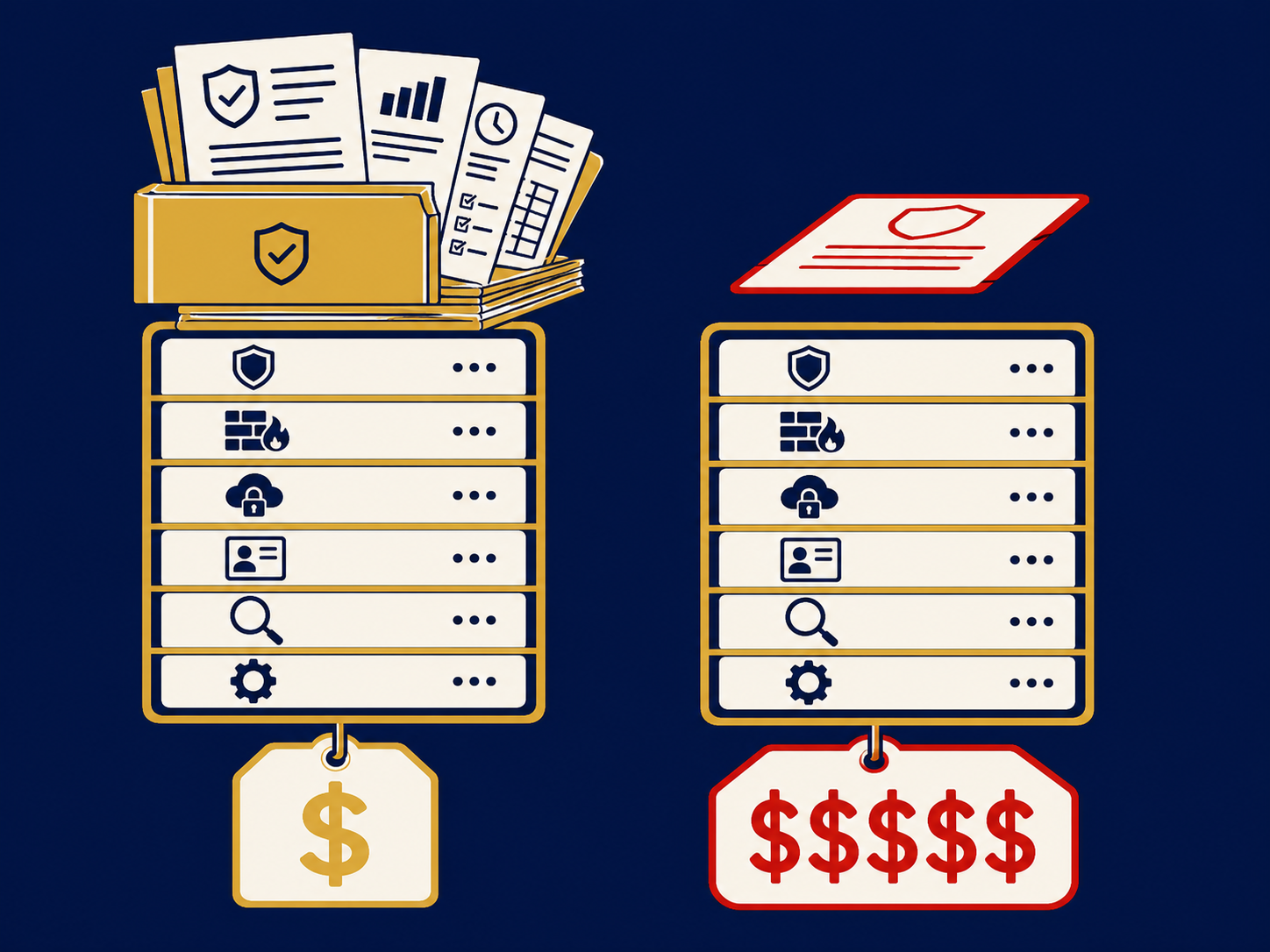
- Which features are in each license tier, and what do governance or privileged access add?
- How do you protect the identity platform itself, and what happens to sign-in if your service is unavailable?
How it differs from IGA
IAM is the umbrella for everything about digital identities and access. In everyday use it often refers to the access side: the identity provider, SSO, MFA and the policies that decide at sign-in whether a user gets in. Identity governance and administration (IGA) is the governance side: deciding what access each person should have, keeping it current as they change roles, and reviewing and proving it over time. Access management checks the badge at the door; IGA decides who gets a badge and for which doors. PAM is a third, narrower discipline for administrator and other high-risk accounts. Our access management page covers how these fit together.
Problems this helps with
- Former employees still have access to some of our apps
- Too many passwords and separate logins for staff
- Auditors or our cyber insurer asking how we control and review access
- Don't know who has admin rights across our systems