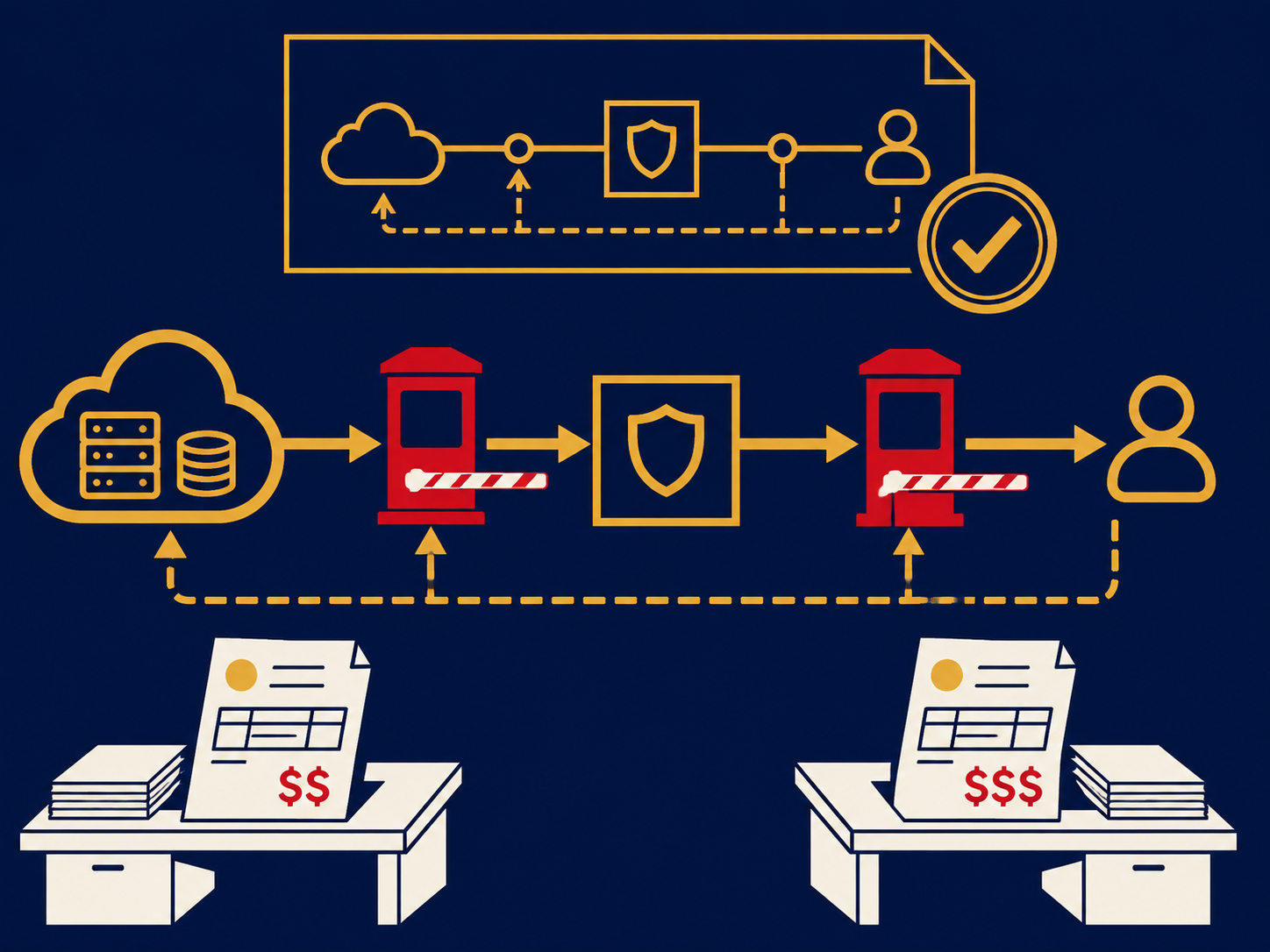
A man-in-the-middle attack (MITM) is a cyberattack in which an attacker secretly places themselves between two parties, such as a user and a website or two servers, so that traffic passes through the attacker. Both sides believe they are talking directly to each other. From that position the attacker can read data, steal credentials and session tokens, or change messages in transit. The same idea is also called an on-path attack or, in its modern phishing form, an adversary-in-the-middle (AiTM) attack.
At a glance
- MITM attacks intercept traffic in transit, through rogue Wi-Fi, spoofed network or DNS responses, compromised network devices or malicious proxy websites.
- Encryption with properly validated certificates (TLS) is the main defense, but users clicking through warnings, rogue trusted certificates and downgrade attacks can undermine it.
- Adversary-in-the-middle phishing relays one-time codes and push approvals; phishing-resistant MFA such as FIDO2 security keys and passkeys is designed to resist it.
- Layered controls make MITM much harder and easier to detect; no single control rules it out.
What problem it solves
As an attack, MITM exploits trust in the path between two parties. Understanding it helps buyers see why some controls matter more than they appear to. Users connect from networks the company doesn’t control, such as hotels, airports and home routers, where a fake hotspot or a compromised device can sit in the path. On office networks, an attacker who gets a foothold can trick other devices into sending traffic through them. And on the web, phishing kits now act as a live proxy between the user and the real login page, so the user sees the genuine site’s content and signs in successfully while the attacker captures the password, the MFA code and the session cookie.
The result can be stolen accounts, read or altered data, injected malware and fraudulent changes to transactions. Knowing the attack paths tells you where encryption, authentication and network controls need to be strong.
How it works
Getting in the path. Common methods include:
- Rogue or “evil twin” Wi-Fi. An access point named like a legitimate network captures devices that connect to it.
- Local network spoofing. On a shared network, an attacker sends forged address messages (such as ARP spoofing) so other devices route traffic through them.
- DNS spoofing. Forged or poisoned DNS responses send users to an attacker’s server even when they type the right address.
- Compromised network devices or routing. A hacked router or hijacked internet route can redirect traffic at a larger scale.
- Malicious proxies. Adversary-in-the-middle phishing sites forward everything between the user and the real service.
Defeating encryption. If traffic is encrypted with TLS, the attacker needs a way around it: downgrading a connection to unencrypted HTTP (“SSL stripping”), getting a user to accept an invalid certificate, getting a device to trust a rogue certificate authority, or simply proxying a lookalike site that has its own valid certificate.
Using the position. Once in the path, the attacker eavesdrops, captures credentials and session cookies, alters content or transactions, or impersonates one side to the other.
Defenses. Controls that reduce MITM risk include:
- Enforcing HTTPS and TLS everywhere, with HSTS on your websites and modern TLS settings, and managing certificates through a sound PKI.
- Phishing-resistant MFA such as FIDO2 security keys or passkeys, plus conditional access and session protections, so a relayed login is far less useful.
- Secure wireless: WPA3 or WPA2/WPA3-Enterprise with 802.1X authentication, rogue access point detection and network access control.
- Encrypted access from untrusted networks through a VPN or zero trust network access client on managed devices.
- DNS protections, such as DNSSEC validation for signed domains and encrypted DNS to trusted resolvers.
- Intrusion detection and network monitoring that can spot spoofing and unusual traffic patterns.
- User training on certificate warnings, unexpected login prompts and unfamiliar networks.
When it matters for buyers
- When choosing an MFA method. If accounts are being taken over despite MFA, adversary-in-the-middle phishing is a likely cause, and moving to phishing-resistant methods is the usual response.
- When supporting remote and traveling staff. Remote access design determines how exposed users are on untrusted networks.
- When refreshing wireless and LAN equipment. Enterprise authentication, rogue AP detection and network access control are purchase decisions.
- When handling payments or sensitive transactions. Altered transactions are the costliest outcome; pair technical controls with out-of-band verification.
Our wired and wireless LAN infrastructure overview covers the network controls that make local interception harder.
Questions to ask vendors
- Does your MFA support FIDO2 security keys and passkeys, and can we require them for administrators and high-risk users?
- How do you detect and limit stolen session cookies or tokens?
- Do your wireless products support WPA3 and 802.1X, and how do they detect rogue access points?
- How does your remote access client behave on untrusted networks, and does it encrypt all traffic or only some?
- Can your intrusion detection identify ARP or DNS spoofing on our networks?
- How do you manage certificates and alert on expiring or unexpected ones?
How it differs from phishing
Phishing is a lure: a message that tricks someone into clicking, signing in or paying. A man-in-the-middle attack is a position: the attacker sits in the path between two parties. The two overlap in adversary-in-the-middle phishing, where the lure leads to a proxy that relays a real login. Many other MITM attacks involve no lure at all, such as spoofing on a shared network, and much phishing involves no interception, such as a fake invoice. Business email compromise that changes payment details usually relies on a compromised or lookalike mailbox rather than interception, even though it is sometimes described as a man-in-the-middle scheme.
Problems this helps with
- Staff working from hotel, airport and cafe Wi-Fi
- Accounts taken over even though we use MFA codes
- Worried someone could intercept traffic on our office network
- Customers or partners tricked by fake login pages that look real