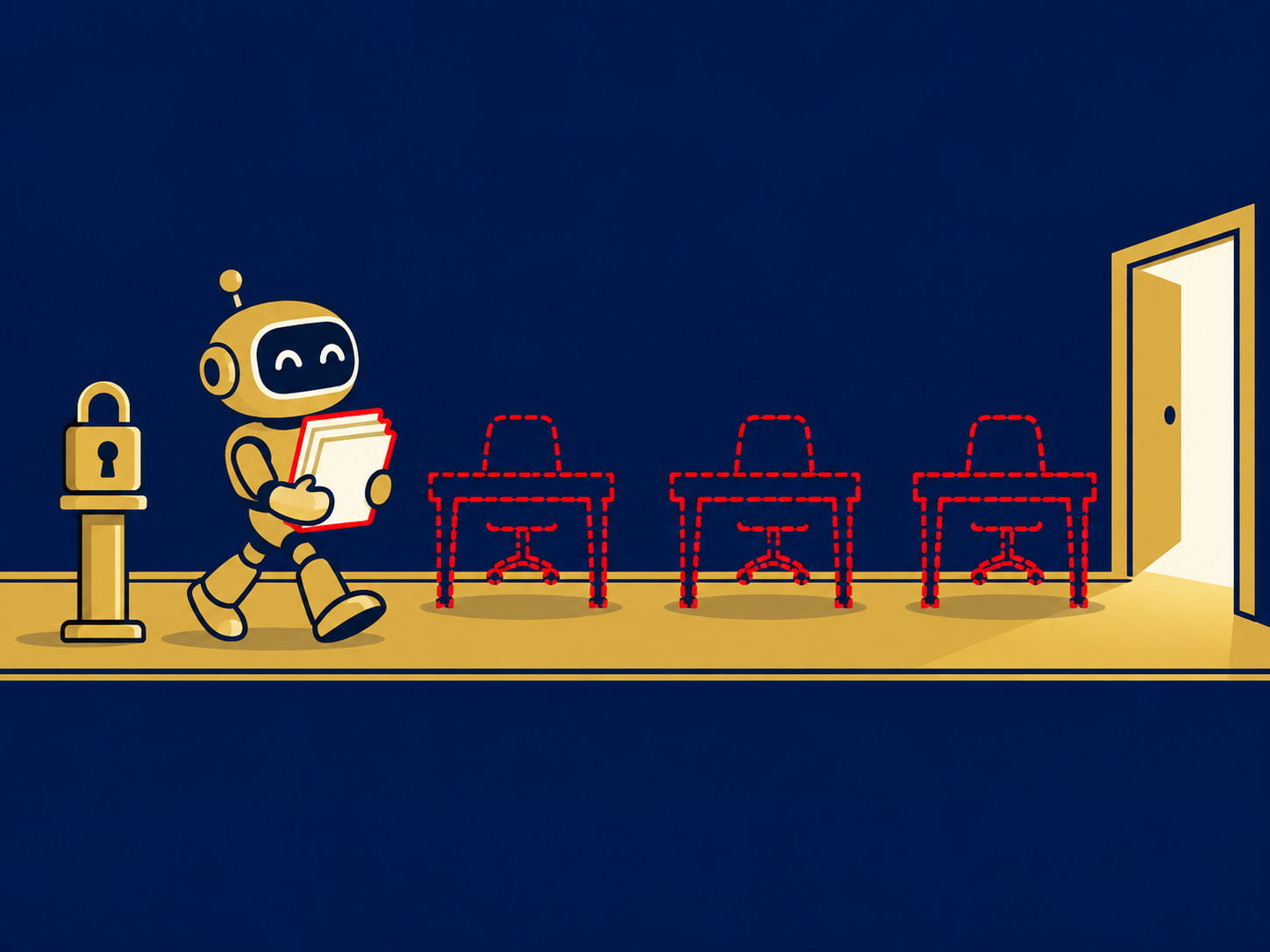
Robotic desktop automation (RDA) is software that runs on an employee’s own computer and automates repetitive steps the employee would otherwise do by hand, such as looking up a customer in several systems, copying data between applications or filling in forms. The employee starts the automation when needed and stays in control of the work. RDA is often described as the attended side of robotic process automation (RPA).
At a glance
- RDA bots run on the user’s desktop or virtual desktop and are started by the user, often with a button or hotkey.
- They mimic clicks and typing across applications, or use available integrations, to remove repetitive steps.
- Common in contact centers, back-office service teams, healthcare administration and help desks.
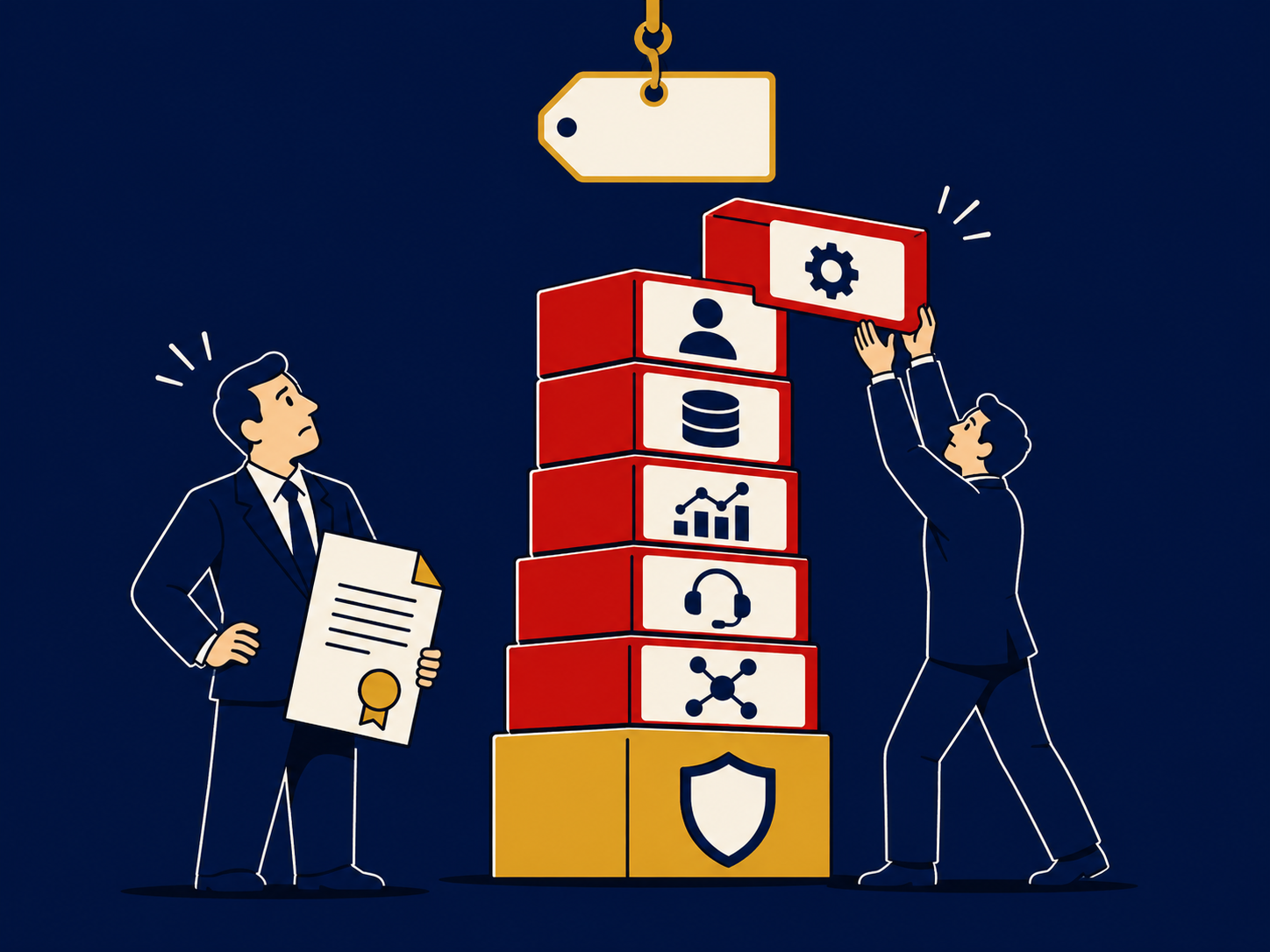
- Bots can break when the applications they interact with change, so ongoing maintenance is part of the cost.
- RDA works alongside people; unattended RPA runs without them.
What problem it solves
Many front-line jobs involve the same small tasks repeated hundreds of times a day: logging into several systems, searching for the same customer in each, copying an address from one screen to another, and filling in a wrap-up form at the end. Those steps add time to every interaction, introduce re-keying errors and make the work tedious. Often the applications involved are old or vendor-hosted and have no practical way to integrate them directly.
RDA removes those steps without replacing the applications. A contact center agent can press one button to pull a caller’s record from three systems into one view, or to post the call outcome everywhere it needs to go. The person keeps handling the conversation and the decisions; the bot handles the clicking.
How it works
Desktop client. A small automation runtime is installed on the user’s computer or in their virtual desktop. It runs bots built for specific tasks.
Triggers. The user starts a bot with a button, hotkey or menu, or the bot reacts to an event, such as a new call arriving through computer-telephony integration (CTI).
Interaction with applications. Bots read and write data through an application’s screen, by recognizing fields, windows and controls, or through APIs and connectors where they exist. Screen-based automation works with applications that are hard to integrate any other way, but it is more fragile.
Guidance and prompts. Some tools display step-by-step prompts or next-best-action suggestions on screen, overlapping with agent assist tools in contact centers.
Central management. In larger deployments, bots are built, versioned, distributed and monitored from a central console, often part of an RPA platform, with logs of what each bot did.
When it matters for buyers
- When handle time is driven by system juggling. If agents spend much of each call navigating screens, RDA is one way to reduce that time.
- When integration projects are too slow or expensive. RDA can bridge applications that lack APIs, as a faster but more fragile alternative to a proper integration.
- When choosing a contact center or automation platform. Some contact center and RPA platforms include desktop automation; others need a separate product.
- When moving to virtual desktops or new applications. Bots must be tested and often rebuilt when the desktop environment or target applications change.
- When automation is part of a wider program. RDA is often one layer of a broader hyperautomation effort alongside RPA, document processing and workflow tools.
Our artificial intelligence overview covers automation options more broadly.
Questions to ask vendors
- Does your bot interact through the screen, through APIs, or both, for each of our target applications?
- Does it work in our virtual desktop or remote desktop environment?
- How are bots built, and can our own staff maintain them without your professional services?
- How are bots deployed, updated and monitored across many desktops?
- What happens when a target application changes, and how do we find out a bot has failed?
- How are credentials handled, and what is logged about each bot’s actions?
- How is it licensed: per user, per bot or per desktop, and does it require a wider RPA platform?
How it differs from RPA
RDA and RPA use similar technology, software bots that operate applications the way a person would, but they are deployed differently. RDA, or attended automation, runs on the user’s own desktop and is triggered by that user to help with work in progress. Unattended RPA runs on servers or virtual machines on a schedule or from a queue, with no person present, and suits back-office batch work such as processing invoices or reconciling accounts. Many automation platforms support both, and organizations often use them together. Intelligent document processing (IDP) is a separate tool that reads documents and extracts data, which bots of either kind can then enter into systems.
Problems this helps with
- Staff copying the same data between several applications all day
- Contact center agents juggling too many screens on every call
- Errors from manual re-keying of customer or order data
- Old applications with no API that can't be integrated