Unified Communications as a Service (UCaaS) is a cloud service that gives employees a business phone line, video meetings and team messaging in one platform, run by the provider instead of on equipment you own. Users reach it through a desktop or mobile app, a browser or IP desk phones. It is usually sold per user per month, and it is now one of the most common replacements for an on-premises PBX, especially at companies with hybrid or multi-site staff.
At a glance
- The provider hosts the phone system, meetings and chat; you manage users, numbers and settings through a web portal.
- It is usually priced per user per month in tiers; calling plans, toll-free minutes, devices and taxes can add to the bill.
- Call quality depends on your network as much as on the provider: bandwidth, latency, jitter and a backup connection at each site.
- Emergency calling (911 in the US) has to be set up so the caller’s location reaches responders, including for remote workers.
- Exit terms, number porting and data export matter as much as the feature list.
What problem it solves
A traditional phone system is a PBX in a closet at each office, connected to the phone company by copper or PRI lines. Every site needs its own hardware, maintenance contract and someone who knows how to add an extension. Meetings and chat arrived later as separate products with separate bills. When people started working from home, many of those systems could not follow them.
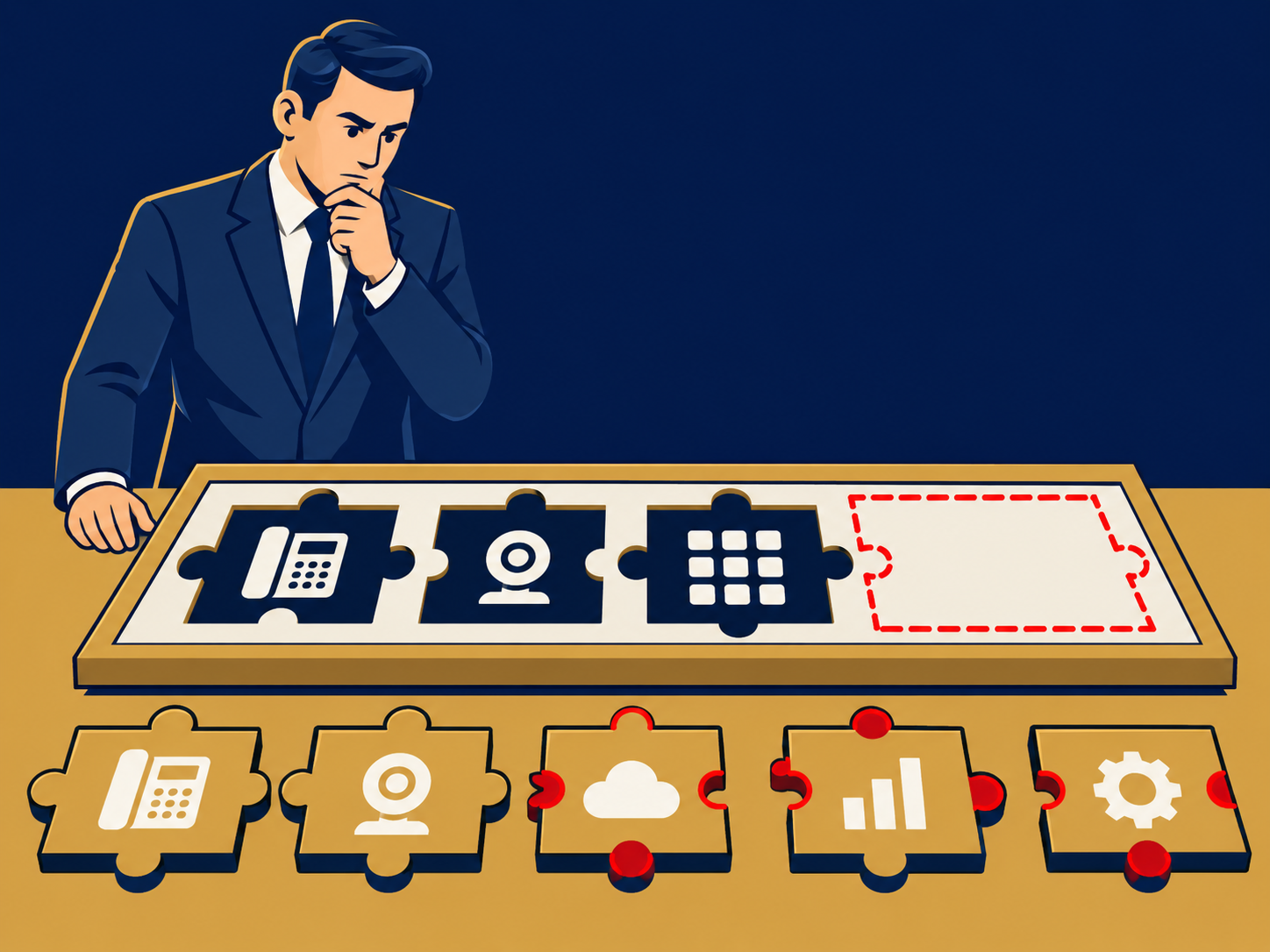
UCaaS moves the phone system into the provider’s cloud and puts calling, meetings and messaging in one app. Adding a new hire can be quick, often a portal change rather than a vendor visit, a new office needs internet and devices rather than a PBX, and someone working from home makes and takes business calls from a laptop or mobile. IT manages everything through one portal, and the provider handles upgrades, capacity and much of the redundancy.
It also raises consolidation questions. A company with a separate phone vendor, meetings tool and chat tool is often paying for overlapping features, and UCaaS is frequently bought to collapse those contracts into one.
How it works
The provider runs the call control, voicemail, auto attendants, meeting services and messaging in its own data centers or a public cloud. Your users connect over the internet or a private network using:
- Apps on desktop and mobile (softphones), which many users now rely on entirely.
- IP desk phones and conference room devices, usually bought or leased separately and set up from the portal.
- Analog adapters for fax machines, door entry, paging and other devices that still expect a traditional line; support for these varies by provider.
For outside calling, the provider connects to the public telephone network (PSTN) through its own carrier relationships or, on some platforms (such as Microsoft Teams with Direct Routing), through a carrier you choose. Existing numbers are ported in, and you can usually add local and toll-free numbers, plus numbers in other countries where the provider offers service.
Network. Voice and video suffer from delay and packet loss, so each site needs enough bandwidth for its peak calls and meetings, and ideally prioritization of voice traffic. A second internet connection, cellular failover or SD-WAN helps keep calls up during an outage, and most platforms can send calls to mobile apps or other numbers if a site goes offline.
Emergency calling. Because users move between home and office, the platform has to know where each caller is. Our E911 entry explains how location works for cloud phone systems; the rules differ by country, and in the US by state as well.
Integrations. Many UCaaS platforms connect to calendars, CRM systems and help desk tools, and some providers also sell a contact center (CCaaS) product that shares the same numbers and directory. The depth of those integrations varies widely between providers.
When it matters for buyers
- When the PBX or its maintenance contract is ending. End-of-support hardware, PRI or copper lines being retired, or a large renewal quote are the most common triggers.
- When staff are hybrid or remote. If people forward desk lines to personal mobiles, or customers can’t reach them, a cloud platform with mobile and desktop apps can address the cause.
- When opening, closing or merging sites. UCaaS turns a new office into a network and devices project rather than a phone system project, and makes it easier to put an acquired company on the same platform.
- When you are paying for overlapping tools. Separate calling, meetings and chat contracts are often consolidated at renewal.
- When you already own part of it. Microsoft 365 or Google Workspace licenses may already include meetings and chat, which changes what you need to buy for calling.
Questions to ask vendors
- What is included in each tier, and which features (call recording, analytics, call queues, integrations) cost extra?
- What will we pay beyond the per-user fee: devices, common-area phones, toll-free minutes, international calling, taxes and regulatory fees?
- How do you handle emergency calls for remote and mobile users, and what do we have to configure?
- What uptime do you commit to in the SLA, how is it measured, and what credit do we get when you miss it?
- What happens to inbound and outbound calls if our internet connection fails at a site?
- Which of our numbers can you port, how long will it take, and who manages the port?
- Can we change seat counts during the term, and what are the renewal and price-increase terms?
- If we leave, how do we get our numbers, call recordings, voicemails and configuration out?
How it differs from hosted PBX
Hosted PBX is the phone system on its own: extensions, call routing, voicemail and auto attendants running in the provider’s cloud. UCaaS adds video meetings, team messaging and usually presence and integrations in the same app. The line is blurred in practice; many providers sell hosted PBX and UCaaS from the same platform as different plans, so compare what each plan actually includes rather than the label.
How it differs from CCaaS and CPaaS
UCaaS is for employees talking to each other and to the outside world. Contact Center as a Service (CCaaS) is for agents handling large volumes of customer conversations, with queues, routing rules, workforce tools and reporting built for that job. Communications Platform as a Service (CPaaS) is a set of APIs developers use to build calling or messaging into their own applications. Some companies buy all three, sometimes from one provider.
For buying guidance, see our UCaaS solution page and Is Your Infrastructure Ready for UCaaS?.
Problems this helps with
- Replacing an end-of-life phone system
- Paying for separate tools for calls, meetings and chat
- Staff who can't take business calls when they work from home
- Running phone systems at many sites with a small IT team