How to Decide When It’s Time to Pull a Workload Out of Azure
December 11, 2025

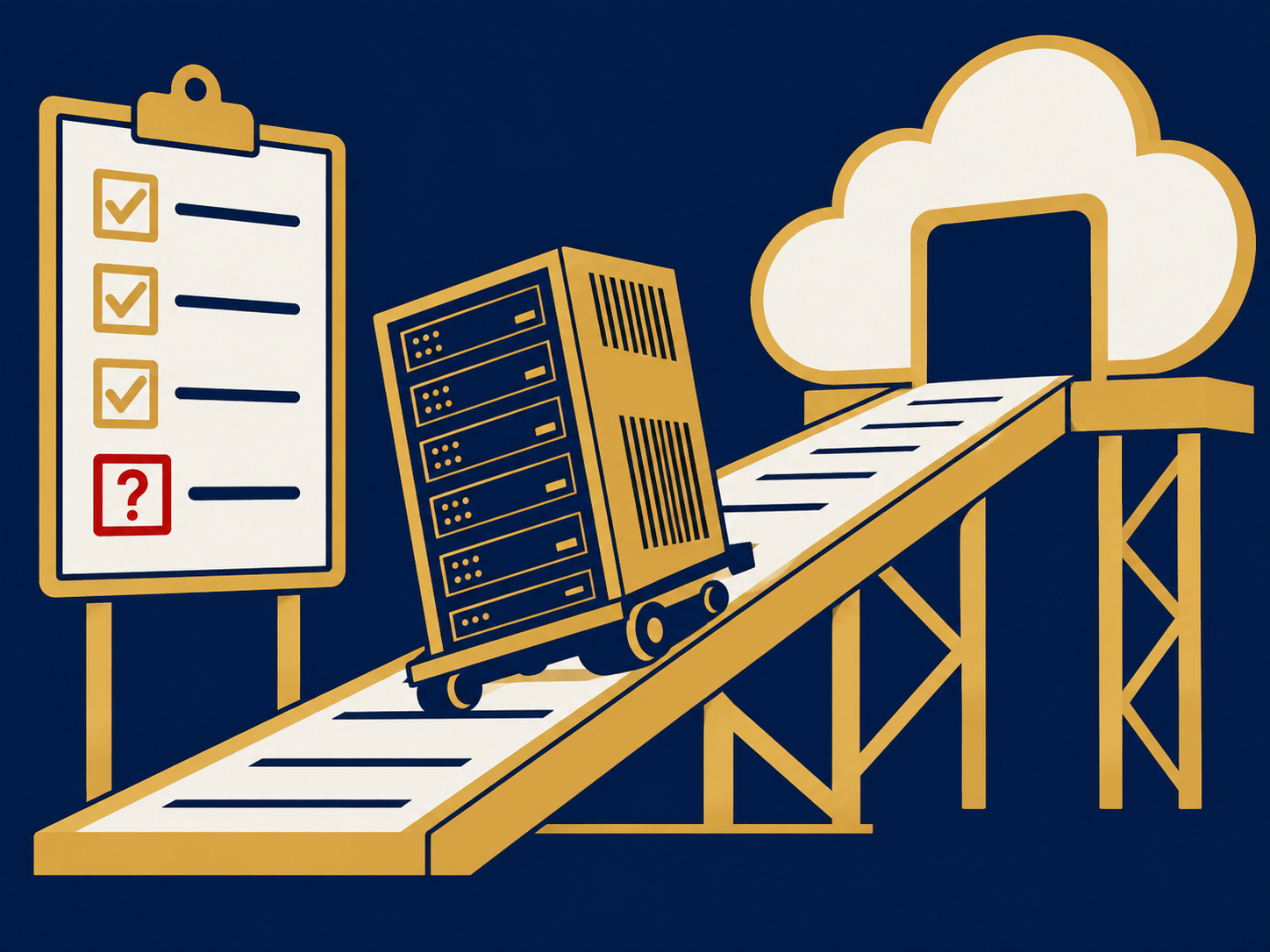
Cloud migration decision isn’t just about moving workloads into Azure, it also means knowing when to pull them back out. Whether rising costs, performance gaps, or strategic shifts are driving you, a clear framework helps you decide if repatriation to a private environment makes sense. In this article you’ll learn how to spot the signals, evaluate triggers, assess readiness, and plan your exit strategy so you can make a confident cloud migration decision.
Understand Workload Repatriation
Workload repatriation is the process of moving applications and data from Azure back into your own infrastructure or a private cloud. This isn’t a failure, it’s a strategic choice. You might opt for repatriation when the financial model, compliance needs, or performance requirements no longer align with a public cloud.
Key reasons teams consider workload repatriation include:
- Cost Predictability – Public cloud bills can fluctuate unexpectedly. When you see repeated azure cost spikes, budgeting becomes a challenge.
- Performance Control – Applications with latency-sensitive or high I/O workloads often perform better in a private environment where you control the hardware.
- Compliance and Security – Data residency and strict regulatory standards sometimes demand on-premises or single-tenant hosting.
- Licensing and Legacy Dependencies – Certain legacy systems or vendor licenses perform best—if not only—on dedicated hardware.
Understanding these drivers sets the stage for a structured decision process rather than an ad-hoc reaction.
Spot Cost And Performance Signals
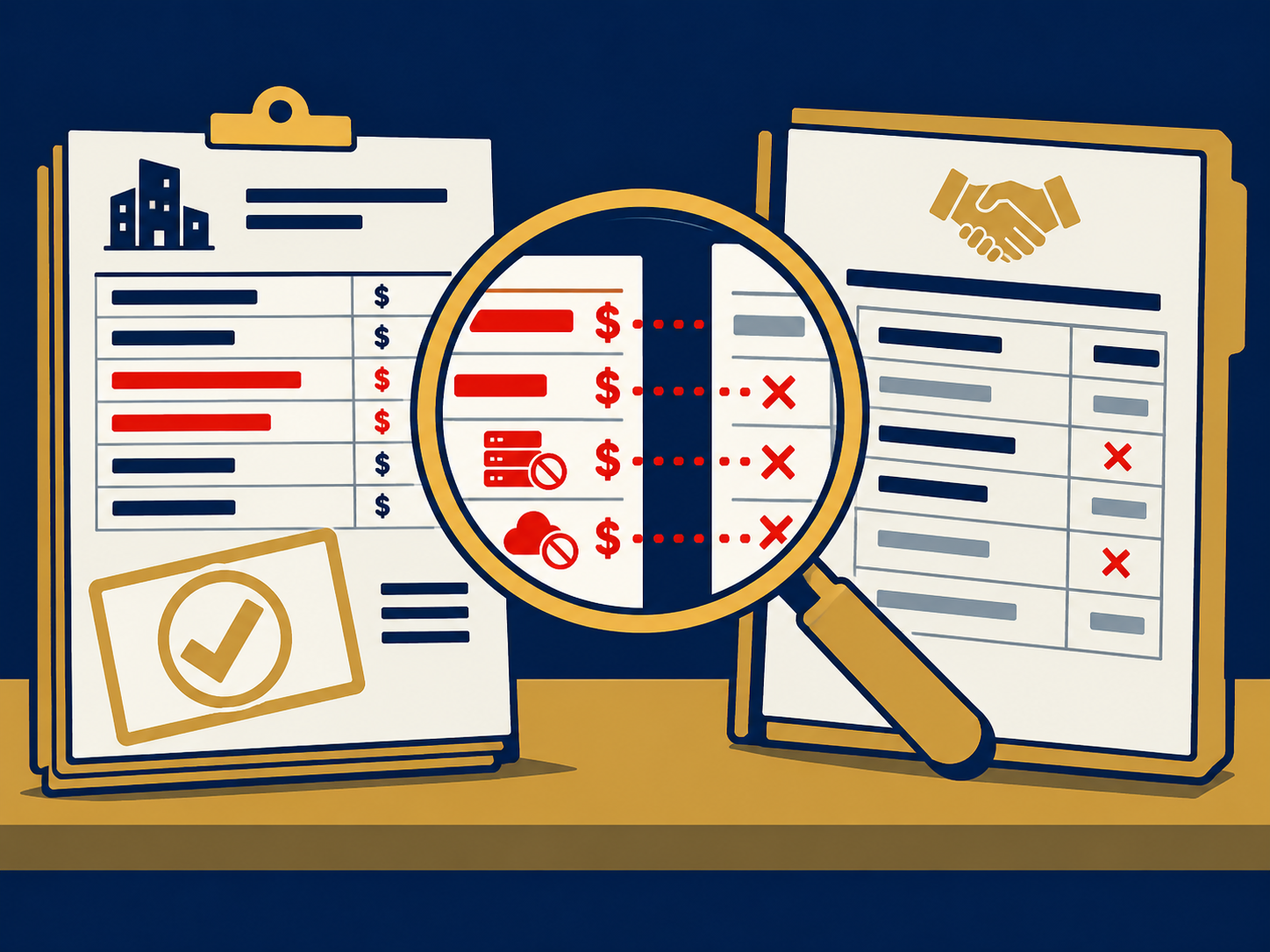
Your first clue that it’s time to reconsider Azure residency often comes from cost and performance metrics. Monitor these areas closely so you catch warning signs before they escalate.
- Cost Variance
- Track month-over-month spend by resource group.
- Identify workloads with run rates above forecast.
- Watch unexpected charges related to data egress, storage tiers, or reserved instance expirations.
- If you can’t forecast your bill within a reasonable range, you may face budgeting headaches next quarter.
- Performance Degradation
- Compare CPU, memory, and I/O baselines before and after migration.
- Look for higher latency or throttling in database-heavy services.
- Assess end-user experience metrics such as transaction times or page load speeds.
- Scaling Mismatches
- If you’re constantly resizing VMs or facing cold start delays in serverless workloads, Azure’s elasticity may not be optimizing cost versus performance.
When these signals persist despite optimization efforts, you should evaluate whether a private environment with fixed capacity or a hybrid model offers better returns.
Evaluate Migration Triggers
Not every signal means you must repatriate immediately. Break down your triggers into business, technical, and strategic categories to weigh their impact.
Business Triggers
- Renewals and Contracts – Are Azure discounts dropping off at the end of a term?
- Budget Cycles – Does your finance team demand tighter cost controls next fiscal year?
- Market Shifts – Will you need on-premises capacity to support new SLAs or service tiers?
Technical Triggers
- Application Suitability – Complex monoliths or large stateful databases may not fully leverage cloud-native services. Consider scenarios like migrating a azure migration large vm where lift-and-shift no longer pays off.
- Dependency Sprawl – Interdependent applications with chatty east-west traffic can suffer latency and cost issues in a multi-region cloud.
- Legacy Integrations – If modernization is cost-prohibitive, running older platforms on dedicated hardware may be more efficient.
Strategic Triggers
- Governance Updates – New internal policies might require stricter data handling. See our guide on cloud migration governance.
- Vendor Strategy – If your leadership decides to consolidate providers, you might opt to bring critical workloads back in-house.
- Sustainability Goals – When energy efficiency or carbon targets become nonnegotiable, you might choose a colocation environment optimized for green operations.
Rank these triggers by urgency and business impact so you know which ones justify a full repatriation project.
Assess Operational Readiness
Before you start moving terabytes of data, make sure your team and infrastructure are ready to receive the workload. Operational readiness covers people, processes, and platform maturity.
- Skills And Culture
- Does your team have expertise in virtualization, networking, and storage management?
- Have you defined clear roles and responsibilities for on-premises operations?
- Can your DevOps practices transition from IaC tools like ARM templates to Ansible or Terraform configurations for private datacenters?
- Tooling And Automation
- Evaluate monitoring and logging solutions that work across private and public clouds.
- Confirm backup, DR, and snapshot processes are mature.
- Ensure your provisioning pipelines support your target environment.
- Governance And Compliance
- Establish cost-allocation and chargeback models for private resources.
- Update security policies to cover firewall management, patch cycles, and access controls.
- Align audit processes with new hosting modalities.
Skipping readiness steps increases risk of downtime and overruns. Investing up front buys predictability and reduces surprises.
Plan Your Exit Strategy
A successful cloud migration decision requires a structured exit plan. Treat repatriation like any migration: Prepare, Plan, Migrate, Operate, and Optimize.
- Prepare
- Define success criteria, timelines, and budget.
- Perform a thorough inventory of workloads, dependencies, and data stores.
- Collect baseline metrics for performance, cost, and SLA compliance.
- Plan
- Choose the right repatriation approach: rehost, refactor, or replatform as needed.
- Sequence workloads by business priority and complexity.
- Identify data transfer methods, whether bulk offline transport or live replication.
- Migrate
- Execute in phases to limit blast radius.
- Validate each workload against your baseline metrics.
- Communicate status regularly with stakeholders to maintain alignment.
- Operate
- Monitor newly repatriated workloads against SLAs.
- Enforce your governance model for capacity planning and change management.
- Provide training and documentation for your operations team.
- Optimize
- Review actual cost against projections and adjust resource sizing.
- Tune network configurations, storage tiers, and licensing models.
- Conduct a post-mortem to capture lessons learned and refine your process.
Following these stages ensures your repatriation is deliberate and defensible.
Conclusion
Deciding when to pull a workload out of Azure isn’t a binary choice. It’s a cloud migration decision driven by cost signals, performance metrics, business triggers, and your operational readiness. By applying a structured framework you can move from reactive to intentional decision-making. That clarity helps you defend the move to stakeholders and ensures your workloads run where they deliver the most value.
Need Help With Your Cloud Migration Decision?
We help you chart the right path, whether you’re optimizing costs, boosting performance, or meeting compliance demands. Our team aligns stakeholders, evaluates your options, and finds the best private or hybrid solution for your needs. Contact us today to start planning a repatriation strategy you can defend.