When you plan desk phone replacement for your institution, you likely encounter faculty who prefer the familiarity of traditional desk phones. Yet desk phone replacement delivers cost savings, improved mobility, and richer features through softphone applications and Microsoft Teams PSTN Connectivity. By integrating your calling infrastructure into Teams, you can unify voice, video, and messaging in a platform your staff already use. In this article, you will learn how to audit your current setup, engage faculty early, plan a migration strategy, configure PSTN connectivity, and deliver effective training to minimize resistance and ensure a smooth transition.
Whether you are an IT leader planning strategy, a buyer evaluating your existing investments, or an executive validating decisions with stakeholders, you need a repeatable process for desk phone replacement that prioritizes user experience and operational stability. Throughout the sections that follow, you will discover how to inventory your legacy phone systems, define success criteria, explore PSTN calling options, measure adoption, and iterate on feedback, all while addressing common concerns and building faculty confidence.
Understanding Desk Phone Replacement
Why Replace Desk Phones
Replacing traditional desk phones with cloud-based softphones and PSTN connectivity can deliver both cost and operational benefits. Physical desk phones require capital outlay for hardware, PBX gear, cabling, and maintenance. Over time, hardware lifecycles lead to expensive refresh cycles and surprise replacement costs. By shifting to a VoIP or Cloud PBX model you eliminate on-premise hardware, reduce monthly line fees, and simplify upgrades through software updates.
Modern softphone applications offer advanced features that go beyond the basics of a desk phone. You gain drag-and-drop call transfers, visual voicemail, voicemail delivered via email, instant call bridges, and real-time call notifications. Mobility also improves, as your faculty can use their business number on laptops or smartphones without exposing personal contact details.
Common Faculty Concerns
Faculty may resist desk phone replacement for a variety of reasons. Understanding these concerns up front helps you address them head on:
- Reliability Worries: Educators fear that softphones on Wi-Fi or cellular networks will drop calls during critical conversations.
- Ease of Use: Some users find dedicated desk phones simpler than navigating a software interface on a computer or mobile device.
- Privacy Issues: Faculty may worry about calls ringing on personal devices or sharing private numbers with students and colleagues.
- Feature Gaps: Users accustomed to certain functions such as intercom paging or multi-line displays may believe softphones cannot match their current setup.
- Change Fatigue: Departments that underwent multiple technology refreshes may be hesitant to invest time in new training.
By acknowledging these pain points early, you can tailor your communication and training efforts to demonstrate how modern solutions mitigate each concern.
Evaluating Your Current Setup
Auditing Legacy Phone Systems
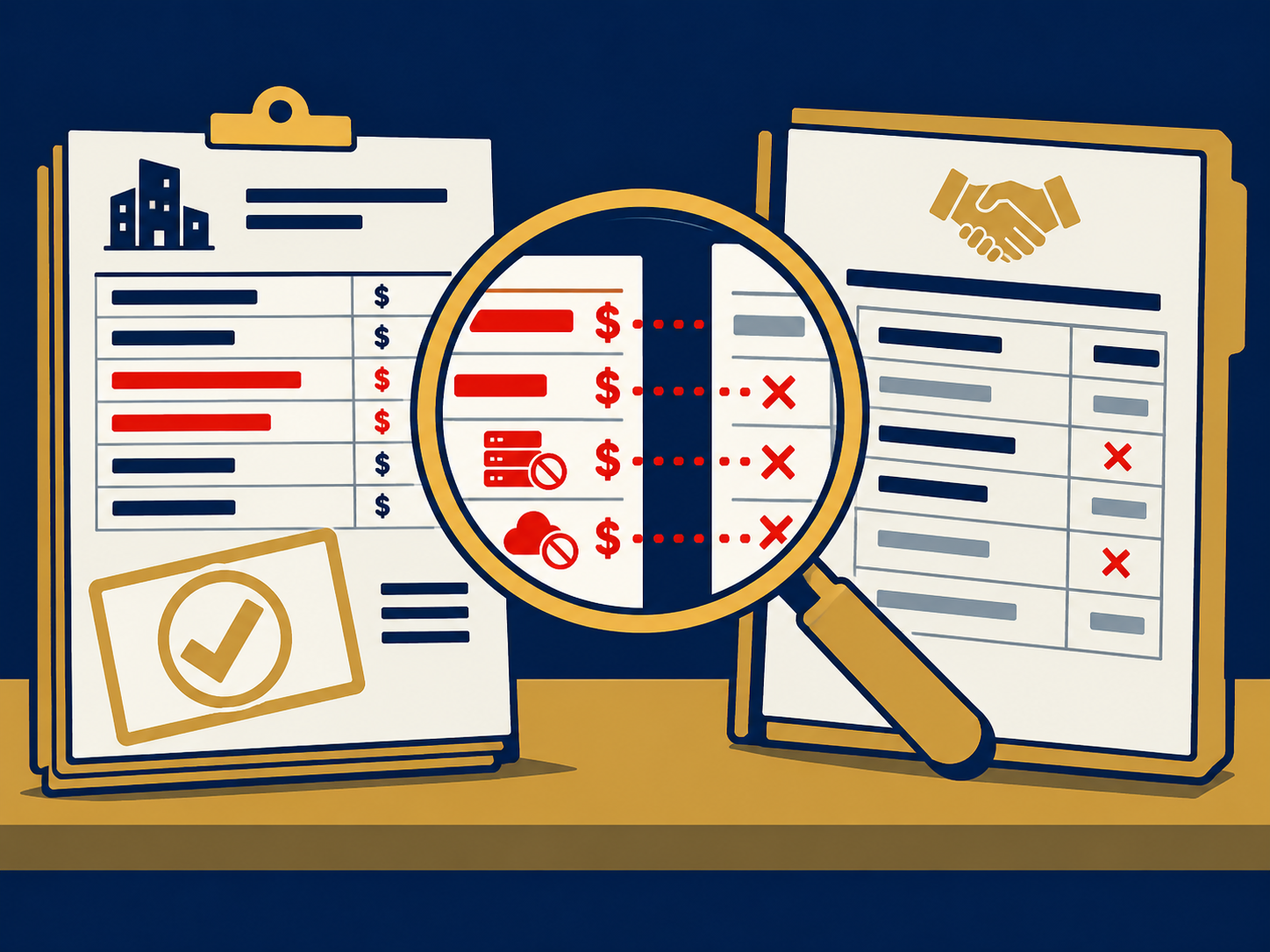
Start by identifying every desk phone model in use across campus and mapping each extension to its owner or department. Review your maintenance contracts, per-line costs, and any hidden fees associated with service agreements. Auditing your legacy phone systems gives you clarity on your baseline costs and feature usage so you can build a compelling case for budget holders.
- List extensions, phone models, and service costs in a spreadsheet
- Highlight frequently replaced hardware to estimate ongoing capital expenses
- Note any custom configurations such as music on hold or hunt groups that require replication
Assessing Call Patterns
Understanding how your faculty make and receive calls is essential to minimizing disruption. Pull call detail records to analyze:
- Peak call volumes by hour or day
- Ratio of internal to external calls
- Typical call duration and hold times
- Usage of features such as transfers, conferencing, and voicemail
This data informs capacity planning for both your network and your PSTN calling plan. It also reveals high-value use cases—such as office hours or support lines—that must be prioritized during migration.
Engaging Stakeholders Early
Communicating Change Benefits
Clear, early communication builds trust and reduces uncertainty. Emphasize benefits that resonate with faculty:
- Mobility: Make and receive calls on campus or off-site without carrying a desk phone
- Flexibility: Use the same interface across laptop, tablet, or smartphone
- Enhanced Features: Leverage visual voicemail, call recording, and instant video calls
- Cost Neutrality or Savings: Reinvest hardware savings into other IT projects
Frame your messaging around teaching and learning outcomes. For example, highlight how a remote-capable softphone supports off-campus office hours or virtual guest lectures. Mention any known teams sms limitations if texting integration will be part of your deployment.
Gathering Faculty Feedback
Engage representative users from each department or college to understand their specific needs. Techniques include:
- Quick online surveys to surface top concerns
- Focus groups with power users to discuss feature requirements
- Informal interviews in staff meetings to capture hidden objections
Use this feedback to refine your migration timeline, pilot scope, and training materials. Faculty who see their input reflected in the plan become advocates rather than obstacles.
Planning Transition Strategy
Defining Success Metrics
Establish objective measures that signal a successful desk phone replacement. Typical metrics include:
- Adoption Rate: Percentage of faculty actively using the new system after 30 and 90 days
- Call Quality: Number of complaints or dropped calls per week
- Help Desk Tickets: Volume and type of support requests
- Cost Savings: Reduction in hardware spend and monthly service fees
- User Satisfaction: Survey scores on ease of use and feature satisfaction
Align these metrics with executive priorities so that reporting drives accountability and reinforces the business case.
Choosing Connectivity Options
Your approach to public telephone network integration directly impacts cost, complexity, and feature set. Two common paths are:
- Calling Plans: Purchase minutes directly from Microsoft for predictable per-user rates. This option simplifies setup but can limit carrier choice and geographic coverage.
- Direct Routing: Use your existing carrier contracts or third-party SIP trunks to route calls through Teams. Direct routing offers flexibility in pricing and advanced features such as international SMS or fax over IP, though it requires configuration of session border controllers.
Review teams phone system options to decide which model aligns with your volume forecasts and regulatory requirements. Consider any fixed mobile convergence needs if you plan to unify desk and mobile calling.
Implementing Microsoft Teams PSTN Connectivity
Overview of PSTN Integration
Microsoft Teams PSTN Connectivity unifies voice services within the same interface faculty use for chat, meetings, and collaboration. By extending Teams as your primary phone system, you eliminate silos between applications and centralize management in the Microsoft 365 admin center. Key steps include:
- Porting existing numbers or acquiring new ones
- Configuring voice routing policies
- Assigning phone system licenses and calling plans or direct routing profiles
- Testing emergency calling configurations to meet local regulations
Configuring Direct Routing vs Calling Plans
Direct routing requires deployment of a session border controller (SBC) in your network or via a certified provider. After connecting your SIP trunk you configure voice routes and voice routing policies in Teams. In contrast, calling plans assign phone numbers and minute bundles directly in the Microsoft admin portal. Evaluate:
- Per-minute rates and overage fees
- Coverage for international and toll-free numbers
- Support for advanced features such as SMS, auto attendants, and call queues
- Integration with emergency services and compliance with safety protocols
Mitigating Pushback Through Training
Hands-On Workshops
Interactive sessions help faculty gain confidence and proficiency. Structure workshops to cover:
- Logging in and setting up voicemail greetings
- Making and receiving calls on desktop and mobile
- Transferring calls, managing voicemail, and using call groups
- Troubleshooting common network or audio issues
Limit each session to 10–12 participants and provide practice exercises. Record demos for on-demand viewing and extend reach beyond live events.
Creating Quick Guides
Concise reference materials reduce help desk load. For each major task, develop a one-page cheat sheet including:
- Step-by-step instructions with annotated screenshots
- Keyboard shortcuts or mobile gestures
- Troubleshooting tips for connectivity or audio problems
- Links to further resources or video tutorials
Distribute guides via email, your learning management system, or print them for department lounges.
Ensuring Seamless User Experience
Leveraging Softphone Features
Modern softphones offer capabilities that can enhance productivity and satisfaction:
- Visual Voicemail: Read transcriptions and play messages from your inbox
- Voicemail To Email: Access messages when you are offline
- Instant Call Bridges: Create impromptu conference calls without meeting invites
- Call Notifications: Receive alerts on multiple devices for missed calls and voicemails
- Video Calling and Chat: Switch from a voice call to video or instant message with one click
Demonstrate these functions to faculty to illustrate how Teams can exceed the capabilities of a legacy desk phone.
Maintaining Caller Consistency
Preserve your institution’s brand and ensure call continuity by:
- Porting existing main lines and extensions to avoid changing published numbers
- Configuring consistent caller ID policies across desktop, mobile, and call queues
- Using centralized auto attendants and dial-by-name directories
- Documenting numbering plans and sharing them with departments
A seamless dialing experience reduces confusion and reinforces trust in the new system.
Measuring Success And Optimizing
Tracking Usage And Satisfaction
Use reporting tools in the Teams admin center and feedback surveys to monitor:
- Active call minutes and session counts
- User logins on desktop and mobile clients
- Quality metrics like packet loss, jitter, and latency
- Happiness scores from post-migration surveys
Regularly review these insights with your project team to spot adoption hurdles or infrastructure bottlenecks.
Iterating On Feedback
Continuous improvement ensures the new phone system meets evolving needs. Recommended steps:
- Schedule check-ins at 30, 60, and 90 days post-migration
- Collect input on new feature requests or pain points
- Prioritize quick wins such as call queue optimizations or custom auto attendant menus
- Update training materials and share success stories to drive broader adoption
Recap And Next Steps
Desk phone replacement offers a path to modern communication that supports remote work, cost optimization, and advanced features. To recap, you should:
- Audit your existing infrastructure and call patterns
- Engage faculty from the start to surface concerns and requirements
- Define clear success metrics aligned to your institution’s goals
- Choose between calling plans and direct routing based on cost and geography
- Leverage softphone capabilities and maintain consistent caller ID
- Provide hands-on training and quick guides to drive adoption
- Track performance and iterate on feedback to sustain momentum
Need Help With Desk Phone Replacement?
Are you ready to modernize your campus phone system without alienating your faculty? We help education IT teams evaluate their needs, select the right PSTN connectivity model, and manage change so that your desk phone replacement is seamless and widely adopted. Get in touch to discuss your goals, constraints, and timeline, and let us connect you with the right provider and solution for your institution.