Comparing DRaaS And In-House
When you weigh draas vs in-house disaster recovery, you’re comparing cloud-native, subscription-based recovery against a self-managed, on-premises setup. In a DRaaS model, a third-party provider replicates and hosts your critical virtual machines in the cloud, offering rapid failover and built-in maintenance. By contrast, an in-house solution requires you to establish and maintain a secondary site, procure hardware and network infrastructure, and manage every aspect of failover yourself.
Defining DRaaS
- Cloud-based replication of data, applications, and VMs
- Subscription or pay-as-you-go pricing
- Automated failover, regular testing, and vendor-managed updates
- Scalability across hybrid and multi-cloud environments
- See our primer on disaster recovery as a service for fundamentals
Defining In-House DR
- Self-managed disaster recovery environment on-premises
- Significant upfront capital expenses (servers, SAN, networking)
- Ongoing maintenance, OS and virtualization licenses, and staff overhead
- Full control over data sovereignty and custom architectures
- Requires manual testing and patching of recovery workflows
Evaluating Total Cost
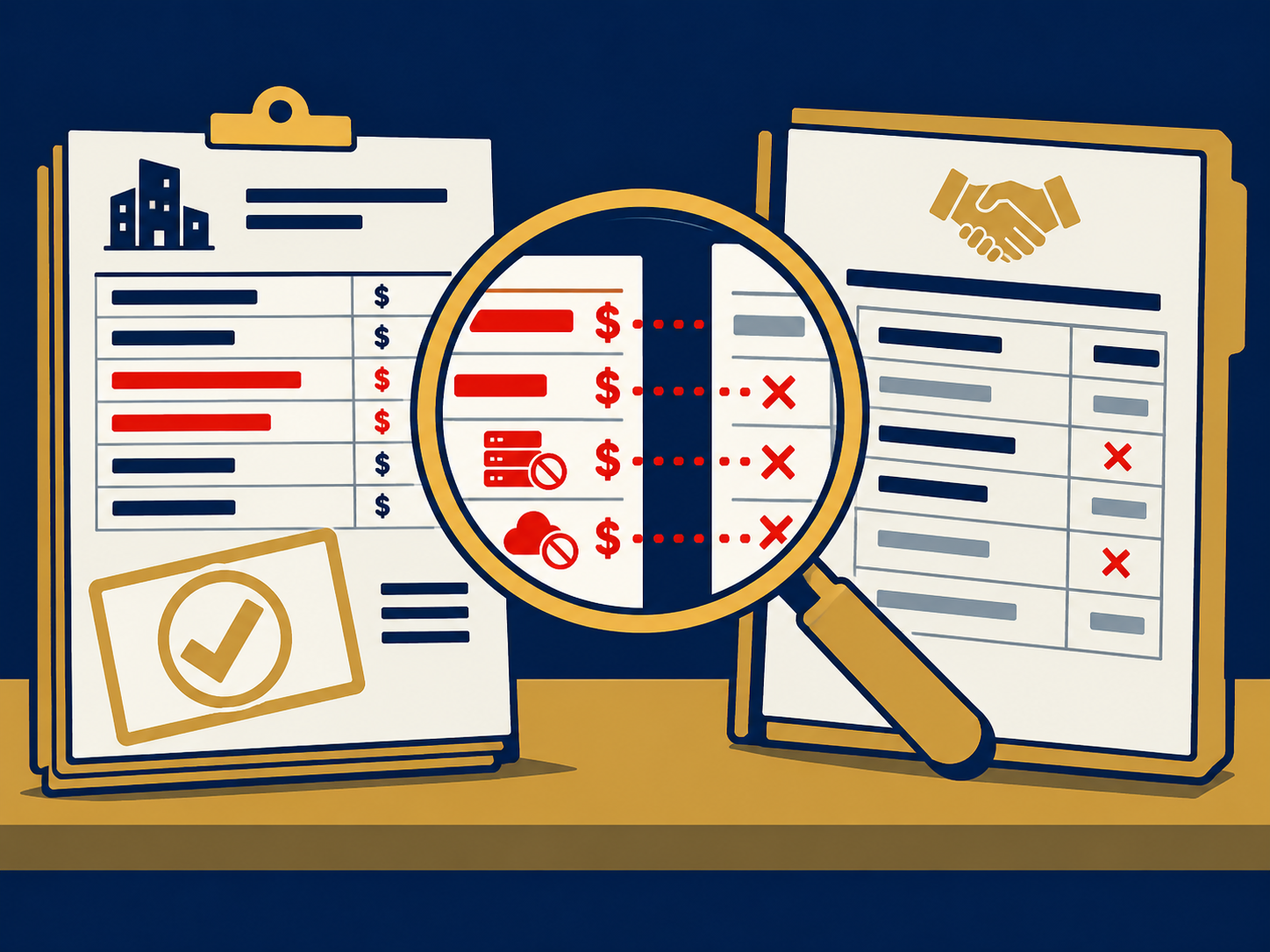
Cost often drives the draas vs in-house decision. Here’s how the numbers break down for a typical media IT environment running 40–50 virtual machines over three years (all figures in Canadian dollars):
- DRaaS Subscription
- Monthly fee: $2,500–$3,500
- Three-year total: $90,000–$126,000 (includes licensing, compute, memory, storage)
- In-House Infrastructure
- Hardware (two servers): $25,000
- Network equipment: $10,000
- Storage SAN: $40,000
- OS and virtualization licenses: $17,000
- Secondary datacenter facility (power, cooling): $20,000
- Connectivity and telecom: $10,000
- Replication software: $5,000
- Labor (implementation, maintenance): $15,000
- Monitoring tools: $3,000
- Three-year total: at least $145,000
Beyond these direct costs, disaster recovery typically consumes 15–25% of your IT budget. Small enterprises (100–500 employees) average $75,000–$190,000 annually for in-house DR versus $30,000–$75,000 for DRaaS. Large enterprises (2,000+ employees) spend $675,000–$1,750,000 per year in-house compared to $150,000–$300,000 for DRaaS.
Assessing Implementation Challenges
Your choice impacts project timelines and resource allocation.
- DRaaS
- Rapid onboarding: often less than two weeks from contract to replication
- Minimal hardware setup—no secondary datacenter to build
- Vendor-managed configuration and failover testing
- In-House
- Site selection, build-out, and procurement can take months
- Complex integration of storage, replication software, and networking
- Staff training for manual failover procedures and regular drills
In many cases, media IT teams learn too late that custom integrations (editing suites, content-delivery networks) require additional scripts and manual reconciliation in an on-premises failover scenario.
Weighing Scalability Factors
Media workloads fluctuate with production cycles, live events, and seasonal campaigns.
- DRaaS
- Scale up or down by adjusting your subscription tier
- Avoid stranded capacity or unexpected licensing renewals
- Support for burst capacity during major releases or live streams
- In-House
- Procurement lead time for new hardware
- Fixed capacity tied to purchased infrastructure
- Potential under- or over-utilization during off-peak periods
If you need elasticity in a tight window, cloud-based DRaaS adapts faster. For sustained, predictable growth, in-house may make sense—provided you can absorb the CAPEX.
Considering Control And Customization
Your compliance requirements and architectural preferences point toward different approaches:
- DRaaS
- Preconfigured environments limit deep customizations
- Standard recovery point objectives (RPOs) and recovery time objectives (RTOs) tailored by plan
- Vendor SLAs enforce predictable performance
- In-House
- Full control over network topology, data retention, and security settings
- Ability to align recovery workflows to proprietary tools or specialized media pipelines
- Responsibility for patching, upgrades, and SLA definition
If strict customization and direct hardware access are nonnegotiable, an in-house solution offers maximum flexibility. For predictable service levels with less overhead, DRaaS may suffice.
Ensuring Compliance And Security
Media companies face unique risk profiles, from intellectual property protection to regulatory audits. You must balance:
- DRaaS Security
- Shared responsibility model for encryption, access controls, and physical security
- Provider compliance with GDPR, HIPAA, or local privacy laws
- Automated audit reporting—but verify data residency if you serve multiple regions
- In-House Security
- Direct control over encryption keys, network segmentation, and physical access
- Potential gaps in 24/7 monitoring unless you staff an operations center
- Greater assurance of meeting niche or industry-specific mandates
Many organizations underestimate hidden risks around audit trails and testing frequency. Learn how those gaps can impact content workflows in our article on hidden risk for media companies.
Examining Operational Impact
Disaster recovery is not just technology; it touches people and processes.
- DRaaS
- Frees your team from routine failover drills—testing is automated and scheduled by the provider
- Simplifies runbooks and reduces toil around recovery plan updates
- Bundles vendor support for incident response
- In-House
- Heavy lift for IT staff to maintain documentation, validate scripts, and perform manual failover
- Ongoing training and “war-room” exercises required for confidence
- Risk of outdated runbooks if testing is infrequent
For a media IT team under constant deadline pressure, offloading DR operations can mean more time for creative pipeline improvements. For deep control over every process, in-house remains the go-to, though at a steady staffing cost.
Avoiding Common Pitfalls
Media IT leaders often learn these lessons too late:
- Underestimating Testing Complexity
- You may only test data replication, not full application restore
- Ignoring Hidden Maintenance Fees
- In-house SAN support contracts and DRaaS overage charges can surprise your budget
- Overlooking Hybrid Workflows
- Content production often spans on-premises edit suites and cloud-render farms—ensure your DR solution covers both
- Deferring Runbook Updates
- Outdated procedures slow recovery and erode stakeholder confidence
- Skipping Stakeholder Alignment
- If leadership can’t articulate acceptable RPO or RTO, your recovery plan becomes a moving target
Address each of these early in your strategy to avoid last-minute crises.
Deciding On The Best Fit
Your decision should align with strategic priorities:
- Choose DRaaS When
- You need fast time to value and predictable Opex
- Staffing or budgets don’t support a full secondary site
- You require elastic scalability for fluctuating media workloads
- Choose In-House When
- You demand deep customization or proprietary hardware integrations
- Compliance or data-sovereignty rules prohibit third-party hosting
- You have existing infrastructure and skilled personnel to manage it
If you serve creative or marketing agencies, explore our guide to draas for agencies for specialized use cases.
Summarizing Key Takeaways
- DRaaS typically costs 20–40% less over three years for mid-sized VM environments
- In-house solutions offer maximum control at the expense of CAPEX and ongoing maintenance
- Cloud-based DRaaS accelerates implementation, automates testing, and simplifies runbooks
- On-premises DR demands heavy upfront investment, regular drills, and dedicated IT staff
- Your choice hinges on cost profile, compliance needs, scalability demands, and in-house expertise
Need Help With Recovery?
Need help navigating your disaster recovery strategy? We help you assess draas vs in-house options based on your media-production workflows, compliance requirements, and budget constraints. Our team evaluates providers, benchmarks costs, and aligns recovery plans with your business goals so you can focus on creating great content, not firefighting infrastructure. Contact us today to find the right disaster recovery solution for your organization.