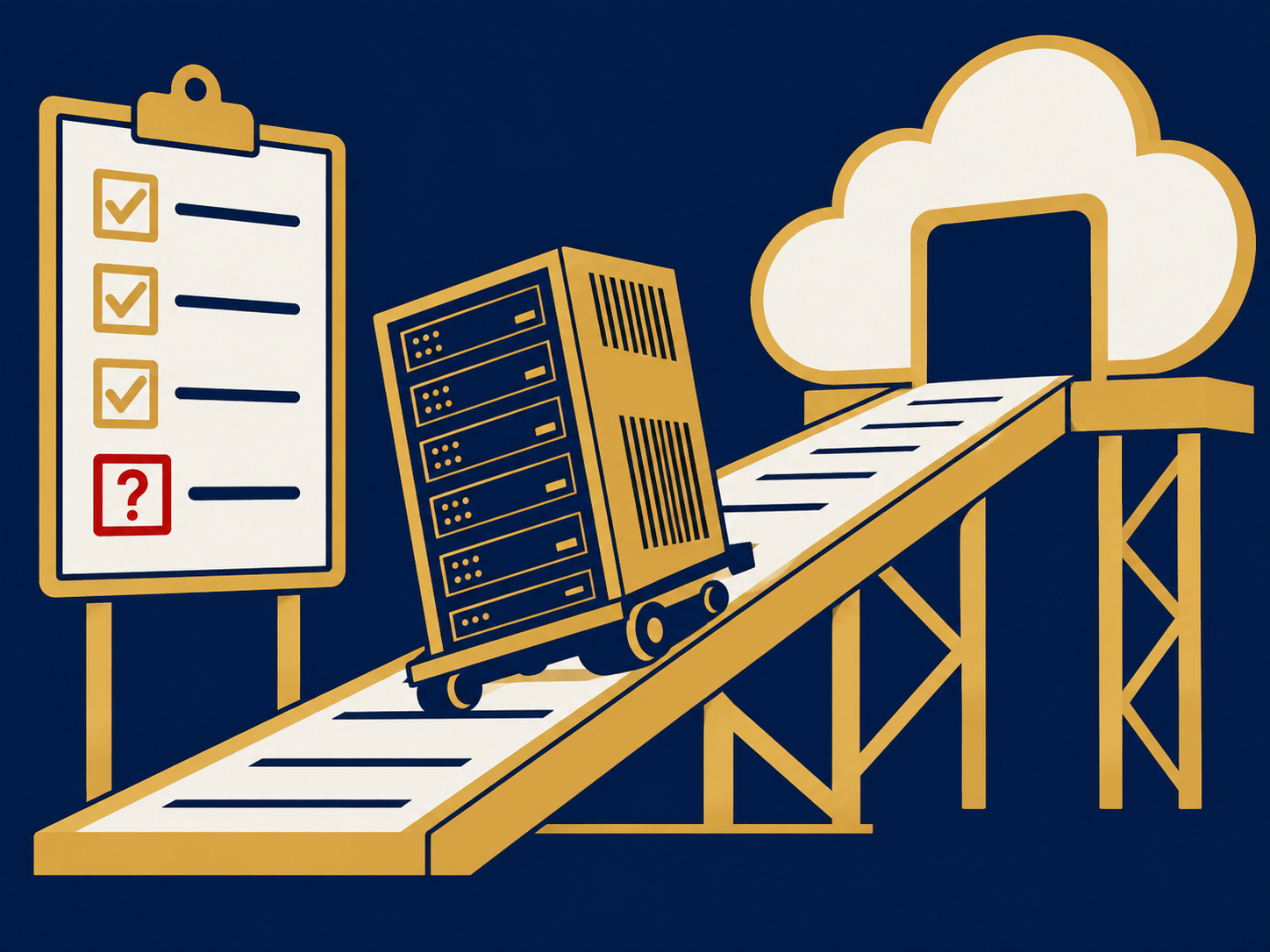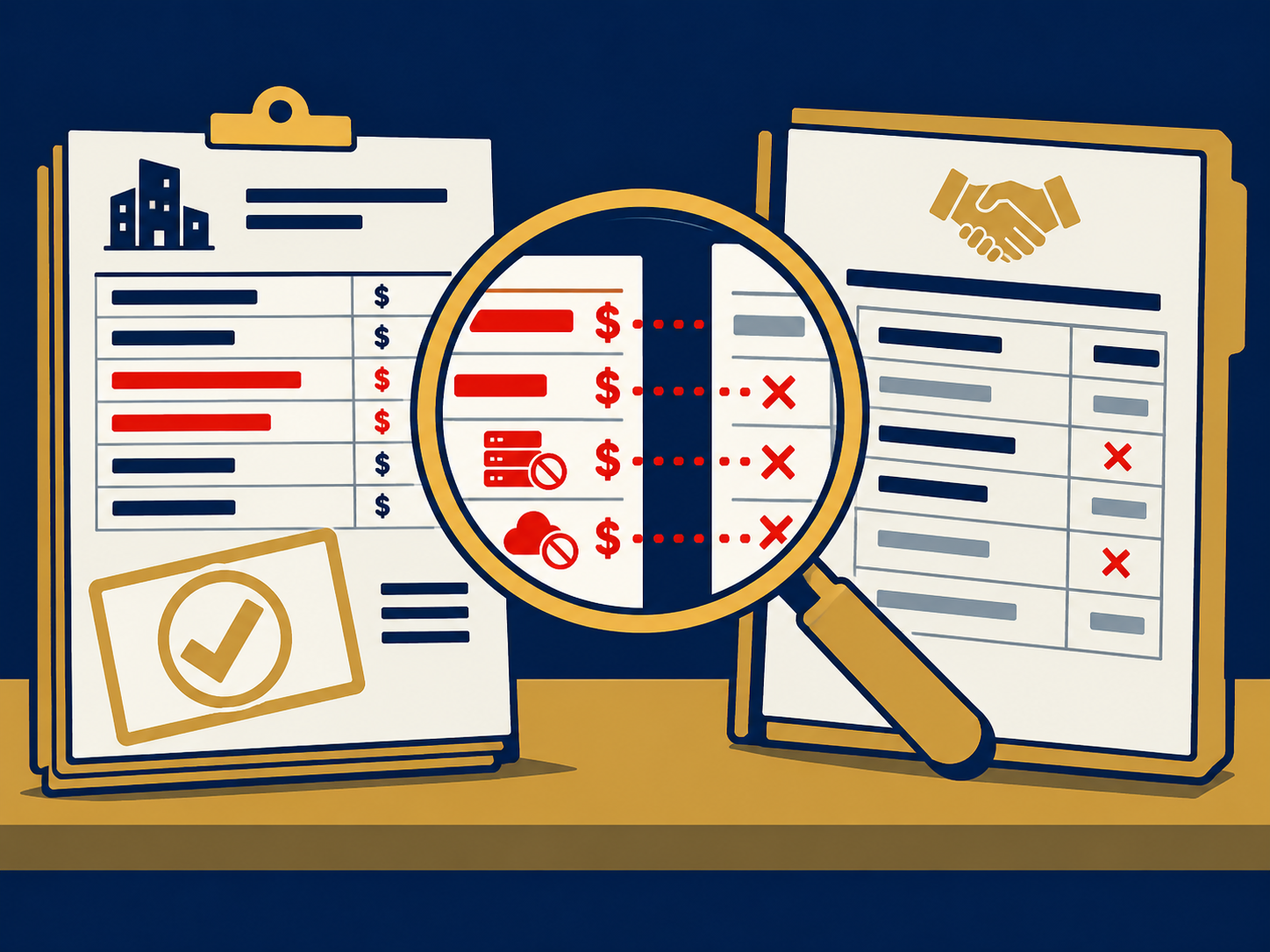
You depend on reliable network connectivity to keep critical care applications running and patient safety safeguarded. An unexpected internet outage can disrupt electronic health records, code alerts, physician consultations, and medication orders. Healthcare wireless failover provides the backup connection you need to maintain continuous access to these mission-critical systems. By automatically switching to a secondary link, such as a cellular or fixed wireless connection, failover ensures your clinic remains online during outages, preserving workflows and compliance.
In this article, you will learn how to assess connectivity risks, design a redundant internet strategy, explore wireless technologies, implement automated failover, and maintain performance. Armed with best practices and practical guidance, you can build a resilient network foundation that supports patient care and operational continuity.
Understanding Healthcare Wireless Failover
Definition and Purpose
Healthcare wireless failover refers to a backup internet connection that activates when your primary link fails. Typically, this involves a secondary connection delivered via cellular networks (3G, 4G, 5G) or fixed wireless technology. The goal is to deliver seamless access to digital tools and mission-critical applications with minimal manual intervention. In high-pressure environments like emergency units, even a few minutes of downtime can compromise patient safety and care quality.
Failover systems may be configured for simple failback—where connectivity switches back to the primary link once it’s restored—or for link aggregation, which combines multiple connections to boost bandwidth and resilience. Regardless of the design, your failover solution must prioritize applications that directly affect patient outcomes.
Role in Mission-Critical Applications
Uninterrupted internet access supports a range of vital healthcare functions:
- Electronic health record (EHR) systems, enabling real-time charting and order entry
- Code alerts, ensuring rapid response during emergencies
- Critical order results, such as lab values and imaging reports
- Physician consultations and telehealth sessions
- Transfers of medical records and test results
- Ordering and verification of life-saving medications
By safeguarding these workflows, wireless failover reduces the risk of switching to paper-based processes during outages. According to a 2023 national survey, 75% of providers believe uninterrupted EHR access improves patient care and prevents quality degradation during network disruptions.
Assessing Your Clinic’s Connectivity Risks
Impact of Internet Outages
Before deploying a failover solution, evaluate how internet downtime affects your operations. Consider scenarios such as:
- Front-desk registration stalls, leading to patient backlogs
- Delayed lab orders or imaging requests
- Telehealth appointments dropped mid-session
- Emergency department closures or diversions
- Manual charting, increasing staff workload and risk of transcription errors
Frequent or prolonged outages can erode staff morale and patient trust. To understand the scope of this challenge, review incident logs, help-desk tickets and any analysis of clinic internet downtime.
Identifying Mission-Critical Applications
To prioritize failover resources, identify which applications are essential to patient safety and regulatory compliance. Steps include:
- Inventory applications and services
- Assign impact scores based on safety, revenue and compliance risk
- Engage stakeholders—clinical staff, IT, risk management—to validate priorities
- Define acceptable recovery time objectives (RTO) and recovery point objectives (RPO) for each service
Your failover design should align with these objectives, ensuring that the highest-risk applications benefit from the fastest, most reliable backup.
Designing a Redundant Internet Strategy
Using Diverse Connection Types
Effective redundancy requires more than a single backup link. Combine multiple technologies and carriers to avoid single points of failure:
- Wired options such as cable or fiber
- Fixed wireless delivered over licensed or unlicensed spectrum
- Cellular networks across different carriers
- Satellite links in truly remote locations
By choosing a backup connection from a different physical path and carrier than your primary service, you reduce the chance of simultaneous outages caused by fiber cuts or carrier-wide issues.
Ensuring Bandwidth Parity
A failover connection should provide comparable bandwidth to your primary link, especially when protecting high-throughput applications like PACS (Picture Archiving and Communication Systems) and video telehealth. Under-provisioned backups can create performance bottlenecks, forcing critical workflows to slow down or queue. Plan capacity based on concurrent users, peak session rates and data-intensive workloads.
Exploring Wireless Failover Technologies
Cellular Networks: 3G, 4G and 5G
Cellular technologies offer flexible backup that can be deployed rapidly and at lower costs than leased lines. Your options include:
- 3G: Older networks, lower bandwidth, higher latency
- 4G LTE: Widely available, balanced performance for most healthcare needs
- 5G: Higher speeds, lower latency, support for bandwidth-intensive applications
Evaluate carrier coverage maps and site surveys to ensure signal strength is sufficient. You may need external antennas or network extenders to guarantee reliable cellular service inside your facility.
Fixed Wireless vs Fiber
In urban or suburban clinics, fixed wireless can serve as either a primary or backup link. Unlike fiber, which relies on physical cables that can be cut or disrupted, fixed wireless uses point-to-point or point-to-multipoint radio links over microwave or millimeter-wave bands. For a detailed comparison, see fixed wireless vs fiber healthcare. If you already leverage fixed wireless internet healthcare for connectivity, adding a second carrier or frequency can deliver robust redundancy.
VoIP and POTS Replacement
Traditional phone lines (POTS) are susceptible to the same physical disruptions that affect internet connectivity. Migrating to cloud-based VoIP solutions running over your failover network can mitigate this risk. With secure voice traffic tunneled through your wireless backup, you maintain communication with emergency services, pharmacies and vendors even during primary link failures. Learn how to plan your transition in our POTS replacement healthcare guide.
Implementing Automated Failover Systems
Manual vs Automated Failover
Legacy manual failover procedures—where staff must detect outages and switch connections manually—introduce delays and human error. A retrospective study of Dutch healthcare IT failures from 2000 to 2020 found that manual processes contributed to emergency department closures in 92% of incidents, surgery halts in 69%, and patient evacuations in 5%. By contrast, automated systems detect primary link failures and switch within seconds, minimizing downtime and risk.
Technologies for Seamless Switching
To achieve near-zero recovery objectives, combine these components:
- SD-WAN or router-based policies that prioritize mission-critical traffic and handle failover triggers
- Diverse connectivity interfaces—wired Ethernet, LTE/5G modules, satellite modems
- Database replication or mirroring for critical systems, reducing data loss
- Centralized orchestration and cloud management portals for visibility and control
Ensure your failover configuration supports failback testing and scheduled drills, validating both switch-over and switch-back processes.
Security and Compliance
While failover maintains availability, it must also protect Protected Health Information (PHI). Key considerations include:
- Continuous encryption of in-flight data
- Segmentation of failover traffic in secure VLANs
- Business Associate Agreements with backup carriers
- Centrally managed encryption keys and policies
- Regular security assessments to identify potential vulnerabilities
Maintaining HIPAA compliance during automated failover ensures that patient data remains both accessible and secure under all conditions.
Testing and Validating Failover Plans
Simulated Failover Exercises
You should never assume a failover plan works without testing. Regular drills help you:
- Verify configurations and policy triggers
- Confirm bandwidth and performance under backup conditions
- Train staff on new workflows or alert processes
- Document any gaps or unexpected issues
Schedule controlled outages or use network simulators to force a failover event, then review results against your defined RTO and RPO targets.
Monitoring and Alerting
Ongoing visibility into your network health is critical. Implement monitoring tools that:
- Track link status, bandwidth utilization and signal quality
- Alert you to failed failover attempts or degraded performance
- Provide logs and analytics to support compliance audits
- Integrate with your existing IT service management platform
Proactive monitoring ensures you catch issues before they affect patient care.
Maintaining and Optimizing Failover Performance
Ongoing Audits and Updates
As your clinic’s requirements evolve, update your failover strategy to match. Conduct regular audits to:
- Re-evaluate application priorities and impact scores
- Review carrier performance and coverage changes
- Adjust bandwidth allocations for new services
- Update firmware and security patches on network devices
These periodic reviews keep your failover plan aligned with current operational needs and threat landscapes.
Staff Training and Change Management
Even the best technology fails without human support. Invest in training programs that:
- Educate IT staff on failover configurations and troubleshooting
- Inform clinical teams about what to expect during an outage
- Provide clear escalation paths and communication protocols
- Reinforce the “why” behind your redundancy investments, bolstering user trust and adoption
Effective change management reduces resistance and ensures your failover processes become a seamless part of routine operations.
Final Thoughts on Failover Planning
Wireless internet failover is no longer a “nice-to-have” feature in healthcare IT. It is a fundamental enabler of patient safety, operational continuity and regulatory compliance. By assessing risks, designing diverse connections, leveraging cellular and fixed wireless technologies, and automating switch-overs under strict security controls, you can build a resilient network that stands up to outages and cyber threats alike. Regular testing, monitoring and staff engagement will further strengthen your posture, so you can focus on delivering exceptional care rather than firefighting downtime.
Need Help With Healthcare Wireless Failover?
Are you looking to enhance your network resilience with a robust backup solution? We help healthcare organizations assess their connectivity risks, design tailored wireless failover strategies, and select carriers that align with your performance and compliance requirements. From planning and deployment to ongoing management and optimization, our team is here to guide you through every step. Contact us today to start securing uninterrupted connectivity for your clinic or hospital.