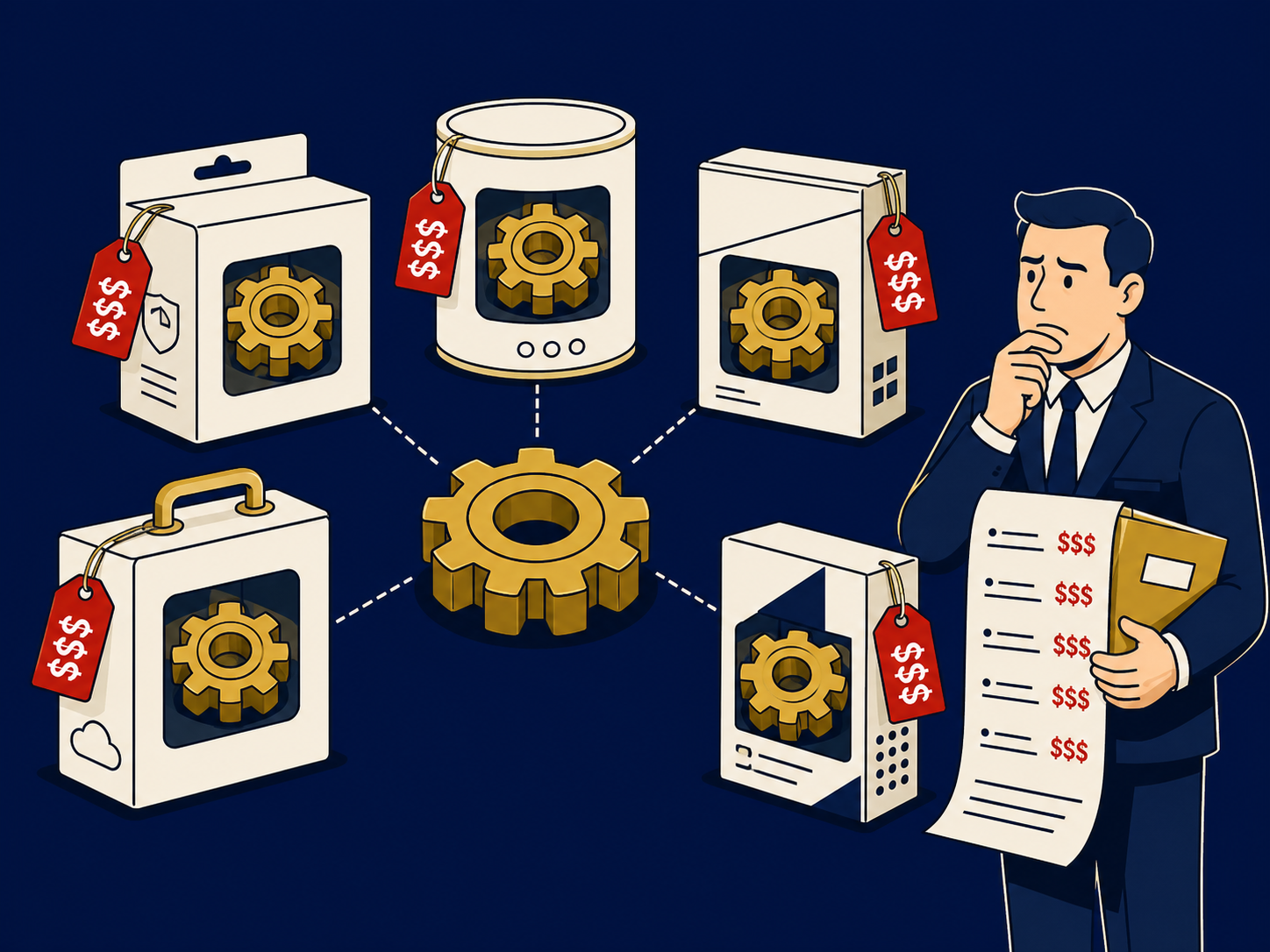
Broadband is always-on, high-speed internet access, delivered over fiber, cable, telephone copper (DSL), fixed wireless or satellite. In business buying, the word usually means shared, best-effort internet service: the provider sells a headline speed, such as 500 Mbps or 1 Gbps, but the capacity is shared with other customers and performance is not guaranteed. That makes broadband cheaper and quicker to install than dedicated internet access (DIA), and it now connects most small offices, stores, branches and home workers.
At a glance
- Broadband is high-speed internet delivered over several last-mile media, each with different speed, latency and reliability.
- It is usually shared and best effort: speeds are maximums, and performance can drop at busy times.
- Many plans are asymmetrical, with much lower upload than download speed, which matters for video calls and cloud backups.
- Business plans often add static IP addresses and faster support, but performance commitments are typically limited compared with DIA.
- Pairing two broadband links on different media with SD-WAN is a common way to improve resilience and call quality.
What problem it solves
Most business applications now live on the internet: SaaS, cloud phone systems, video meetings and cloud infrastructure. Nearly every location, from headquarters to a two-person sales office to an employee’s home, needs a fast connection, and dedicated circuits are too expensive or slow to install for many of them. Broadband provides fast internet at a fraction of the cost, often installed within days or weeks where service already exists.
The trade-off is assurance. Because capacity is shared, a broadband link can slow down when the neighborhood is busy, and repair commitments are usually weaker than for dedicated services. Designing around that, with adequate upload speed, a second connection and traffic prioritization, lets broadband carry most of the work at most sites.
How it works
The provider delivers service over one of several access technologies, and a modem or optical terminal at your site connects your router or firewall to it.
- Fiber. Light over glass, often fiber to the premises (FTTP). It offers the highest speeds and low latency, and plans are often symmetrical, though not always.
- Cable. Coaxial cable using DOCSIS, shared across a neighborhood. Download speeds are high; upload is usually much lower, though newer versions improve it. Performance can vary at peak times.
- DSL. Digital subscriber line (DSL) runs over telephone copper; speed falls with distance from the provider’s equipment, and many providers are retiring it.
- Fixed wireless. Fixed wireless uses an antenna at your site linked to a nearby tower, including 5G-based services. It is quick to install; performance depends on signal, line of sight and how busy the tower is.
- Satellite. Low-Earth-orbit (LEO) satellite services offer much lower latency than older geostationary ones and reach places terrestrial networks don’t. Weather, obstructions and service policies affect performance.
Behind the access link, providers share capacity across many customers, a practice known as oversubscription. That is why a plan’s quoted speed is a maximum, and why latency, jitter and packet loss at busy times matter as much as speed for calls and video.
When it matters for buyers
- When connecting branches and small sites. Broadband is usually the most cost-effective primary connection, ideally with a backup on a different medium.
- When voice and video quality matter. Check upload speed and busy-hour performance, not just the headline download speed, and consider symmetrical service.
- When reliability matters. Compare repair commitments, which vary widely, and design for a second link with SD-WAN to steer traffic between them.
- When signing contracts. Watch for promotional rates that step up, term lengths, early termination fees and equipment charges.
- When managing many sites. Dozens of local providers mean dozens of contracts and support numbers; aggregators can consolidate them.
Questions to ask vendors
- What access technology serves this address, and what are the actual download and upload speeds?
- Is the service shared, and what performance should we expect at busy times?
- What are the repair commitments, and are there any service credits?
- Are static IP addresses available, and at what cost?
- What equipment is included, and can we use our own router or firewall?
- What are the term, price increases after any promotion and early termination fees?
- Is a second provider or different medium available at this address for backup?
How it differs from Dedicated Internet Access (DIA)
Broadband shares capacity among customers and is sold on a best-effort basis, with speeds quoted as maximums and limited service commitments. Dedicated internet access (DIA) provides committed bandwidth on a circuit for one customer, usually with symmetrical speeds and an SLA covering availability and repair, though exact terms vary by provider. DIA costs more and can take weeks or months to install, so many organizations use it at headquarters and critical sites and broadband elsewhere. The marketing labels can blur the line: “business broadband” or “business fiber” may still be shared and best effort, so read the service description and SLA. Our internet access page covers how to compare options by site.
Problems this helps with
- Video calls freeze at our branch even though we pay for a fast plan
- Need affordable internet for many small sites
- Our broadband provider's repair times are measured in days
- Not sure whether a site needs broadband or dedicated internet