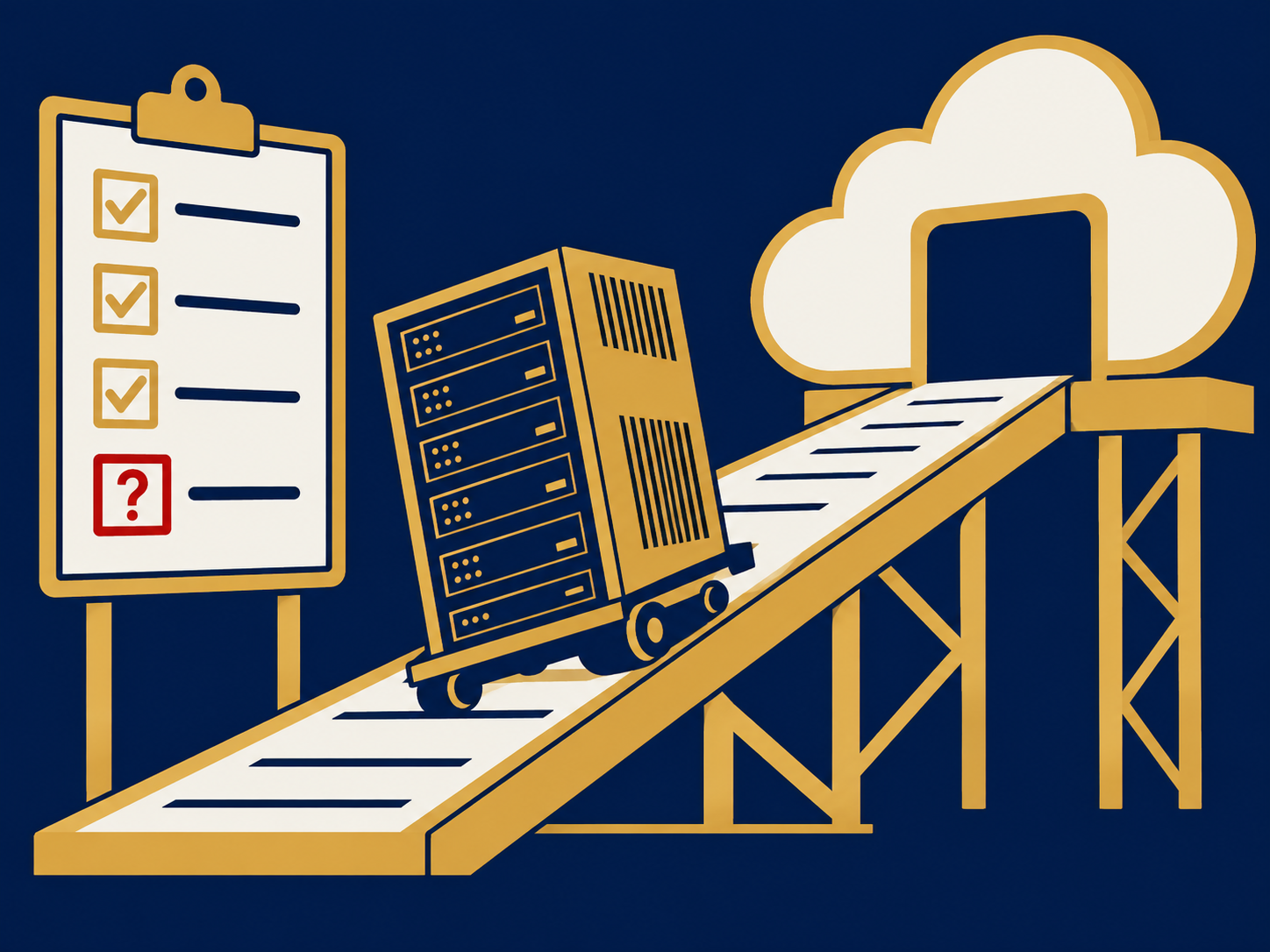
Container management is the set of tools and practices used to deploy, run, secure, scale and monitor applications packaged as containers. A container bundles an application with the libraries and settings it needs, so it runs the same way on a laptop, in a private data center or in a public cloud. Running a handful of containers is easy; running hundreds across many servers needs an orchestrator, most commonly Kubernetes, plus processes for images, security, monitoring and cost. Container management covers all of that.
At a glance
- Containers package an application with its dependencies and share the host’s operating system kernel, so they start quickly and pack densely.
- An orchestrator, usually Kubernetes, schedules containers across a cluster, restarts failed ones and rolls out new versions gradually; automatic rollback needs extra tooling or pipeline automation.
- Container management also covers image registries, configuration and secrets, networking, security policy, monitoring and cost control.
- Managed Kubernetes services from cloud providers run the control plane, but your team still owns applications, policies and costs.
- Most problems come from operations: outdated images, excessive privileges, missing resource limits and unclear ownership.
What problem it solves
Software teams adopted containers because they solve “it works on my machine”: the same package runs the same way everywhere, and teams can release small changes quickly. But containers multiply. A modern application built from microservices might run dozens of services, each with several copies, across several environments. Without management, images drift out of date, secrets end up baked into images, one busy service starves others of resources, and nobody can say what is running where or what it costs.
Container management gives that sprawl structure. An orchestrator keeps the right number of each service running and replaces failed ones automatically. Registries and policies control which images may run. Monitoring ties problems to specific services, and cost reporting ties spend to the teams that create it. For the business, the result is faster, safer releases and fewer surprises in production.
How it works
Images and registries. Build pipelines package code into container images, scan them for known vulnerabilities, often sign them and record a software bill of materials (SBOM), and store them in a private registry.
Orchestration. A cluster of servers, called nodes, runs the containers. The orchestrator places containers on nodes, restarts them when they fail, scales them up and down with demand, and rolls out new versions gradually, pausing and reporting a rollout that stalls or fails its health checks. Rolling back is a separate step, triggered by an operator, a CI/CD pipeline or a progressive delivery tool. Kubernetes is the most widely used orchestrator, available as a managed service from all major cloud providers and as software for private infrastructure.
Configuration and secrets. Settings and sensitive values such as passwords and keys are supplied at deployment from a secrets store, rather than built into images.
Networking. Services get stable internal addresses and are exposed to users through ingress controllers or API gateways. Network policies limit which services can talk to each other, and a service mesh can add encryption and traffic control between them.
Security policy. Admission controls check each deployment against rules, such as blocking images from unknown registries or containers running with administrator privileges. Runtime tools, such as a cloud workload protection platform (CWPP), watch for suspicious behavior.
Observability and cost. Logs, metrics and traces are collected per service, and resource requests and usage are tracked by team or application to support showback and rightsizing.
Most organizations define clusters and policies as code, using infrastructure as code (IaC), so environments can be rebuilt consistently.
When it matters for buyers
- When container use grows beyond one team. Shared clusters need ownership, standards and a platform team or provider.
- When choosing where to run. Compare managed Kubernetes in a public cloud, Kubernetes on private infrastructure and simpler container services that hide the cluster entirely.
- When security or compliance reviews arrive. Image scanning, admission policies and access controls for clusters are common audit questions.
- When costs climb. Over-provisioned resource requests and idle clusters are a frequent source of waste.
- When considering a managed service provider. Some providers operate clusters and platforms for you; check exactly where their responsibility stops.
Questions to ask vendors
- Which parts of the platform do you manage, and which remain our responsibility?
- How are Kubernetes and node upgrades handled, and how much notice do we get?
- How do you enforce which images can run, and how are vulnerabilities in running images reported?
- How are secrets stored and rotated?
- What monitoring and logging are included, and where does the data go?
- How can we see and allocate costs by team, application or namespace?
- How portable are our workloads to another cloud or to private infrastructure?
How it differs from Virtual Machines (VMs)
A virtual machine (VM) emulates a whole computer, with its own operating system, running on a hypervisor. A container shares the host’s operating system kernel and packages only the application and its dependencies, so containers are smaller, start in seconds and pack more densely, but isolation between them is generally weaker than between VMs. The two are complementary: containers usually run on VMs in the cloud, and many organizations keep older or stateful systems on VMs while running new services in containers. Managing VMs is part of virtualization; container management sits a layer above. Our public cloud and private cloud pages cover where container platforms can run.
Problems this helps with
- Our Kubernetes clusters have grown and nobody fully owns them
- Containers keep running with old, vulnerable images
- Cloud bill for our container platform keeps climbing and we can't see why
- Deciding between running Kubernetes ourselves and a managed service