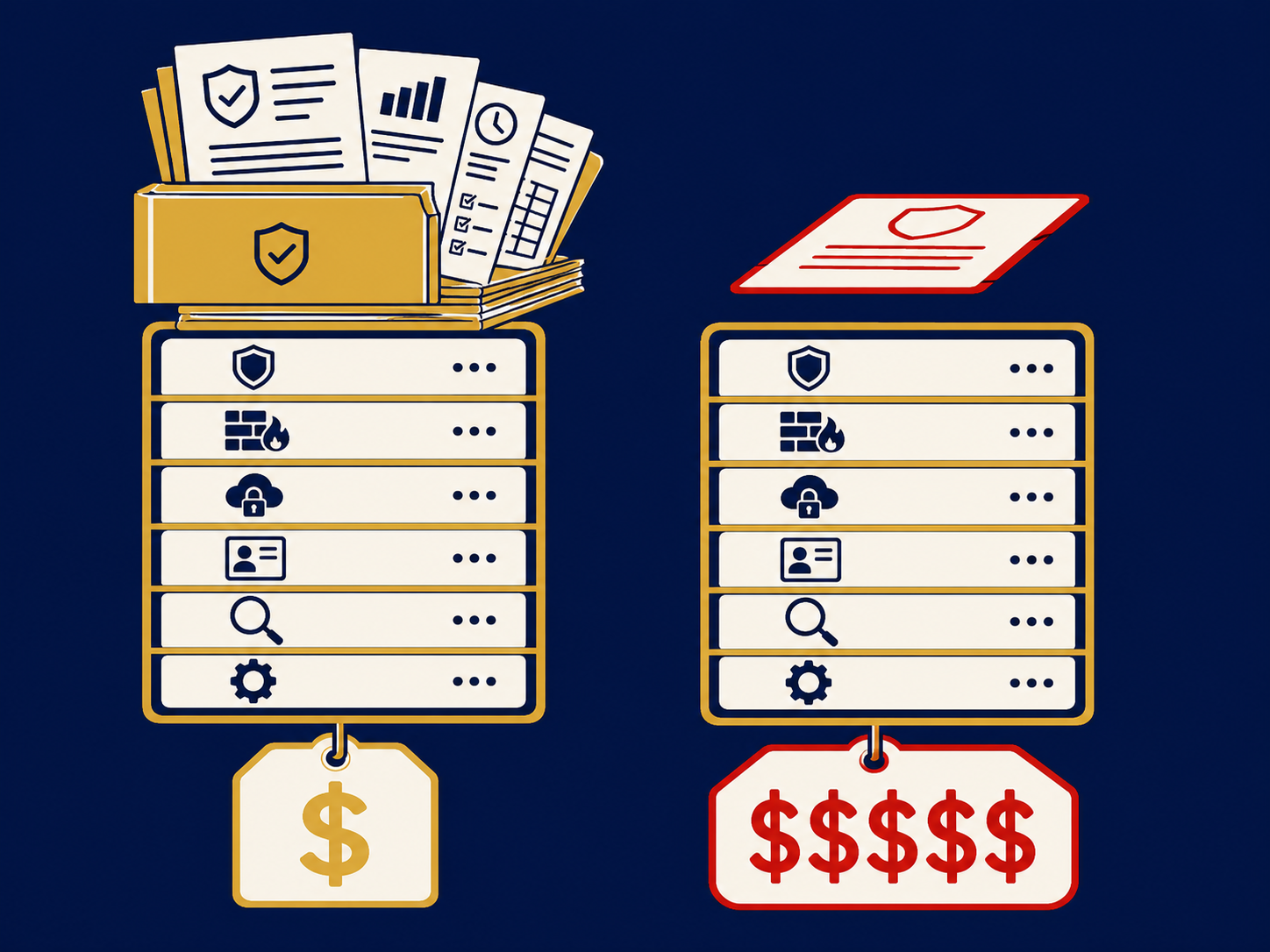
An endpoint protection platform (EPP) is security software installed on laptops, desktops and servers to stop threats before they can do harm. It is the modern successor to antivirus: it still blocks known malware, but adds behavior-based detection, exploit and ransomware protection, and device controls, all managed from one central console. Its emphasis is prevention: blocking malicious files before they run where it can, and stopping malicious behavior, such as exploitation or mass file encryption, once a process has started.
At a glance
- EPP is prevention-focused: it detects and blocks malware, malicious scripts and exploits, both before they execute and, with behavior-based controls, while they run.
- It combines several techniques, such as signatures, behavior analysis and machine-learning models, rather than relying on known file signatures alone.
- It often includes host firewall, device control (for example USB drives) and application control.
- It is centrally managed, usually from the vendor’s cloud, so policies and status are consistent across every device.
- Most vendors now sell EPP and EDR together in one agent, with EDR features in higher tiers.
What problem it solves
Every laptop and server is a way in for an attacker. Phishing attachments, malicious downloads, infected USB drives and unpatched software are all delivered to endpoints, and older antivirus that relies mainly on recognizing known files misses new or slightly modified malware.
EPP raises the bar. By looking at what a file or script tries to do, not just what it looks like, it can block threats it has never seen before. Exploit protection stops common techniques attackers use to abuse vulnerable software, and ransomware protection watches for mass file encryption. Central management solves a quieter problem: in many companies, especially after growth or acquisitions, nobody can say for certain which devices are protected, with which product, and whether it’s up to date.
How it works
The agent. A lightweight program on each device checks files, scripts and processes as they run, and enforces the policies set in the console.
Prevention layers. Typical layers include signature checks for known malware; machine-learning models that score unknown files; behavior monitoring that blocks suspicious actions; exploit protection for browsers and common applications; and ransomware protection. Exactly which layers are included, and how well they work, varies by product.
Device and application controls. Policies can restrict USB storage, block unapproved applications, enforce a host firewall and, in some products, filter web access.
Central management. Administrators set policies, see protection status for every device, receive alerts and push updates from one console. Integration with endpoint management tools helps make sure every new device gets the agent.
Where EDR begins. EPP focuses on blocking. When something gets through, endpoint detection and response (EDR) records activity and provides tools to investigate and contain it. Many products blend the two, so check what each license tier actually includes.
When it matters for buyers
- When antivirus renews. It’s a natural point to consolidate onto a single platform and decide whether you also need EDR.
- When you inherit a mixed estate. After an acquisition or MSP change, standardizing endpoint protection is a quick, visible risk reduction.
- When cyber insurance asks. Insurers ask about endpoint protection and, increasingly, EDR on all devices.
- When adding remote and BYOD devices. Protection that depends on being on the office network won’t cover them.
Questions to ask vendors
- Which prevention techniques are included in each license tier, and where do EDR features start?
- Which operating systems and versions are supported, including servers and older systems?
- How does the product perform in independent tests, and can we run a pilot on our own devices?
- How are policies managed for remote devices that rarely connect to the office?
- What happens if a user or an attacker tries to disable or uninstall the agent?
- Does it include device control, application control and a host firewall, or are those add-ons?
- Can it replace our current antivirus fully, and how do you handle migration?
How it differs from EDR and XDR
EPP emphasizes prevention: detecting and blocking malware, exploits and malicious behavior on the device, whether before a file runs or as a process starts misbehaving. Endpoint detection and response (EDR) assumes some attacks will get through, so it records what happens on the device, detects suspicious behavior and gives you tools to investigate and contain. Extended detection and response (XDR) takes detection and response beyond endpoints to identity, email, network and cloud data. In practice many vendors sell EPP and EDR as one agent, so compare features by tier rather than by label. Neither replaces the people who act on alerts, which is where managed detection and response (MDR) comes in. See our endpoint protection platforms overview.
Problems this helps with
- Old antivirus missing newer malware
- Different security tools on different laptops
- Users installing software or plugging in USB drives we can't control
- No single view of which devices are protected