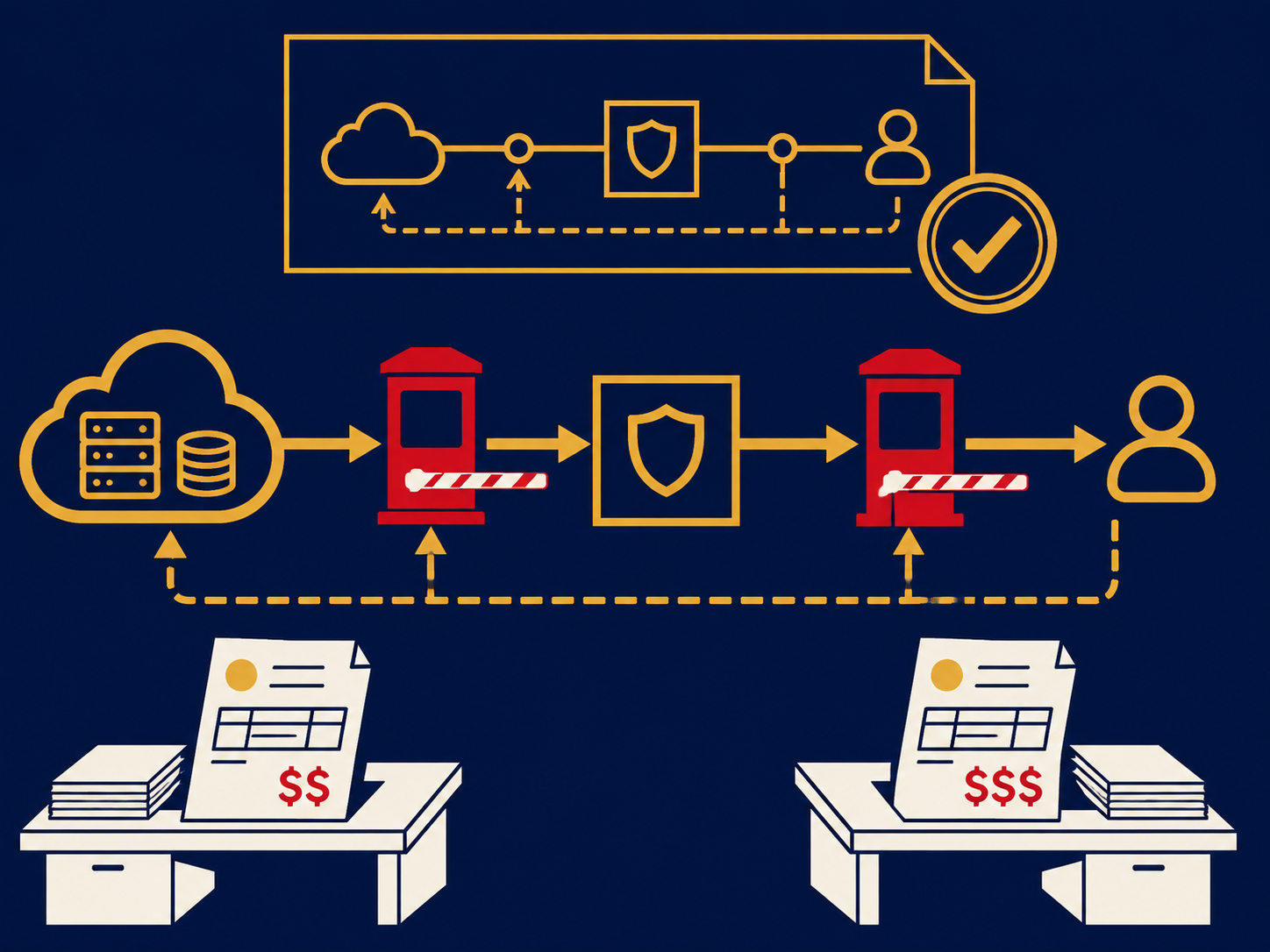
Firewall as a service (FWaaS) is a firewall delivered from a provider’s cloud rather than from an appliance at each site. Offices, remote users and cloud networks send their traffic to the provider’s nearest point of presence, where it is inspected against one central policy before going on to the internet or to other company locations. The provider runs, updates and scales the platform; you manage the rules.
At a glance
- FWaaS applies firewall policy in the provider’s cloud, so one set of rules can cover every site and remote user.
- It typically includes application-aware filtering and often intrusion prevention and TLS inspection; exact features vary by provider.
- Traffic reaches it through tunnels from site routers or SD-WAN devices, and through agents on remote devices.
- It is commonly part of SASE and SSE bundles, but can be bought separately.
- On-premises firewalls may still be needed where there are local servers or heavy internal traffic.
What problem it solves
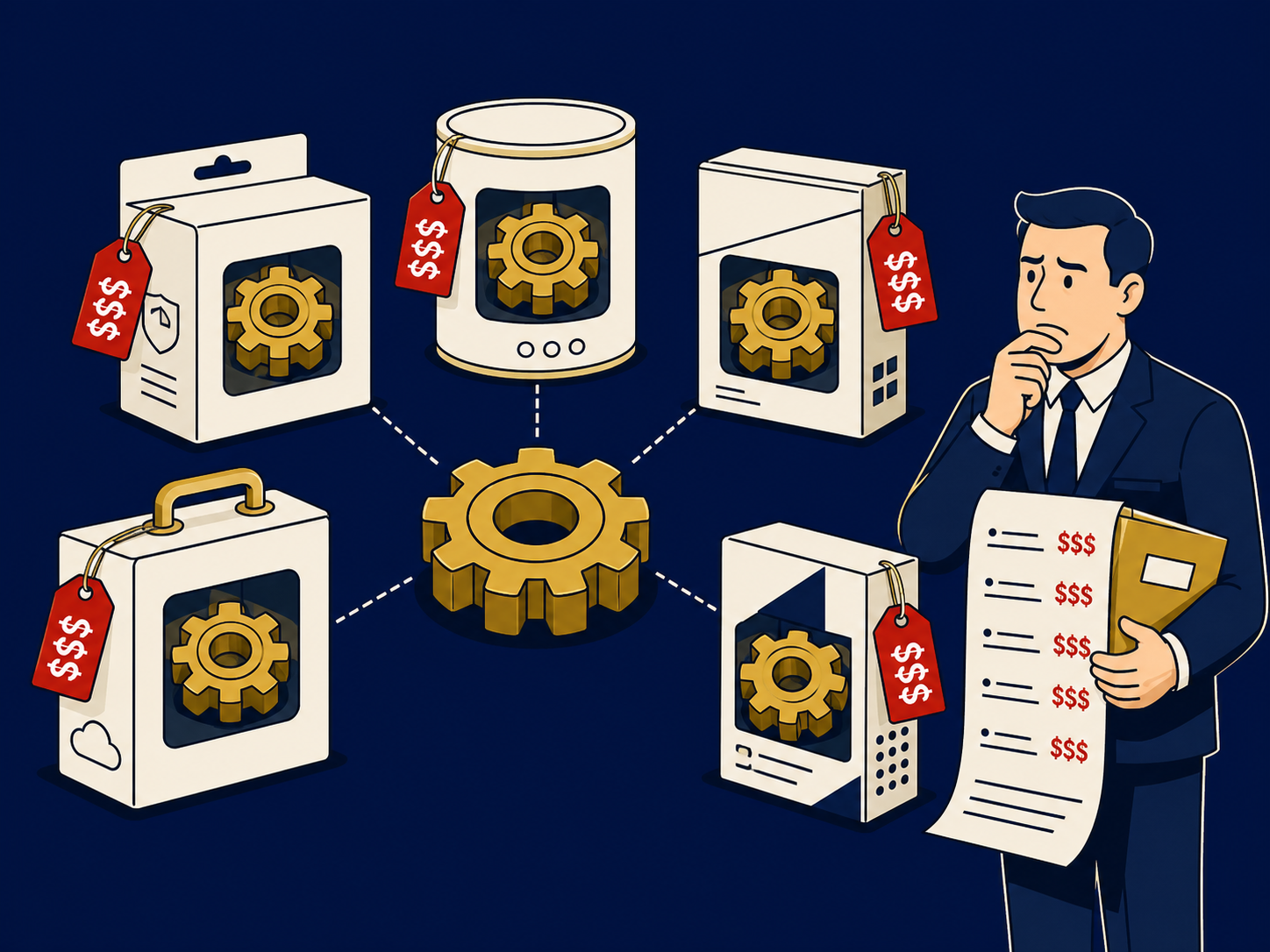
Traditional firewalls were designed for traffic that passed through one office or data center. Now many branches connect directly to the internet, staff work remotely and applications run in SaaS and public cloud. Covering all of that with appliances means a firewall at every site, each needing patches, upgrades, capacity planning and eventual replacement, and rules that tend to drift apart. The alternative, backhauling branch and remote traffic to a central firewall, adds latency and loads the head-office circuit.
FWaaS moves the inspection to the provider’s cloud. Every site and user gets the same policy, new locations need a connection to the service rather than their own firewall, and scaling the platform is largely the provider’s job, within your licensed limits. It fits naturally with local internet breakout at branches.
How it works
- Connect. Each site sends traffic to the provider over encrypted tunnels, often built automatically by an SD-WAN device; remote users connect through an agent; cloud networks connect with tunnels or provider integrations.
- Inspect. At the point of presence, the service applies firewall rules by address, port, protocol, application and often user identity. Depending on the service, it may also run intrusion prevention, decrypt and inspect TLS traffic, and apply threat intelligence.
- Forward. Allowed traffic continues to the internet, a SaaS app or another company location over the provider’s network.
- Manage and log. Policies are set in one cloud console and logs are available centrally, usually with export to a SIEM.
Web-specific controls, such as detailed URL categories and per-user web policy, are often handled by a secure web gateway alongside FWaaS rather than by the firewall itself.
When it matters for buyers
- When branch firewalls reach end of life. A refresh is the natural time to compare cloud delivery.
- When opening sites quickly. New locations can be covered without shipping and configuring a firewall.
- When remote users need consistent protection. FWaaS covers all their traffic, not just web traffic.
- When evaluating SASE or SSE. Check whether FWaaS is included and how complete it is; some bundles focus on web traffic and treat full firewalling as an add-on.
- When sites host servers or industrial equipment. Local protection may still be needed, so plan a hybrid design.
Questions to ask vendors
- Which firewall features are included, such as application control, intrusion prevention and TLS inspection, and which cost extra?
- Where are your points of presence, and how is our traffic routed between them?
- What throughput and latency should we expect at our largest sites?
- How do our sites and agents behave if your service or a point of presence is unavailable?
- Can we migrate our existing firewall rules, and who does the work?
- Do you inspect traffic between our own sites, or only traffic to the internet?
How it differs from a network firewall
A network firewall is a device or virtual appliance that you deploy at a site or in a cloud network; it inspects traffic where it sits. FWaaS performs similar inspection in the provider’s cloud, so traffic travels to the service first. FWaaS suits distributed users and small branches; an on-premises firewall still makes sense where there are local servers, heavy traffic between internal segments or devices that need protecting on the local network. Unified threat management (UTM) describes an all-in-one firewall appliance, the box FWaaS often replaces at small sites. For both approaches, see our Network Firewalls overview.
Problems this helps with
- Firewall appliances at every branch to patch, upgrade and replace
- Remote users and small sites don't get the same protection as headquarters
- Backhauling branch internet traffic to a data center firewall is slow
- Firewall rules differ from site to site