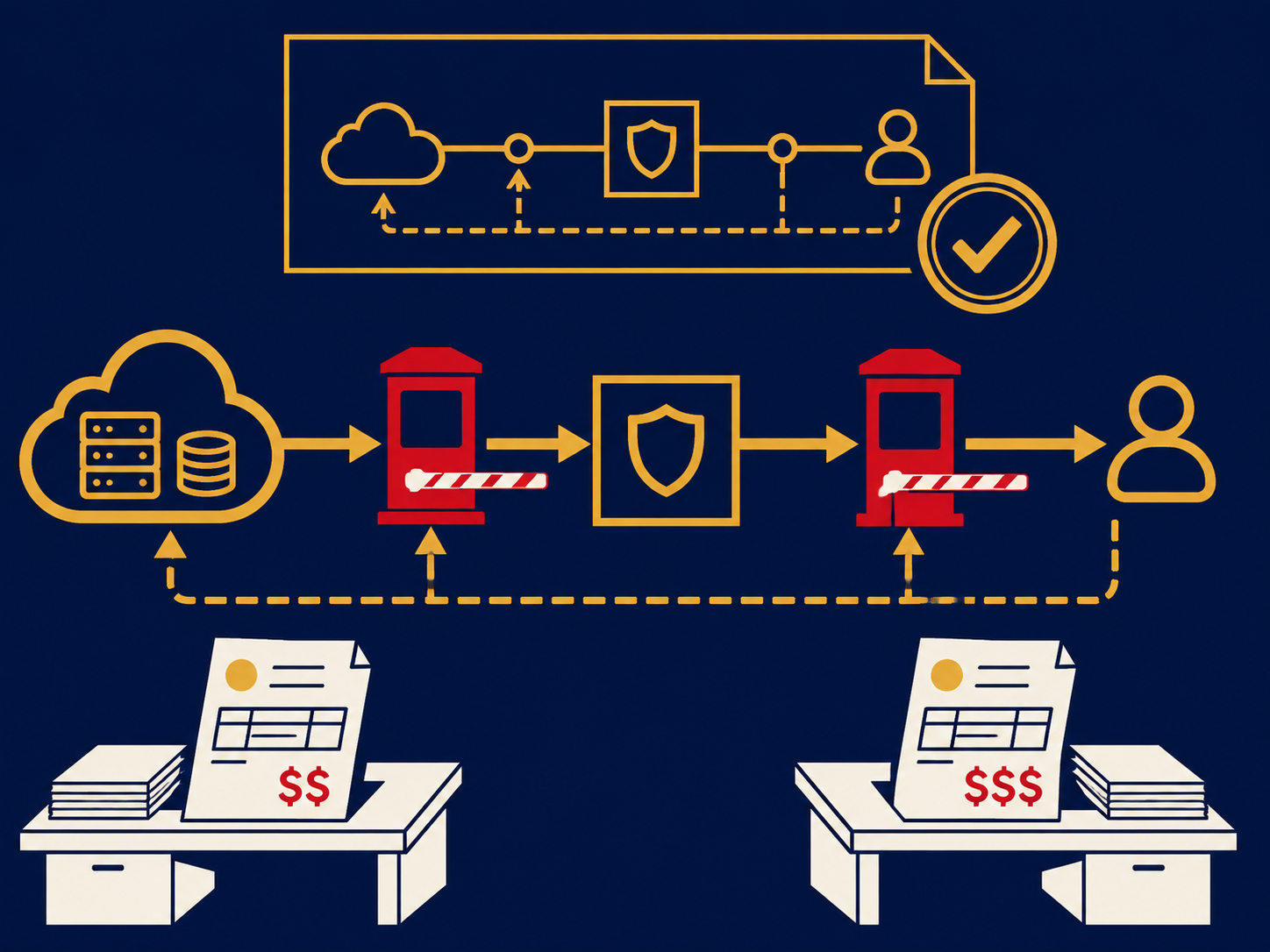
Remote home working means employees doing their jobs from home rather than from an office, using their home internet connection, company-provided or approved devices, cloud applications and secure remote access. For IT, every home becomes a small, unmanaged branch office: the business is responsible for security, performance and support, but doesn’t control the network, the room or, sometimes, the device. Doing it well depends on identity, endpoint management, collaboration tools and support designed for people who aren’t on the office network.
At a glance
- Remote home working relies on the employee’s home internet, so performance and reliability vary by household.
- Identity is the main control point: single sign-on, multi-factor authentication and access policies that check the user and device.
- Devices are managed remotely with unified endpoint management tools, or work happens in a virtual desktop when devices can’t be trusted.
- Calls and meetings usually run on UCaaS and collaboration platforms rather than office phone systems.
- Legal and regulatory duties, such as expense reimbursement and 911 location, vary by jurisdiction and need checking.
What problem it solves
Working from home lets organizations hire beyond commuting distance, keep working through office closures and disruptions, and reduce office space. But the traditional IT model assumed people sat inside an office network, behind a firewall, on wired connections the company controlled. At home, traffic crosses consumer broadband and shared Wi-Fi, devices are out of sight, and the help desk can’t walk over to a desk.
A deliberate remote working setup addresses those gaps: secure access that doesn’t depend on being in the office, devices kept patched and protected wherever they are, collaboration tools that cope with variable connections, and support that can see and fix problems remotely.
How it works
Connectivity. Employees use home broadband, sometimes with a company-paid upgrade, a mobile stipend or a cellular backup for critical roles. Wired connections and good routers often matter more than headline speed. A small number of organizations give key staff a managed router or SD-WAN device for traffic priority and failover.
Access. Users sign in once through an identity provider with MFA. Private applications are reached through a virtual private network (VPN) or, increasingly, zero trust network access (ZTNA), which grants access per application and can check device health first. Internet and SaaS traffic can be routed through a security service edge (SSE) for web filtering and data protection.
Devices. Company laptops are enrolled in endpoint management for configuration, encryption, patching and remote wipe, with endpoint protection or EDR. Where staff use their own devices under a BYOD policy, organizations often limit access or deliver work through a virtual desktop.
Collaboration. UCaaS and meeting platforms handle calls, video and chat, often with a softphone on the laptop, and shared documents live in cloud workspaces.
Support and visibility. A help desk with remote-assist tools, a knowledge base for common home problems, and digital experience monitoring to see whether issues come from the home network, the device or the application.
When it matters for buyers
- Setting or changing a remote work policy, when technology, security and HR rules need to line up.
- Replacing an overloaded VPN or moving toward zero trust access.
- Cyber insurance and audits, which ask how remote devices and access are secured.
- Call and meeting quality complaints from home-based staff and contact center agents.
- Regulatory obligations. In the US, 911 location rules under the RAY BAUM’S Act and FCC regulations can apply to calling services used at home, and state laws on expense reimbursement and data handling vary. What applies depends on your systems, industry and where staff live; check with counsel.
Questions to ask vendors
- How do you secure access for home users, and do you check device health before granting it?
- What performance do your calling and meeting tools need, and how do they cope with weak home connections?
- How do you capture and update a home worker’s location for 911 calls?
- How can our help desk see and fix problems on home devices and networks?
- What reporting shows us which users are having a poor experience, and why?
- How are devices shipped, enrolled, replaced and recovered when staff join or leave?
Our security service edge overview covers how web, SaaS and private app access can be secured for people working from home.
How it differs from hybrid work
Remote home working means home is the main place of work. Hybrid work splits time between home and an office, which keeps all the home working requirements and adds others: shared desks, meeting rooms built for mixed in-person and remote attendees, and devices and policies that work in both places. Both differ from fully distributed or “work from anywhere” arrangements, where people may work from coworking spaces, while traveling or across borders, which raises additional questions about network security, data residency, tax and employment law.
Problems this helps with
- Staff at home complain about dropped calls and frozen video
- Don't know whether home laptops are patched and protected
- VPN is slow and overloaded since more people work from home
- Help desk can't fix problems it can't see on home networks