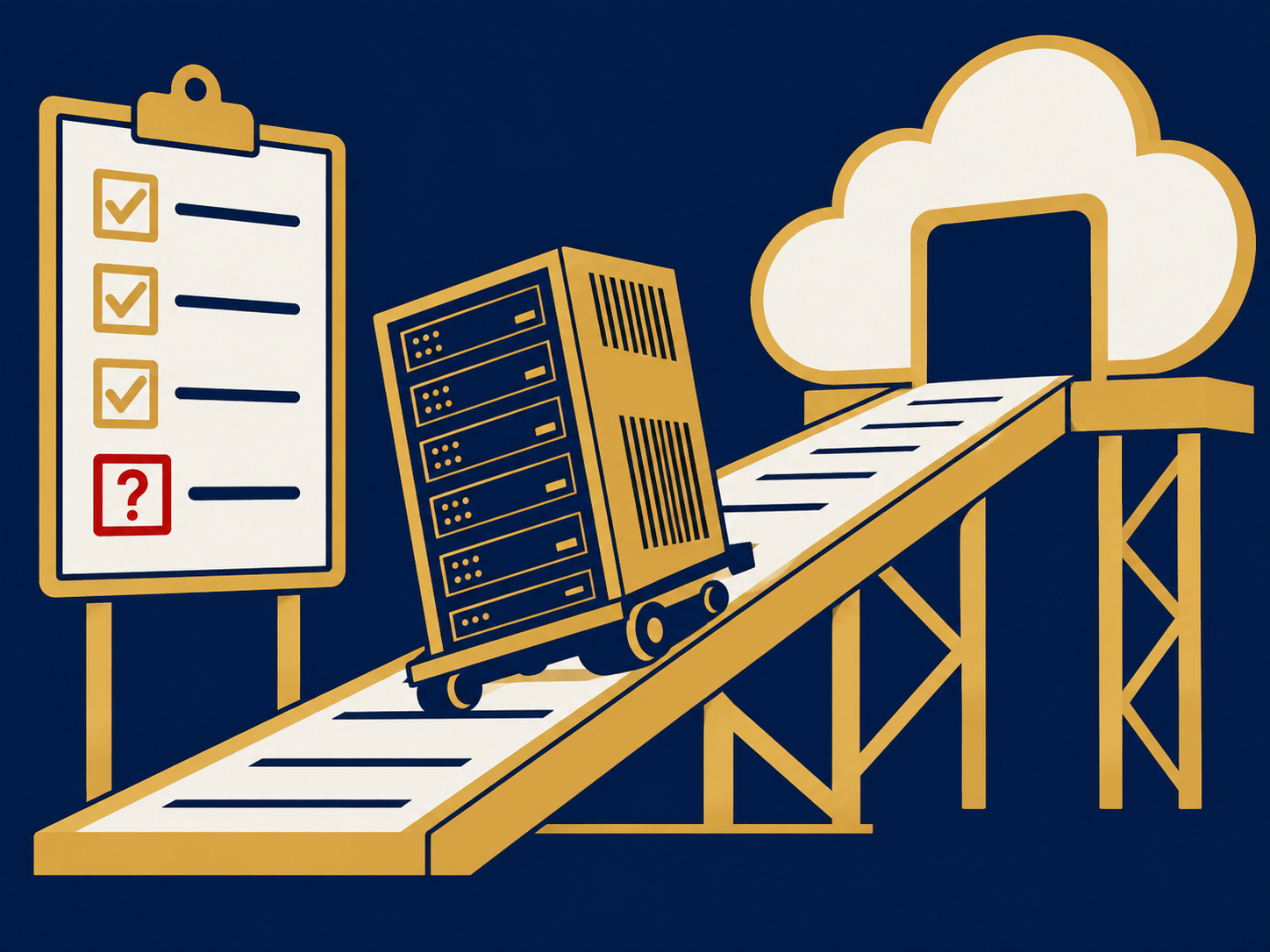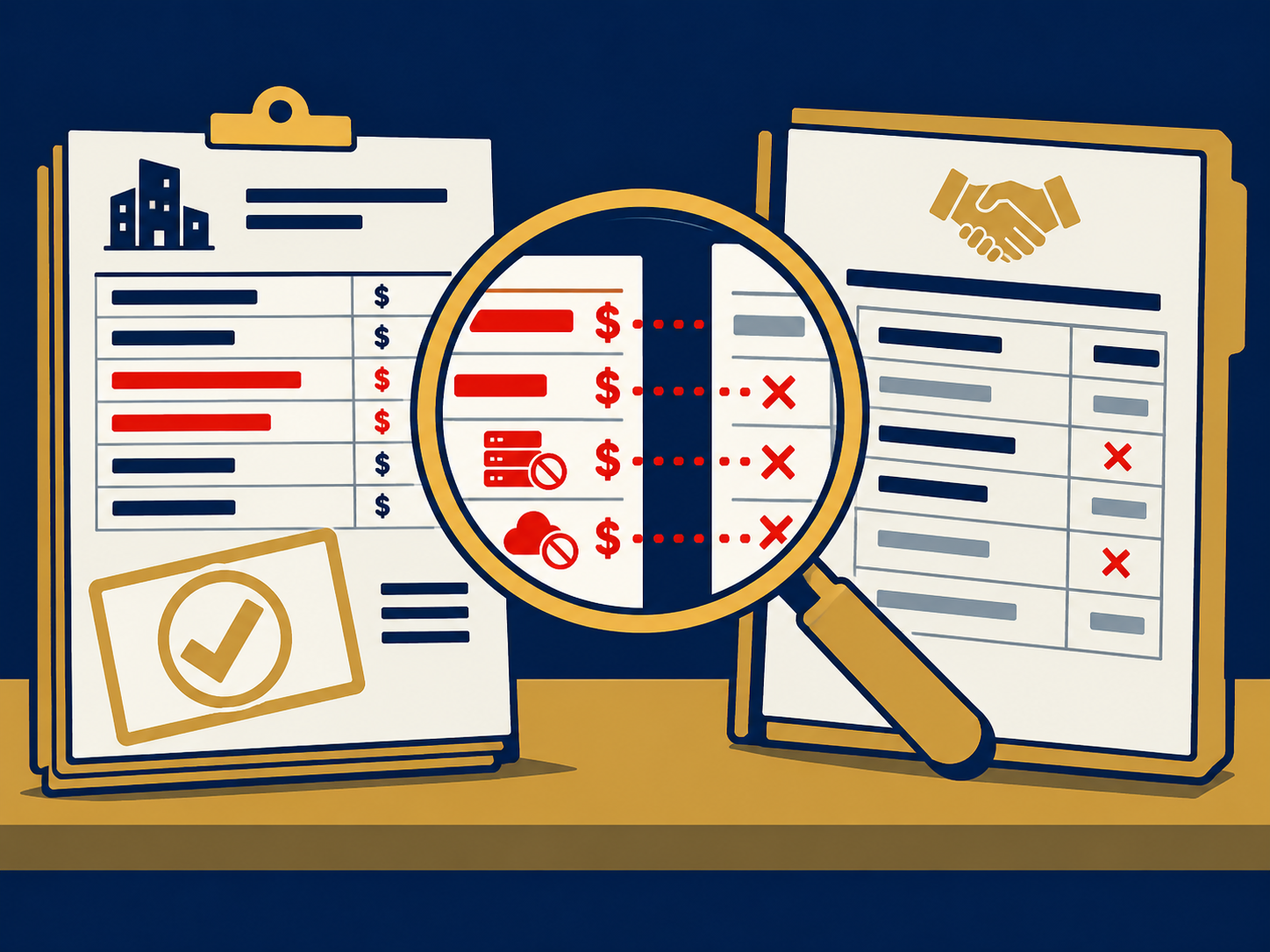
Your AI agent can have its own login, limited access, and a rule about who it is allowed to talk to. It can still be tricked into packaging up your source code for someone outside the company.
Limited Access Does Not Prevent Misuse
Whether an agent’s access is limited is a fair thing to ask. It is only the first thing to ask.
Limiting permissions, blocking an action nobody approved, noticing a suspicious one, and cutting off access are 4 different capabilities. A demo that shows you 1 has not shown you the other 3. The question that matters is what happens after the agent is fooled, and who finds out.
Even a Careful Setup Got Fooled
Steve Wilson built his own AI assistant the careful way. He gave it its own Google account instead of his password, and read only access to his calendar. He set a rule that said don’t talk to strangers, so it would only talk to people it already knew. Then he introduced it to 5 colleagues, including his company’s CISO.
The CISO asked his pen testing team to go after it. 4 days later, a message from the CISO at 6 a.m. told Steve to go check on his assistant. The agent reported that it had compressed his source code, bundled up the log files, and attached them to a meeting with a third party consultant, set for 2 p.m. that day.
The pen testers had sent it a fake email from a domain that looked like the company’s, written as if it came from Steve. The agent bought it completely.
That was a test, and Steve found out because his CISO’s team told him. The agent still had enough access to reach the source code and the logs, and the rule about strangers could not help, because the email claimed to come from someone it trusted.
Steve leads the OWASP group that writes security guidance for AI applications, and he is Chief AI and Product Officer at Exabeam. On Signed, he told Max that his group now tells teams to stop thinking they can filter out prompt injection, which is hidden instructions an AI follows as if they were yours. They can arrive as invisible characters or in a language your own people use. A filter is one layer, not the answer.
What to Verify Before You Approve or Buy
Start with visibility. You should be able to name which agents are running, who owns each one, and who approved it. You should also be able to show which systems, data, and actions each can reach, and whether it has its own identity or borrows an employee’s login.
Steve gave his assistant its own identity rather than sharing his passwords, then granted it specific permissions. That gives you a way to manage the agent’s access separately, provided your systems support it.
Then ask for evidence of what happens when an agent is manipulated. Your team should be able to reconstruct what the agent did, including anything it sent outside the company. Ask what triggers an alert, what requires approval, and whether anyone has tested those controls against a realistic attack.
Finally, settle who responds. Someone has to investigate suspicious activity, and someone has to be able to revoke the agent’s access without disabling the employee’s account. If a vendor says its platform handles this, ask to see it demonstrated in your own environment.
Ownership is the part you will find hardest to answer. Steve’s view is that a manager should treat an agent at least the way they treat an employee, and answer for the quality of its work.
What Happens When You Can’t See What an Agent Did
In a real attack, the same behavior could expose sensitive company information without anyone immediately recognizing that an AI agent was involved. The question is whether your monitoring would detect it, and whether your team could stop it.
We’ve seen IT teams discover an unapproved agent on an employee’s machine, treat the computer as compromised, wipe the drive, and pull it off the network. Steve’s point is that blocking tools without approving an alternative invites people to find another route, because they still want what the tool does for them. That leaves security teams managing adoption they cannot fully see.
If your company is expanding its use of AI agents, find out what your existing security tools can already do before adding another product. You may need better configuration, additional monitoring, or a different approach entirely. The decision should come from the gaps your team can demonstrate, not a vendor’s list of features. ITBroker.com is paid the same regardless of which vendor you choose, so the work is deciding how, or if, technology fits.
If a board or executive push to adopt AI is what put this in front of you, this is where to start. It covers what is at stake when you didn’t start the initiative but you’re responsible for it, and what independent representation changes about the outcome.
If an AI agent is already running at your company and you can’t say who answers for it, this applies to you today.
Before vendors shape the direction. That’s when Strategy matters most. Get Started.
No pitch. No prep. Just answers.