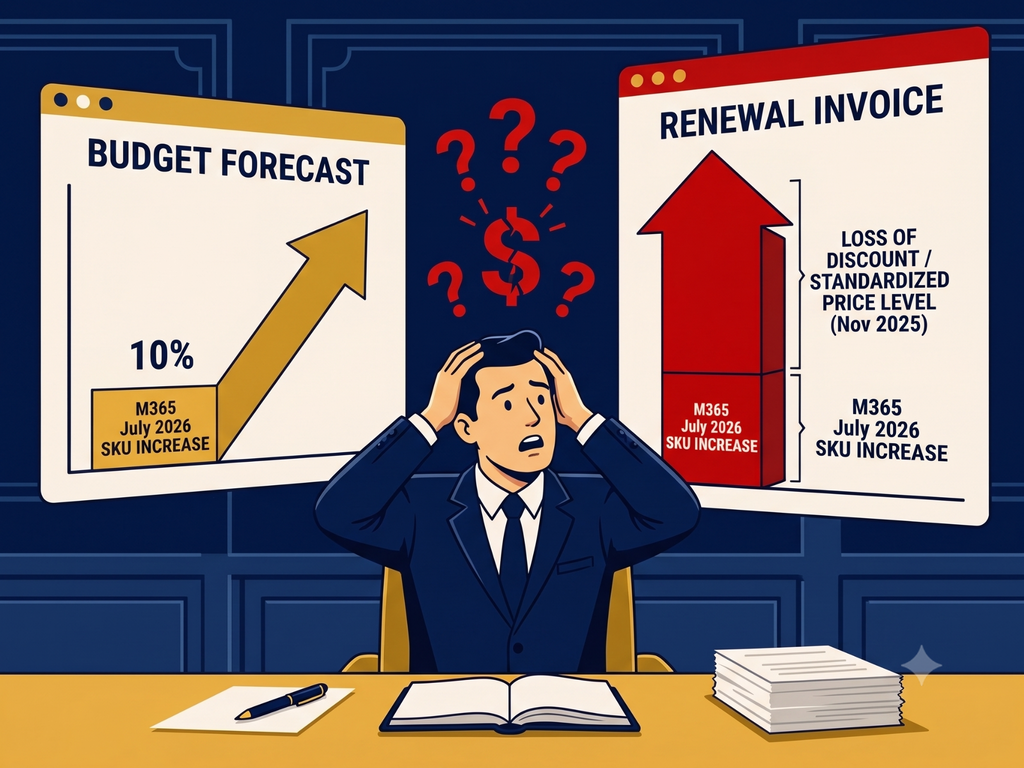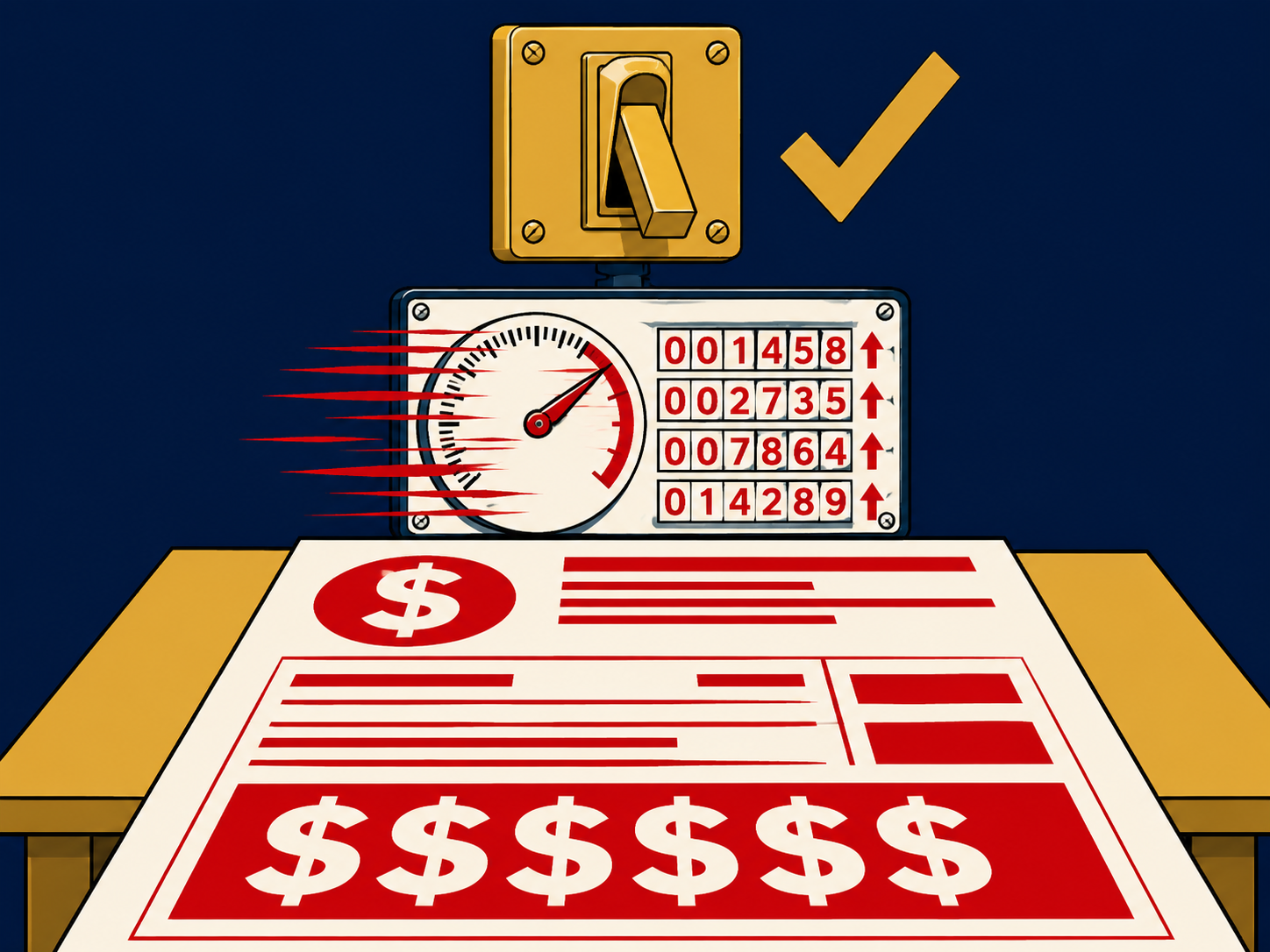
The pitch is clean: you’re already paying for Microsoft E5. Sentinel is included. Turn it on, get enterprise SIEM capability, no additional cost.
Then the first bill arrives.
The E5 bundle covers the Sentinel workspace. It does not cover the data that goes into it. And in a real enterprise environment, the data is where the cost lives.
Most organizations find this out after activation. This post is designed to change that sequence.
Free With E5 Means the Platform. Not the Data That Goes Into It.
Microsoft 365 E5 includes Microsoft Sentinel — specifically, the right to use the Sentinel workspace without a separate platform license. That’s real value. The platform itself is not cheap when licensed standalone.
What E5 does not include is the data ingestion cost. Sentinel charges for the volume of data ingested into the platform, measured in gigabytes per day. The first 5 GB per day comes free. Everything above that is billed at Microsoft’s published ingestion rates — roughly $2.46 per GB per day at pay-as-you-go pricing, with commitment tiers available that reduce the per-GB rate at higher volumes.
In a small environment pulling only Microsoft-native logs — Azure AD, Microsoft 365, Defender — you may stay close to that 5 GB threshold and keep costs modest. In a typical enterprise environment pulling from endpoints, firewalls, third-party applications, cloud infrastructure, and on-premises systems, you will not.
Large first-month bills are common enough that they appear regularly in Microsoft communities and IT security forums. They’re what happens when an organization with a real environment turns on Sentinel, connects the log sources a security team actually needs, and encounters the ingestion model at scale for the first time.
“It’s included in what we’re already paying” is not a procurement decision. It’s a rationalization. The right question is what your total security monitoring posture costs across the Microsoft agreement, the ingestion model, and the retention requirements. That number, compared against alternatives, is the actual decision.
Which Log Sources You Connect Determines What You Actually Pay
Not all data ingestion costs the same. Understanding which bucket your log sources fall into is the first step to projecting what Sentinel will actually cost your organization.
Microsoft-native sources at reduced or no additional ingestion cost. Microsoft 365 Defender data, Azure Active Directory sign-in and audit logs, and Microsoft Defender for Cloud alerts ingest into Sentinel at no additional charge beyond the E5 license. If your environment is predominantly Microsoft and you’re monitoring primarily Microsoft-native activity, the free tier covers more ground. This is the scenario the E5 pitch implicitly describes.
Third-party sources at full ingestion cost. Firewalls, endpoint agents from non-Microsoft vendors, cloud infrastructure logs from AWS or GCP, application logs, network traffic data — all of these ingest at full pay-as-you-go rates. In most real enterprise environments, these sources represent the majority of log volume and the majority of actual security signal. This is also where ingestion costs accelerate fastest.
Verbose sources that buyers rarely price out in advance. DNS logs, proxy logs, NetFlow data, and full packet capture — these are the sources most security teams want for complete visibility, and the sources that generate the highest ingestion volumes. A single verbose data source can add tens of gigabytes per day. Most buyers never model these sources before activation. Most first-month billing surprises trace back to one of them.
The practical question before you activate: which log sources does your security team actually need for meaningful coverage, and what volume does each generate? That number, multiplied by Microsoft’s ingestion rate, is your real Sentinel cost. Most buyers calculate it after the fact.
Before You Turn Sentinel On — Five Questions You Should Be Able to Answer
If you can’t answer these before activation, you aren’t evaluating Sentinel yet. You’re evaluating a license bundle.
- How many log sources are you planning to ingest — and have you listed each one by name?
- Which of those sources are Microsoft-native and which are third-party?
- What is the projected daily ingestion volume across all planned sources — and where did that number come from?
- What are your retention requirements, and what do those cost beyond the default 90-day interactive tier?
- What is your projected annual Sentinel spend — license, ingestion, and retention combined?
Most buyers can answer question one. Very few can answer question five before the first bill arrives. The gap between those two answers is where the surprise lives.
The Prep Work Most Teams Skip — Until the First Bill Arrives
The Microsoft questions come later. Before that conversation, your team needs to do internal work that most organizations skip entirely.
Inventory every planned log source. Name each source, its owner, and whether it’s Microsoft-native or third-party. This list determines your cost structure.
Estimate daily volume per source. Your firewall vendor, endpoint agent vendor, and cloud provider can all give you log volume estimates. Get them before activation, not after.
Identify your retention requirements. Sentinel charges separately for data retention beyond the default 90-day interactive period. Compliance requirements that mandate 12-month or longer retention add meaningfully to total cost. Know what you need before you commit.
Separate required logs from nice-to-have logs. Every source your security team wants is not a source you need for core detection coverage. The sources in the nice-to-have column are the ones that drive ingestion costs beyond what you projected. Draw the line before you connect anything.
Build a 12-month cost projection. Take your estimated daily ingestion volume, apply Microsoft’s current per-GB rate, and model what the annual cost looks like at pay-as-you-go pricing and at the commitment tier that matches your volume. That number is what you’re actually evaluating — not the E5 license price.
This prep work takes a day. Not having it costs significantly more than a day when you’re reconciling an unexpected bill or renegotiating mid-contract.
The Questions Microsoft Will Answer — If You Ask Them
These are the questions most IT teams never ask before turning Sentinel on. Ask them before the first bill, not after.
- What is my projected daily ingestion volume based on the log sources I plan to connect, and what does that translate to in monthly cost at pay-as-you-go pricing?
- Which of my planned log sources qualify for the Microsoft-native free ingestion tier, and which will be billed at standard ingestion rates?
- What commitment tier makes sense for my projected volume, and what is the per-GB savings versus pay-as-you-go at that tier?
- What is the cost difference between ingesting full log data versus summary or filtered data for my highest-volume sources?
- What are the data retention costs for the compliance periods my organization requires, beyond the default 90-day interactive tier?
- What happens to my ingestion costs if I add the log sources my security team is asking for but I haven’t connected yet?
A Microsoft account team will answer these questions if asked directly. They will not volunteer the answers if you don’t ask — because the answers reveal costs that make the “free with E5” framing less clean than it appears. The information is available. The questions have to come from you.
The Lock-In Nobody Explains Until You’re Already In It
The ingestion cost is the first surprise. The lock-in is the second.
Once you’ve deployed Sentinel at scale — connected your log sources, built your detection rules, tuned your alerts, trained your security team on the interface — switching to an alternative SIEM is a significant undertaking. The detection logic, the automation playbooks, the custom workbooks, the analyst workflows — these are all built inside Sentinel’s environment. They don’t export to a competitor in any meaningful way.
What makes Sentinel-specific lock-in distinct is the combination of factors. The E5 bundle creates adoption that might not have happened if the platform were priced transparently upfront. The commitment tier mechanics reinforce this: once you’ve moved to an annual commitment tier to reduce your per-GB rate, changing platforms mid-term means paying for ingestion you’re no longer using. And data retention decisions made at deployment create compliance dependencies that are difficult to unwind once they’re embedded in your security posture.
The renewal conversation for a Microsoft agreement that includes Sentinel is not just about the E5 license price. It’s about the total cost of the security monitoring posture — ingestion costs, commitment tier selection, retention charges, and whether alternative platforms would produce equivalent coverage at lower total cost. Most buyers go into that conversation having negotiated only the license, not the total picture.
Sentinel Isn’t Expensive. Ungoverned Ingestion Is.
This is the insight that applies beyond Microsoft.
Sentinel, Splunk, Datadog, New Relic, Elastic — every consumption-based platform operates on the same model. The platform cost is predictable. The ingestion cost is a function of decisions your team makes after deployment: which sources to connect, how verbose to make them, how long to retain data, and whether anyone actively governs usage over time.
Sentinel isn’t expensive because it’s Sentinel. It’s expensive when nobody owns ingestion governance — when log sources get connected without volume modeling, when retention decisions get made to satisfy compliance without calculating cost, when the nice-to-have sources quietly become always-on sources and nobody reviews the bill until renewal.
The organizations that manage Sentinel costs effectively aren’t the ones with the best licensing terms. They’re the ones with someone accountable for ingestion decisions on an ongoing basis — reviewing what’s connected, what’s generating volume, and whether the security value justifies the cost.
That governance function is what separates a Sentinel deployment that stays predictable from one that compounds quietly until the renewal conversation surfaces a number nobody expected.
When Sentinel Makes Sense. When It Doesn’t. The Honest Answer.
Sentinel makes sense when your environment is predominantly Microsoft. If your identity layer is Azure AD, your endpoints run Defender, your cloud workloads live in Azure, and your security team is already operating inside the Microsoft ecosystem — Sentinel’s native integrations, the reduced ingestion cost on Microsoft sources, and the unified interface create real value. The total cost is lower because the high-volume sources are covered under the native tier.
Sentinel is harder to justify when your environment is mixed or third-party heavy. If you’re running AWS or GCP alongside Azure, managing a mixed endpoint environment, operating significant on-premises infrastructure, or relying on third-party security tools — your highest-volume log sources will all bill at full ingestion rates. In that environment, the total cost of Sentinel frequently exceeds what a purpose-built SIEM with equivalent coverage would cost, without the Microsoft-native integration advantage that justifies the premium.
Sentinel is the wrong call when the decision is being driven by the E5 bundle framing rather than a real evaluation. The right question is what your total security monitoring posture costs across the Microsoft agreement, the ingestion model, the retention requirements, and the operational investment to build and maintain detection coverage. That number, compared against alternatives, is the actual decision.
Your Microsoft Renewal Conversation Is Covering the Wrong Number
Most Microsoft E5 renewals get negotiated on license count and headline price. The Sentinel ingestion cost sits outside that conversation — it’s a consumption model, billed separately, and most Microsoft account teams don’t bring it into the renewal discussion unless asked.
If you’re approaching a Microsoft agreement renewal with Sentinel deployed, the conversation that matters covers: total spend across the E5 license, the ingestion model, and data retention — whether the commitment tier matches current volume — which log sources are being paid for but don’t justify the cost — and what equivalent coverage would cost on an alternative platform.
The organizations that can answer those questions before the renewal conversation starts negotiate from a position of information. The ones that can’t pay the incumbent ignorance tax — renewing at rates that made sense at activation and haven’t been tested against the market since.
Your Microsoft account team will negotiate the license. They will not initiate a conversation about ingestion costs, commitment tier selection, retention charges, or what the same coverage would cost somewhere else.
Those are not oversights. They are not the conversation Microsoft benefits from having.
Whether the bill already arrived or the renewal is approaching — that conversation starts here →