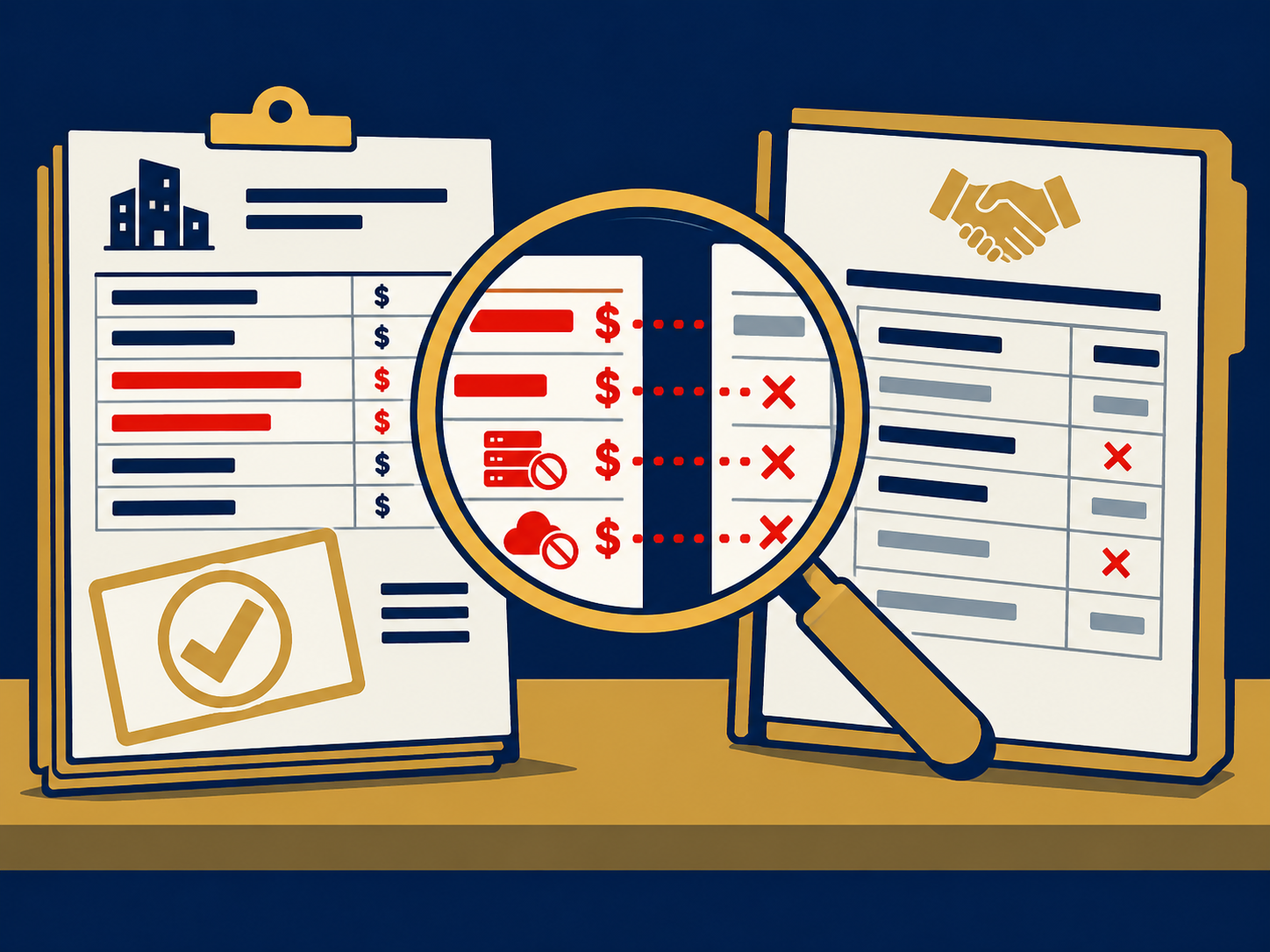
Misconfigured e5 deployment is more than a setup oversight, it’s a breach waiting to happen when you roll out your Microsoft 365 environment without clear planning. If you deploy E5 security features piecemeal or overlook critical settings, you leave gaps that attackers will exploit. In this article you’ll learn how common errors—from missing licenses on servers to stale antivirus engines—undermine your security posture and what you can do to lock down your environment.
By understanding the most frequent missteps in E5 license deployments and following practical remediation steps, you’ll gain clarity and confidence in your Microsoft Defender for Endpoint rollout. Whether you’re planning a new deployment, auditing an existing install, or optimizing your security operations, these insights will help you avoid a costly e5 security failure and turn your E5 investment into a true defense platform.
Understanding Deployment Risks
Common Misconfiguration Errors
Many organizations deploy only the basic capabilities of Microsoft Defender for Endpoint instead of the full suite of protections. Around 80 percent of teams enable just a fraction of E5 features, leaving advanced threat detection and response idle. Without structure and an onboarding plan, you may:
- Skip critical service settings
- Overlook server licensing under Microsoft 365 E3/E5
- Fail to define role-based access controls (RBAC)
- Carry over legacy antivirus exclusions
Each of these errors widens your attack surface and sets you up for an avoidable breach.
Licensing and Coverage Gaps
A frequent misunderstanding is that Windows and Linux servers are covered under Microsoft 365 E3 or E5 licenses. In reality, servers require a Defender for Servers plan or equivalent add-on. Onboarding a server without proper licensing means it appears in your portal but lacks real protection. To prevent coverage gaps:
- Confirm Defender for Servers is enabled in your subscription
- Audit onboarded devices against license entitlements
- Remove unlicensed devices or assign appropriate plans
With clear licensing and coverage, you eliminate one of the most basic but critical misconfigurations in E5 deployments.
Assessing Security Blind Spots
Onboarding Status Issues
Seeing devices in the Defender portal does not guarantee they’re fully onboarded. OnboardingStatus values exposed by the Microsoft Graph API reveal if agents installed successfully. A device marked as “Onboarded” still might stall if:
- Group Policy or Intune policies fail to apply
- Network segmentation blocks onboarding URLs
- Deployment workflows break mid-stream
Regularly query onboardingStatus and investigate anything other than a true “Onboarded” state to close silent gaps.
Sensor Health Ineffectiveness
Even a properly onboarded sensor can be ineffective if its health state is inactive or disconnected. If DeviceHealthStatus flags issues you may have:
- Stale or outdated Defender antivirus engines
- Network issues preventing sensor communication
- Misapplied exclusions that disable real-time protection
Monitor DefenderAvStatus and sensor health metrics to ensure reported devices match actual protection.
Addressing Configuration Drivers
Onboarding Strategy Design
A successful rollout begins with a documented onboarding strategy that defines:
- Pilot scope and staging plan
- Target groups in Azure AD or on-premises AD
- Validation steps for agent installation
Without a structured approach, you’ll see inconsistent coverage and onboarding drift that attackers can exploit.
Policy and RBAC Planning
Misaligned policies across GPO, Intune, Configuration Manager and other tools lead to conflicts and gaps. Likewise, ad hoc RBAC can grant excessive permissions to users or teams. To tighten controls:
- Map out policy sources and avoid overlap
- Define device groups by environment, geography or criticality
- Assign RBAC roles at the least-privilege level
A clear policy and RBAC framework prevents unintended exclusions and privilege sprawl.
Legacy Exclusions and Patching
Carrying over legacy antivirus exclusions or deploying to unpatched endpoints undermines your defense. Attackers rely on these loopholes to bypass scanning. To close them:
- Review and remove outdated exclusions in Defender settings
- Integrate patch management to maintain version currency
- Enforce engine updates and signature downloads
Keeping exclusions minimal and engines current is non-negotiable for effective endpoint protection.
Enabling Advanced Protections
Activating Underutilized Features
E5 license deployments frequently miss powerful capabilities that shift the threat-detection curve:
- Attack Disruption
- Automated Investigation and Remediation
- Threat Analytics
By default many of these features sit idle. Activating them transforms your environment from reactive to proactive. Learn more about common e5 underutilization pitfalls.
Attack Disruption
This feature stops attacker behaviors in real time by blocking suspicious processes, credential theft and lateral movement. When enabled, it can decisively halt active threats.
Deception and Analytics
Deception techniques lure adversaries into honeypots while analytics correlate signals across endpoints and identities. Together they provide early warning and richer context for incident response.
Tracking Feature Updates
Microsoft regularly introduces new Defender settings and controls. Without continuous tracking and implementation you’ll fall behind. Assign ownership for:
- Reviewing monthly service updates
- Evaluating relevance to your environment
- Rolling out changes in a test-and-learn cycle
A proactive feature-management process ensures you leverage every enhancement E5 offers.
Implementing Remediation Steps
Plan Structured Onboarding
- Define pilot, broad and full-scale phases
- Document installation methods (Intune, GPO, SCCM)
- Validate each phase with compliance scanning
A phased approach catches errors early and maintains momentum.
Design RBAC and Groups
- Group Tier-0 assets separately (for Domain Controllers and critical servers)
- Limit Live Response permissions to a small security team
- Enforce privileged identity management (PIM) for admin roles
Proper grouping and RBAC reduce the chance of privilege sprawl and accidental exposure.
Monitor Version Currency
- Automate checks for DefenderAntivirusEngineVersion
- Alert on outdated engines or failed updates
- Tie engine health to your vulnerability management dashboards
Continuous version control prevents coverage gaps from stale signatures.
Integrate Contextual Data
Managing Defender for Endpoint in isolation hides business context. Correlate with:
- CMDB records of server roles and criticality
- Vulnerability scanner findings
- Cloud inventory from Azure and AWS
Contextual insights help you prioritize fixes that matter most to the business.
Sustaining E5 Security
Define Governance Framework
Transformation sticks when decision rights and accountability are clear. Establish:
- Executive sponsorship for security outcomes
- Regular review cycles for policies and baselines
- Clear success metrics tied to detection and response
When leadership and security teams share objectives, you reduce friction and drive continuous improvement.
Perform Regular Health Checks
Schedule quarterly health checks that cover:
- Onboarding status across all device sources
- Sensor connectivity and alert quality
- RBAC role reviews and PIM audits
Health checks surface drift and keep your environment in a known, defended state.
Adopt Continuous Improvement
Security maturity is a journey, not a destination. Build feedback loops:
- Post-incident reviews that feed back into policy
- Feature adoption assessments after each Microsoft update
- Training refreshers for SecOps teams
By iterating, you maintain resilience even as attacker tactics evolve.
Recap and Next Steps
Misconfigured e5 deployment often stems from missing structure, overlapping policies, and underutilized features. You’ll want to review licensing coverage, enforce a phased onboarding plan, design RBAC carefully, and activate advanced capabilities like Attack Disruption and Threat Analytics. Coupling technical controls with a governance framework and regular health checks turns your E5 investment into a proactive defense platform.
Need Help With Misconfigured E5 Deployment?
Are you facing gaps in your E5 deployment or struggling to activate the full suite of Microsoft Defender for Endpoint features? We help you define a clear onboarding strategy, design effective RBAC, and integrate contextual data to harden your environment. Let’s find the right managed service or solution partner for your needs. Sign up for our free microsoft 365 workshop and gain confidence in your security posture.