
Before you sign a VMware renewal, price at least three ways forward over the same five years, and include backup and recovery in every one. The renewal quote is rarely the number that decides it.
One regional healthcare organization running VMware on its own hardware did exactly that:
| Option | About, over 5 years | What the price left out |
|---|---|---|
| Keep VMware, run by a hosting provider, backup and recovery included | $1.04M ($17,400 a month) | The risks of relying on one provider (see below) |
| Move to Nutanix and run it themselves, backup from another company | $1.29M ($250,000 more) | Migration risk and rebuilding connected systems |
| Managed Azure | $2.1M ($35,000 a month) | Backup and recovery |
The option that kept VMware came in lowest.
The three prices didn’t cover the same things. The Azure number skipped backup and recovery. The Nutanix number didn’t count the risk of moving to a new platform or the work of rebuilding everything connected to it. On paper, either could have looked like the way out of a high renewal.
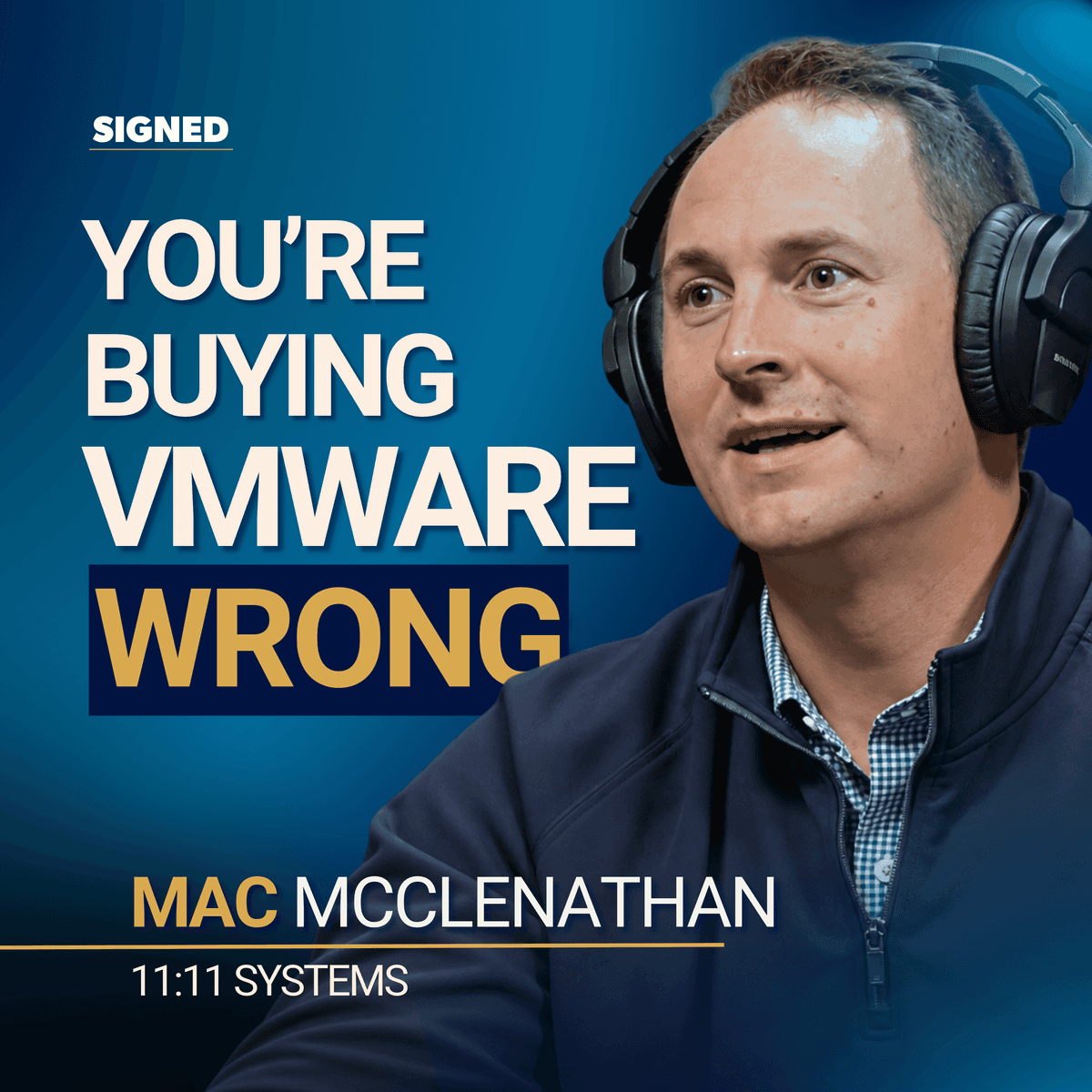
The numbers come from Mac McClenathan of 11:11 Systems, the hosting provider in that comparison, in his conversation with Max Clark on Signed. The method for comparing your own options is in “How to Compare Your Options Before You Sign” below.
Pricing your own renewal? The VMware renewal guide has a five-year worksheet that puts staying, hosting and migrating on the same terms.
Your Renewal Quote Isn’t Your Only Option
When your VMware renewal comes in high, the choices usually look like this: renew and refresh your own hardware, move to another platform, or move to public cloud. Mac calls the one buyers skip “the fourth option”: keep VMware and have a hosting provider run it, at the provider’s price instead of Broadcom’s renewal quote.
Look closely at what your renewal quote includes before you compare anything. Mac says about 75% of VMware customers only ever bought vSphere, the basic VMware product for running virtual servers. Broadcom now sells it as part of a bigger package, so much of the increase isn’t a higher price on what you had. It’s the cost of products bundled in with it.
Find out which of those products your team actually uses.
The 72 Core Minimum May Not Apply to You
In April 2025, some distributors announced a 72-core minimum per VMware order. Broadcom has said its 16-core-per-CPU rule still stands and reports differ by region, but headlines about the 72-core rule have pushed some buyers into moves they don’t need to make.
One buyer recently emailed Mac asking for two servers hosted on Hyper-V, Microsoft’s virtualization platform, to run his Sage accounting software. His only reason was to avoid the 72 core minimum. Mac’s company buys its licenses as a pool and sells customers the capacity they use, so the minimum didn’t apply to him. He didn’t know that option existed.
Hosting providers don’t all work this way, so ask each one in writing whether any minimum applies to you.
Count Everything Each Option Costs You
For years, paying someone to run your systems only made sense once you counted your team’s time. On hardware and licenses alone, doing it yourself was usually cheaper.
For some VMware setups, that’s no longer true. Mac says that when Broadcom’s changes took effect, his company lowered its prices for processing and memory instead of raising them. In 2026, hardware has become the bigger pressure: servers cost more and can take longer to arrive.
Disaster recovery is often where you’ll see the gap. If you run your own backup site, its hardware, its licenses and the space it sits in all belong in the comparison. Mac says a managed recovery service often came in under the hard costs alone.
Moving to a new platform has costs that rarely show up in the quote. Everything connected to your current setup has to be rebuilt and tested, and your team has to learn a new system. Mac has seen service providers move everything to Hyper-V, then move it all back within about 60 days.
Ask Whether Your Hosting Provider Can Still Sell VMware
Mac says some hosting providers have lost the right to sell new VMware licenses, and that their customers face a cutoff in March 2027. We couldn’t confirm that date with Broadcom. Mac expects most of those customers to be sold to another provider or moved to a new platform, not shut off, but they won’t control how that happens.
That’s the main risk of the hosting option: you’re relying on one company to run your systems and recover them. Ask any provider whether it’s authorized to sell VMware, what its plan is if that changes, and what it would cost you to move your systems and data out.
Ask how often recovery is tested and to see the results. One healthcare company in Nashville switched recovery providers because its existing service had failed multiple tests.
How to Compare Your Options Before You Sign
- Split your quote. List what’s in it next to what your team actually uses. If you’re being moved into a bigger package, ask Broadcom or your reseller what’s driving the increase.
- Check the features you rarely touch. vMotion, which moves a running server from one machine to another without downtime, is a good one to ask about. As Max put it, plenty of teams paying for it have used it maybe once.
- Get a five-year price for the same systems from every provider, with a separate line showing what each price leaves out. That line stops a cheap quote from winning just because it skips backup, recovery, or the people to run it.
- Compare over the same number of years. Cloud contracts often run three years, while hardware is usually paid off over five. Mixing the two makes owning look cheaper than it is. Our total cost calculator puts the options side by side if you enter the same inputs for each.
- Work back from your renewal date. Renewing is quick. Moving to a hosting provider takes a transition period: one manufacturer with a renewal 60 days out replicated its systems to Mac’s company and switched over before the date. Switching platforms takes longer because everything has to be tested and your team retrained. Find the last date each option is still realistic.
The VMware renewal guide includes a worksheet that lays the options out this way.
Waiting Can Cost You the Cheaper Option
When a decision feels risky, teams tend to ask for more research, add people to the buying committee, or send another round of vendor questions. Max calls that defaulting to renewal. Each delay brings you closer to the date when your licenses and hardware are both due.
If you run out of time, renewing becomes your only choice, at whatever price Broadcom quotes. Mac says those renewals are now close to five years or nothing, so the default can lock you in for a long time.
Any of these options can be the right one for you. Make that call by comparing full costs on equal terms, with enough time left to act on the answer.
If your VMware renewal is due in the next 12 months, or you’ve budgeted a move you haven’t priced against a hosting provider, this applies to you now. We work with 967 providers, including hosting providers that run VMware, and can show you where each of your quotes sits against the market. If a renewal is in front of you, this is where to start.
To price your own options, the VMware renewal guide has a five-year options worksheet and a check for which workloads can realistically move.
Max and Mac go deeper on the renewal math, recovery and what happens if a hosting provider loses VMware rights on EP 232 of Signed: Why Are You Paying More for the Same VMware?