A SaaS management platform is software that discovers the cloud applications a company uses and keeps track of them in one place: who uses each app, how many licenses you pay for, what it costs and when it renews. Depending on the product, it may also automate access changes when people join or leave and flag apps that hold sensitive data or risky permissions. The category is sometimes shortened to SMP. Buyers are usually IT, finance and procurement, sometimes with security.
At a glance
- A SaaS management platform builds an inventory of the cloud apps in use, including ones IT didn’t buy.
- It typically tracks license usage, spend and renewal dates so you can cut waste before renewals.
- Many products add access workflows for onboarding and offboarding; capabilities vary widely.
- Some products lean toward finance and procurement, others toward IT operations and security.
- The inventory is only as good as the data sources the product connects to.
What problem it solves
Software as a service (SaaS) is easy to buy. Teams sign up with a credit card, free trials turn into paid plans, and the same kind of tool gets bought three times by three departments. Licenses outlive the people they were bought for, renewals happen automatically, and nobody has a complete list of which apps hold company data or who can still log in.
A spreadsheet can track the apps you know about, but it falls out of date quickly and misses everything bought outside IT. A SaaS management platform keeps the inventory current from live data, shows usage and cost side by side, and warns about renewals far enough ahead to act.
How it works
Discovery. The platform connects to sources that reveal app use. Common sources include your single sign-on or identity provider, accounting and expense systems, corporate card feeds, the admin consoles of major SaaS apps, email or OAuth consent logs, and in some products a browser extension. Which sources a product supports, and how much it can see from each, varies.
Usage and license tracking. For apps it connects to directly, the platform can see how many licenses are assigned and when each user last logged in. That shows unused or underused seats and accounts belonging to people who have left.
Spend and renewals. Contract terms, prices and renewal dates are recorded, often with reminders before notice windows close and reports that show spend by department or app.
Access workflows. Many platforms automate parts of onboarding and offboarding through the identity provider or direct integrations, and generate tasks for app owners where no integration exists. Some add periodic access reviews.
Risk signals. Some products flag apps with broad data permissions, apps without single sign-on, or vendors with poor security posture. This is generally lighter than what dedicated security tools provide.
See our SaaS management platforms page for how products are typically compared.
When it matters for buyers
- Before a run of renewals. Usage data is your best leverage for reducing seats or tiers.
- When nobody can list every app in use. Common after fast growth, remote work or acquisitions.
- When offboarding is a manual checklist. Missed accounts are an audit and security finding waiting to happen.
- When a new CFO or finance team asks what SaaS costs. The answer is often spread across cards, invoices and expense reports.
- When auditors or insurers ask about access controls. A current inventory and access reviews support the answer.
Questions to ask vendors
- Which discovery sources do you support, and which apps would you miss in our environment?
- Which apps do you integrate with directly for usage and license data, and how deep is that integration?
- Can you automate offboarding for our main apps, or only create tasks?
- How do you capture contract terms and renewal dates, and who keeps them current?
- What permissions does the platform need to our identity provider, email and finance systems?
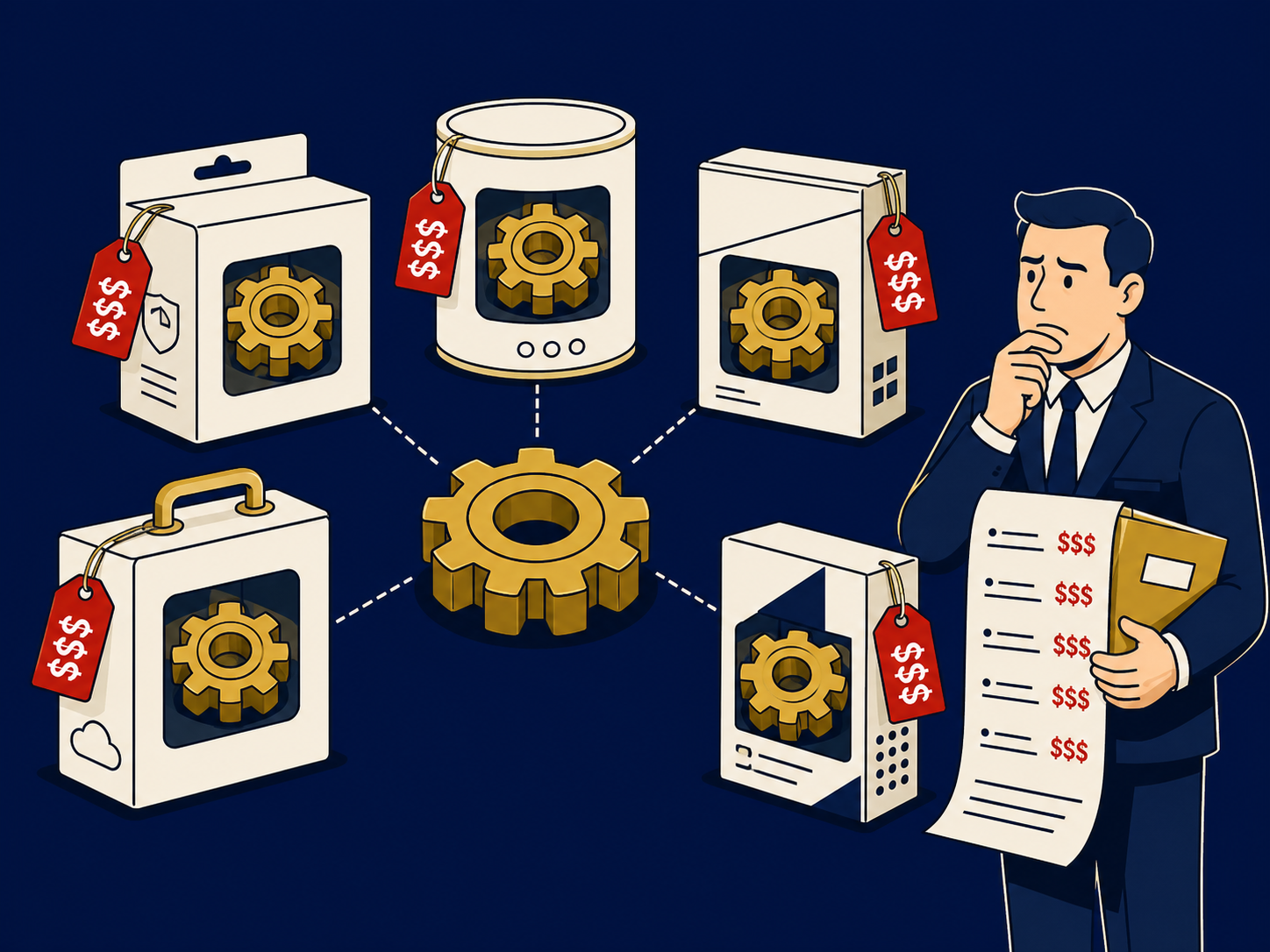
- How is the platform priced: per employee, per app, or by spend under management?
- Can we export the inventory and history if we leave?
How it differs from software asset management (SAM)
Software asset management (SAM) is the broader discipline of tracking all software licenses, including installed software on servers and laptops, against what you are entitled to use, often to prepare for vendor license audits. SAM tools are built around license entitlements and installed software. A SaaS management platform focuses on subscription cloud apps: discovering them, tracking logins and seats, and managing renewals and access. Some vendors offer both, and larger organizations may need both.
Problems this helps with
- Paying for SaaS licenses nobody uses
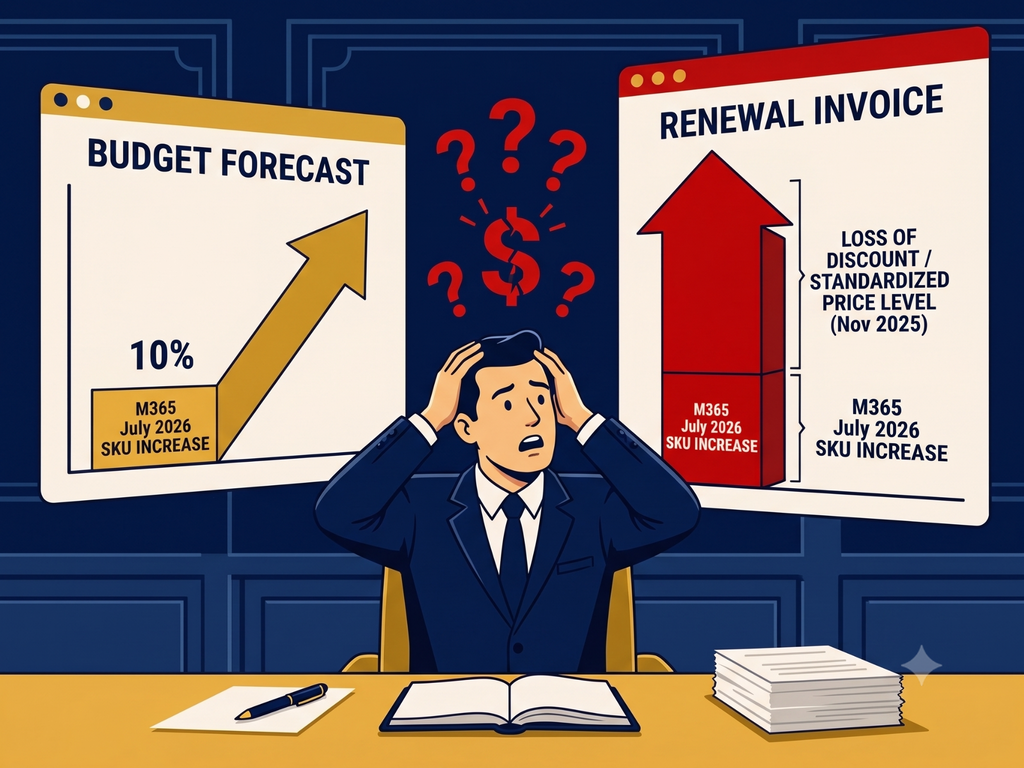
- Renewals we didn't know about until the invoice arrived
- Apps the business signed up for without IT
- Former employees still have access to cloud apps