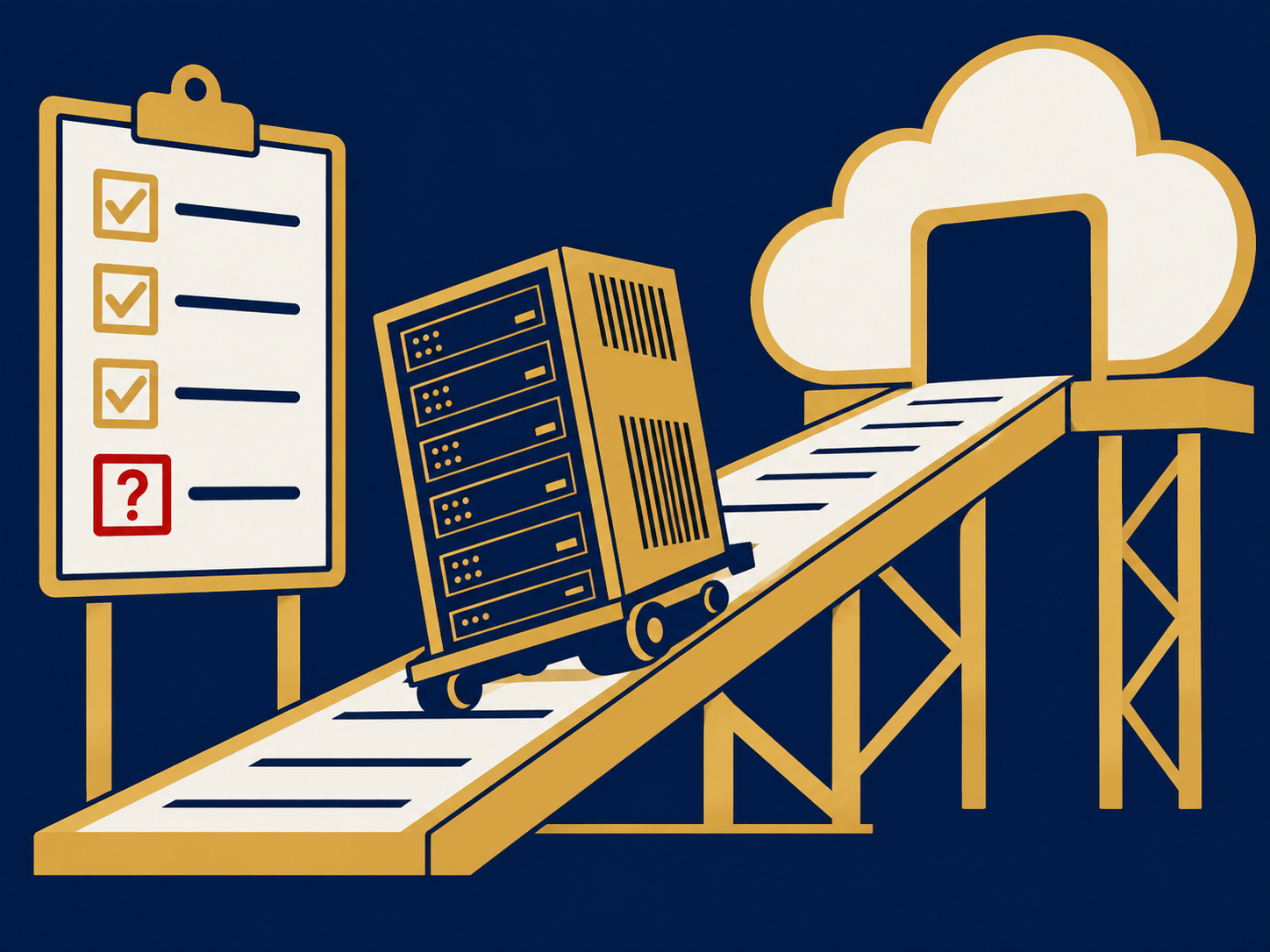
Cloud migration is the process of moving applications, data and other IT workloads from on-premises servers or a colocation facility into a cloud environment, whether a public cloud, a private cloud or a mix of both. The term also covers moving from one cloud provider to another. A migration can be as simple as copying a virtual machine to a cloud server or as involved as rebuilding an application around cloud services, and most organizations do some of each. It is often one part of a broader digital transformation effort.
At a glance
- Cloud migration moves workloads into a cloud environment, or between clouds; the reverse is called cloud repatriation.
- The main strategies range from lift and shift (move as is) to refactoring (rebuild for the cloud) to replacing an application with SaaS.
- Discovery and dependency mapping are where most migrations succeed or fail.
- Costs can go down or up: savings depend on rightsizing, commitments and ongoing cost management after the move.
- The network, security and support model usually need to change along with the workloads.
What problem it solves
On-premises infrastructure has fixed costs and fixed limits. Hardware ages out on a cycle, data center leases expire, and adding capacity means buying it months ahead. Small IT teams spend time patching servers and replacing failed parts rather than improving what the business uses. Older applications can accumulate technology debt that makes every change slower.
Moving to the cloud lets you rent capacity as needed, use managed services such as databases and storage instead of running them yourself, and reach applications from anywhere. The trigger is often concrete: a lease ending, a hardware refresh, an acquisition to integrate, or a security review that exposed unsupported systems.
How it works
Assessment and discovery. Inventory applications, servers, data and the dependencies between them, such as which application calls which database, along with performance, licensing and compliance requirements. Skipping this step is the most common cause of outages and delays later.
Strategy per workload. Decide what to do with each application: lift and shift it as is, replatform it with modest changes, refactor it to be cloud native, replace it with a SaaS product, retire it, or keep it where it is. Also decide where each workload belongs: a public cloud, a private cloud, or a hybrid arrangement.
Landing zone and network. Set up accounts, identity, security controls, logging and network connectivity before anything moves. Many organizations add bandwidth, a private connection to the cloud provider or SD-WAN at this stage. A blog post on pairing cloud migration with SD-WAN covers that side.
Migration. Move workloads in waves, usually starting with low-risk systems. Data is replicated ahead of time and cut over during a planned window, with a tested rollback plan.
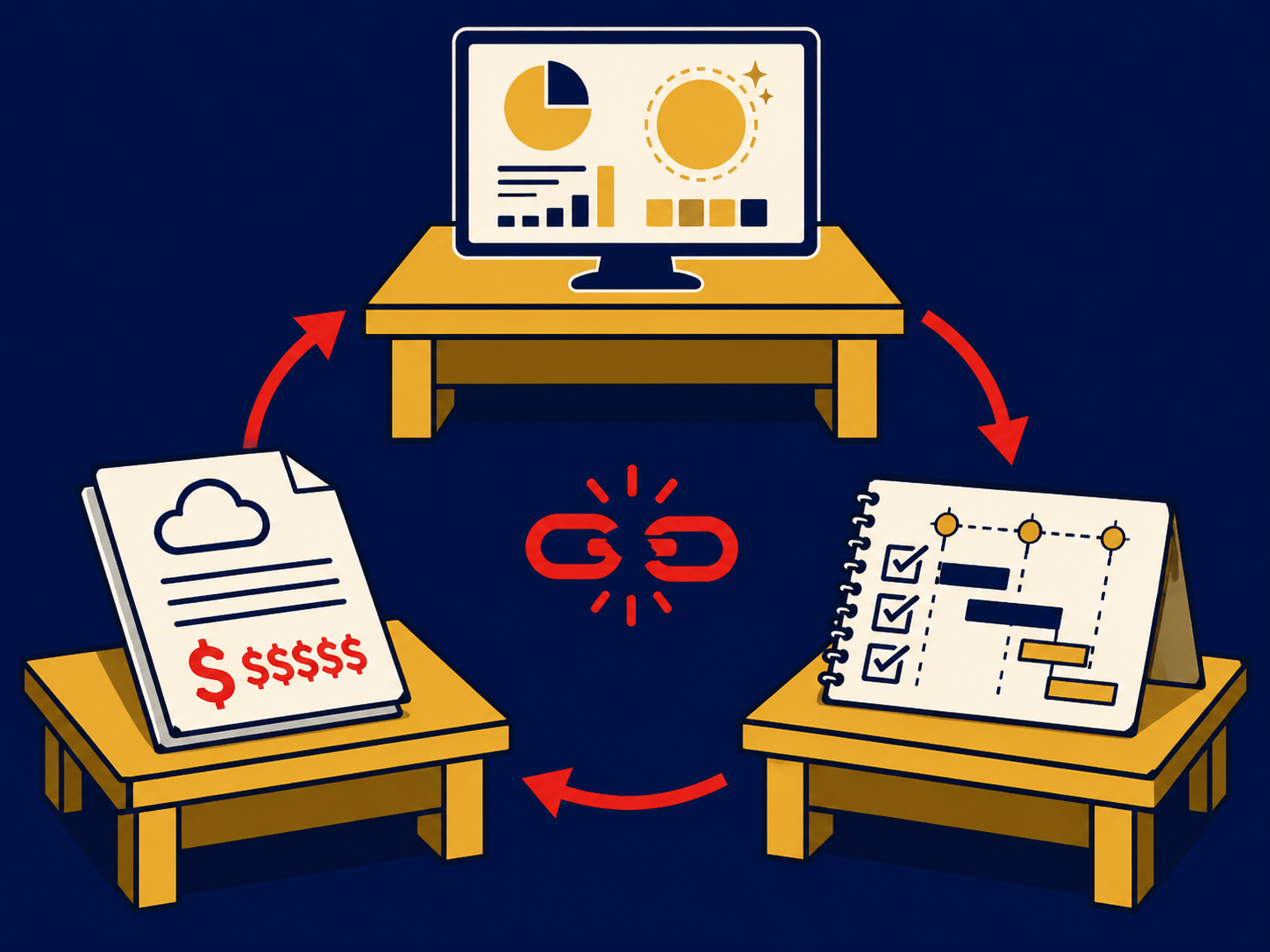
Optimization. After the move, rightsize resources, apply commitment discounts, tag costs to owners and tune performance. FinOps practices keep the bill from growing unchecked.
When it matters for buyers
- When a data center lease, colocation contract or hardware support is ending. Deadlines force decisions, and lift and shift is often chosen to meet them.
- When integrating or separating businesses. Mergers and divestitures often move workloads to a new environment.
- When building the business case. Compare full costs, including licensing changes, data egress fees, network upgrades and staff time, not just server prices.
- When regulated data is involved. Data residency, healthcare or payment rules can limit which regions and services you can use.
- When choosing a migration partner. Providers and consultants differ widely in how much discovery, testing and post-migration support they include.
Questions to ask vendors
- How will you discover our applications and map their dependencies, and what will we receive at the end?
- Which strategy do you recommend for each workload, and why?
- What downtime should we expect for each cutover, and what is the rollback plan?
- How will our network and security need to change to reach cloud workloads?
- What will the monthly cost be after migration, and what assumptions is that based on?
- Who supports and optimizes the environment after the move?
- How portable will our workloads be if we later change providers or move back?
How it differs from Cloud Repatriation
Cloud migration moves workloads into the cloud or between clouds. Cloud repatriation moves them the other way, out of public cloud and back to your own data center, colocation or bare metal, usually because of cost, performance or control. Both are forms of workload mobility, and many organizations do both at once, moving some applications to the cloud while bringing steady, predictable ones back. Our public cloud and private cloud pages cover how to choose where each workload should live.
Problems this helps with
- Our data center lease or hardware support is ending
- Not sure which applications should move to the cloud and which shouldn't
- Worried about downtime and surprise costs during the move
- Cloud bill came in far higher than the business case after we moved