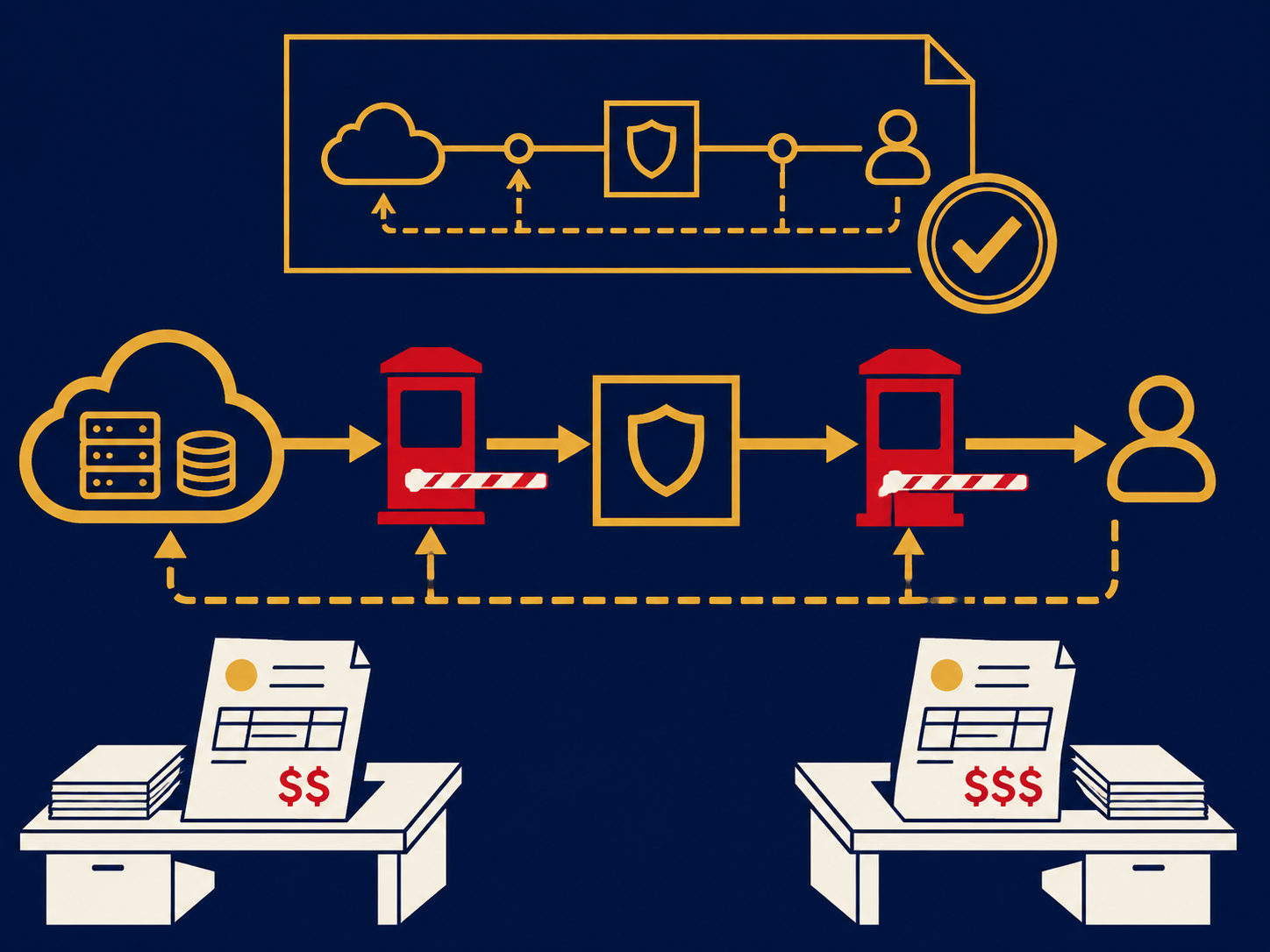
Cloud connectivity is how your users, offices and data centers reach the cloud services you depend on, whether that is SaaS applications, workloads in public cloud platforms or a private cloud. It covers the paths themselves, such as internet access, encrypted tunnels and dedicated private connections, and the design choices about which traffic takes which path. As more applications move to the cloud, the network between people and those applications becomes as important as the applications themselves.
At a glance
- Traffic reaches the cloud either over the public internet (usually encrypted) or over private connections into the cloud provider’s network.
- Major cloud providers sell dedicated connections, such as AWS Direct Connect, Azure ExpressRoute and Google Cloud Interconnect, reached through colocation facilities.
- SD-WAN and SASE shape how branches and remote users get to cloud apps without routing everything through a data center.
- Data transfer (egress) charges and latency are often decided by connectivity choices.
- Most organizations end up with a mix of paths, matched to each workload.
What problem it solves
Networks built before the cloud sent traffic from branches back to a central data center, where the applications lived. When those applications moved to SaaS and public cloud, that design started working against users: traffic took a long detour, central internet links became bottlenecks, and a problem at headquarters affected everyone.
Cloud connectivity is the work of redesigning those paths. For SaaS, that often means sending traffic straight to the internet from each site, secured in the cloud. For workloads in AWS, Azure or Google Cloud, it can mean private connections that give steady bandwidth and latency, keep traffic off the internet and, with some providers, reduce data transfer charges. Getting it right shows up as faster apps, fewer outages and more predictable bills.
How it works
Over the internet. The simplest path is the site’s own internet connection. Users reach SaaS apps directly, and offices or data centers connect to cloud networks through encrypted IPsec VPN tunnels to the cloud provider’s gateway. It is quick to set up and inexpensive, but performance depends on the internet path, and each tunnel has throughput limits set by the cloud provider.
Private connections. Cloud providers offer dedicated connections into their networks at specific colocation facilities. You can connect your own router in that facility, buy a circuit from a network provider that delivers the connection to your data center or office, or use a cloud exchange or network-as-a-service provider that offers virtual connections to several clouds from one physical port. Connections come in fixed sizes, and for resilience the cloud providers recommend redundant connections, often in separate facilities.
Overlays and security. SD-WAN appliances at each site steer traffic across internet and private links based on application and link quality, and many can run as virtual appliances inside cloud networks. Secure access service edge (SASE) services put security controls in the cloud so branches and remote staff can go straight to cloud apps safely.
Costs. Cloud providers charge for data leaving their networks, and rates can differ between internet and private connections. Port fees, cross-connects in the colocation facility, and the circuit to your site add to the total.
For more on private links into cloud platforms, see our Cloud Connect solution page.
When it matters for buyers
- During a cloud migration. Moving workloads changes where traffic goes; the network plan should be part of the migration plan.
- When users complain about specific apps. Slow SaaS or cloud apps are often a path problem, such as backhauling through a central site.
- When data transfer bills grow. Large or growing egress charges are a signal to review how data leaves the cloud.
- When running hybrid applications. Apps that split between your data center and the cloud need steady latency between them.
- When adding a second cloud. A shared connectivity hub can be simpler than separate connections to each provider.
Questions to ask vendors
- Which cloud providers and regions can you connect us to, and from which facilities?
- Is the connection a dedicated port or a virtual connection on a shared port, and what speeds are available?
- How is redundancy built: separate devices, separate facilities, separate carriers?
- What latency and availability commitments apply, and does the SLA cover the full path or only your part of it?
- How quickly can we add bandwidth or a connection to another cloud?
- Who is responsible for routing configuration on the cloud side, and who troubleshoots when traffic stops?
- What are all the cost components: port, cross-connect, circuit, and the cloud provider’s own charges?
Problems this helps with
- Cloud apps are slow or unreliable from some offices
- Data transfer charges from the cloud keep growing
- Need a private path to the cloud for compliance or performance
- Every cloud and office is connected a different way